A Telegram assistant on a $10 board. What exactly costs ten dollars?
Can you run your own AI helper in Telegram without a server or a computer left on? We took PicoClaw apart: what it runs on, what the viral post got wrong.
In this article7
Tools used in this piece
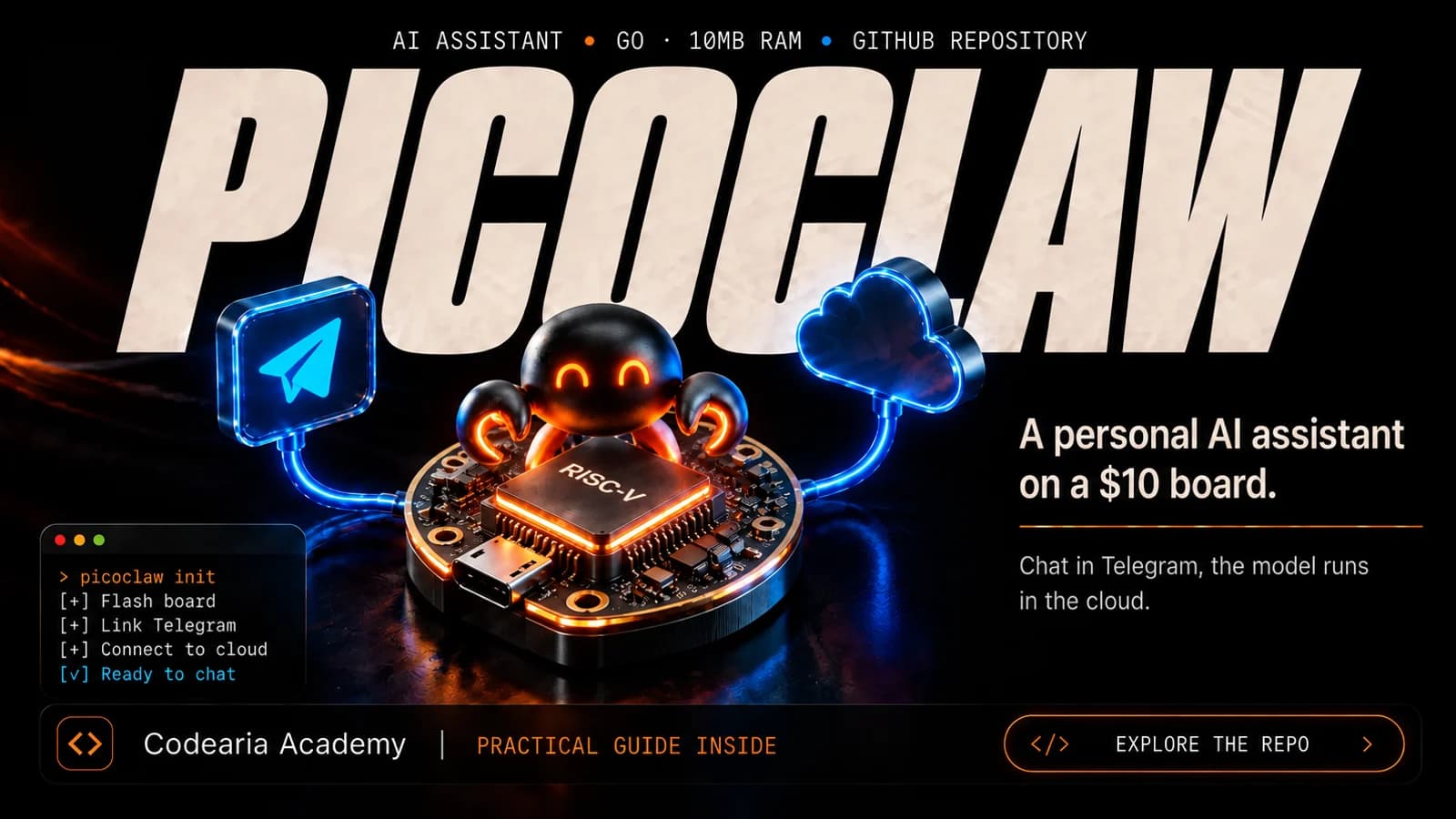
It means you can now keep your own AI helper in a messenger on an old phone or a tiny board, but a neural network in the cloud still does the thinking, and you pay for it. PicoClaw, from the board maker Sipeed, is a small free program: it answers in Telegram and other messengers, remembers tasks, sets reminders and searches the web. The model itself doesn't live inside it. The program forwards your question to a service you choose, such as OpenAI or Anthropic, the companies behind ChatGPT and Claude, and brings the answer back. So the "$10 assistant" means cheap hardware, not free AI. The project is young, and its authors ask you not to trust it with anything important until the first stable release.
A personal AI assistant on a ten-dollar board instead of a computer that costs hundreds: that's how a Telegram post retold the PicoClaw project. It sounds like your own pocket ChatGPT with no subscription and no server. Part of that is true, part of it was copied carelessly, and the key point is missing: this assistant does not think on the board.
We read the project's README and the list of devices the authors have run it on, and compared both with the post. Here is what came out: what PicoClaw is in plain words, what it really runs on, and what you'll pay for separately.
What PicoClaw is, in plain words
Picture a secretary who sits by the phone around the clock. They write down your requests, remember what you asked for yesterday and remind you about meetings. They don't answer hard questions themselves: they call a consultant and pass the answer on to you. PicoClaw is that secretary. The consultant is a large language model in the cloud, and the bill for those calls goes to you.
A secretary doesn't need a big office. The program is written in Go, and according to the authors' own table it needs roughly a hundredth of the memory that the well-known assistant OpenClaw uses. That's why it fits on a device that would otherwise sit in a drawer.
A curious detail from the README: an AI agent wrote almost all of the core, and people reviewed and polished its work. The first version was put together in a single day in February, and 17 days later the project had 20,000 stars on GitHub.
Old phone, router, smart speaker: what the AI assistant runs on
The authors' list of tested devices includes a 2009 Nokia N900, a Xiaomi home router and a smart speaker from the same brand. Since late March there has been an Android app that installs without a command line. The authors openly suggest giving a second life to a ten-year-old phone.
So the old smartphone in your drawer can become a helper that answers you in Telegram, even while you sleep.
Sipeed sells its own boards for the project, and the price in the headlines refers to them:
is the price of the LicheeRV-Nano board the authors recommend for a minimal home assistant. That's the hardware; the model isn't included
What's true in the "$10 assistant" post
The post we started with gets several things wrong, and each mistake changes how the project looks:
| What the post says | What the README says | Why it matters |
|---|---|---|
| Chinese engineers rewrote OpenClaw | Not a fork: the code was written from scratch, inspired by another assistant, NanoBot | It's a separate project with its own bugs and its own pace |
| Runs on a $10 Raspberry Pi | The $9.9 price is for the LicheeRV-Nano board; Raspberry Pi is on the list too, but it's a different board | Ten dollars is the cheapest option, not any board |
| Instead of a $399 Mac mini | The authors' table lists the Mac mini at $599 | A small thing, but the numbers were copied without checking |
| Under 10 MB of memory | That's the core; the authors admit recent builds take 10–20 MB | Still very little, but not what the headline says |
| Starts 400 times faster | The authors' own table, measured on a weak single-core processor | It's the authors' figure, not an independent test |
The most important thing is missing from the post entirely: the board doesn't think. Without a key to a cloud model, the assistant won't answer a single question.
What it can do in a messenger
You can connect it to Telegram, WhatsApp, Discord, VK and about fifteen other messengers. After that you just talk to it in plain language:
- Reminders. "Remind me in 10 minutes", "every two hours", "every day at 9 am": the assistant sets up the schedule and messages you at the right time.
- Memory. It keeps notes and plans, so tomorrow it remembers what you agreed on today.
- Search. It searches the web, and basic search works without extra keys or subscriptions.
- Images and files. You can send them to the chat, and the assistant passes them to a model that can look at images.
- Skills. Ready-made instruction sets for specific tasks install with one command, and outside services plug in as tools.
A handy detail for your wallet: simple questions can go to a cheap model and hard ones to an expensive one. We showed how scheduled agents like this work together with other services in an example where an agent sends post ideas to Telegram every morning.
Where it won't fit
Three things to know up front
Without a cloud service key and an internet connection the assistant stays silent, and every answer is billed by that service. The authors themselves say the project is in early development, may have unresolved security issues, and shouldn't be used for serious work before version 1.0. And the project has no tokens or coins: the only official site is picoclaw.io, and the authors ask you to stay away from other domains with similar names.
There is a cloud-free option too: connect a model that runs on your own computer. But then that computer has to be on and powerful enough, and the idea of an "assistant on a board" loses half its point. We looked at what local models can do on ordinary hardware using the Magnitude engine as an example.
Our take: who should try it now
This is our opinion, and you can disagree: right now PicoClaw is good for two kinds of people. The first has an old Android phone in a drawer and wants their own helper in Telegram without renting a server. The second builds their own agents and wants to see what a small harness around a model looks like. We broke down how big agents work inside using the source code of Claude Code, Codex and nine more, and PicoClaw looks good next to them as the minimal version.
It's too early to trust it with your email, documents or money, and the authors say so themselves. We'll be wrong if they close the security questions by the first stable release and the project stops changing every week. A short reference with the key numbers and commands is in the PicoClaw tool card.
For those who'll set it up by hand
On a computer, the easiest start is the web panel, which opens in a browser:
- 1
Download and run
Download a build from picoclaw.io and run picoclaw-launcher. The panel opens at localhost:18800.
- 2
Add a provider
Paste the key for the model service you chose. A local model through Ollama needs no key.
- 3
Connect a channel
For example, Telegram: it needs a bot token, which Telegram itself issues.
- 4
Start the Gateway and chat
The Gateway links the messenger to the assistant. Once it's running, you can message the bot.
On a weak board or in Termux on Android you can skip the panel and set everything up from the command line:
picoclaw onboardpicoclaw agent -m "What is 2+2?"picoclaw gateway
The first command creates settings in ~/.picoclaw/config.json, while keys are stored separately in .security.yml. The second asks a one-off question, the third connects the messengers.
Data as of October 15, 2026
The latest release in the README notes is v0.2.9 from May 28, 2026. The project changes fast: commands, the list of messengers and memory use may differ. Check the current README.
Sources3expand
- Sipeed, "PicoClaw: Ultra-Efficient AI Assistant in Go", README, checked October 15, 2026 — https://github.com/sipeed/picoclaw
- Sipeed, "PicoClaw Hardware Compatibility List", checked October 15, 2026 — https://github.com/sipeed/picoclaw/blob/main/docs/guides/hardware-compatibility.md
- Official PicoClaw website, checked October 15, 2026 — https://picoclaw.io
Read next
 Posts, DMs and a content plan without an SMM manager: what do you set up so it all runs itself?October 3, 2026
 57 tokens per second instead of 30 on the same Mac. How does Magnitude beat llama.cpp?October 1, 2026
 4 million lines of code and not a single LangChain import. How are Claude Code, Codex and nine other agents actually built?October 6, 2026
Comments