$ open guides/claude-code-app-legal-prompt
FreeClaude CodePrivacyAccessibility
Claude, do not let me get sued: a 20-point prompt
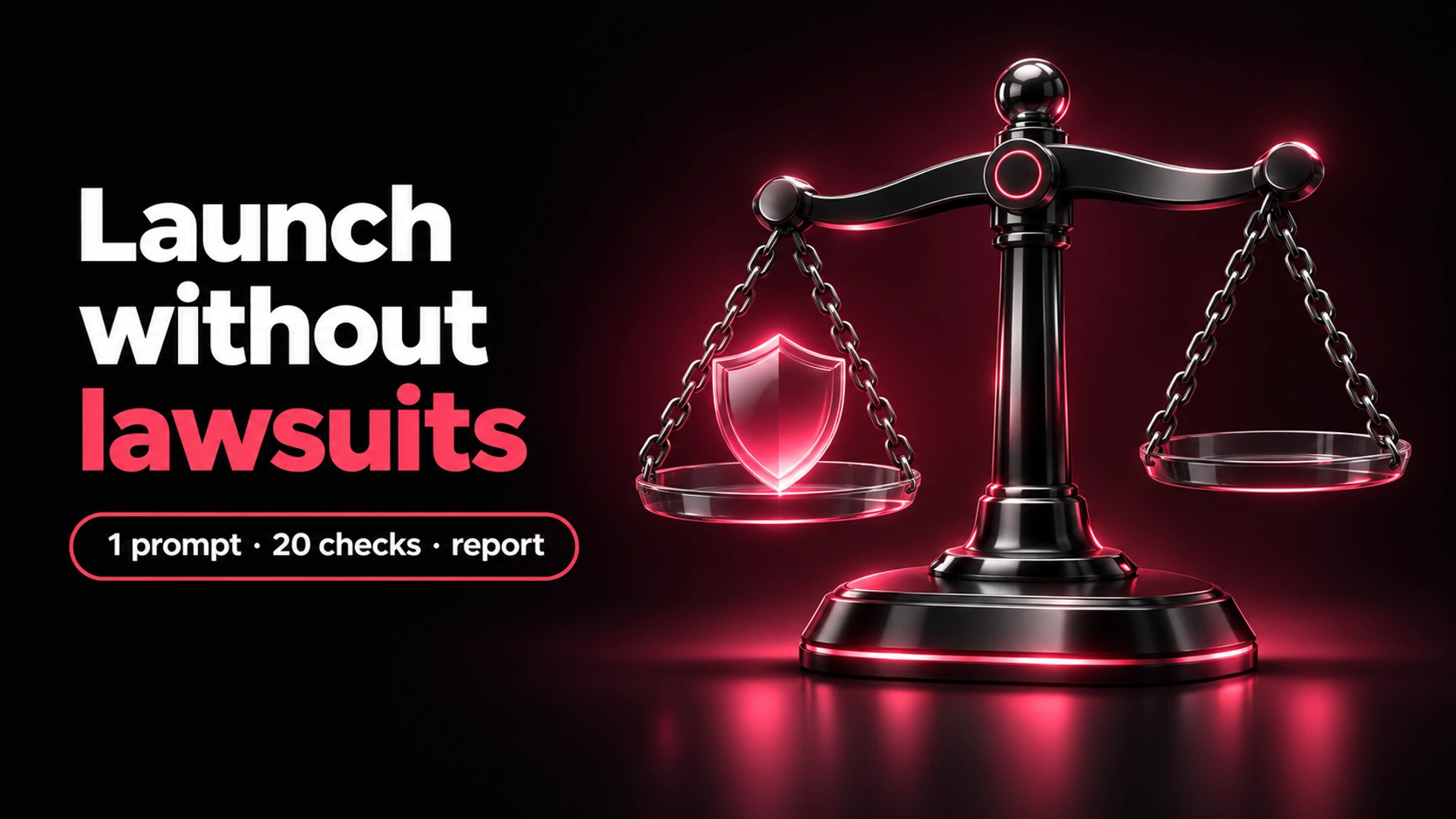
Copy one prompt into Claude Code before launch. Below, each point in short: why it matters, how to check it yourself and a link to the official source.
What you'll get
7 sections5 steps1 prompts
What is inside
20
points in one prompt
in the same order as on this page
4.5 : 1
minimum contrast for regular text
WCAG 2.2, criterion 1.4.3
14 days
to return an online purchase in the EU
exceptions exist, see Your Europe
01Prompt
Copy it whole into Claude Code
Open the project folder, commit the current state and paste the text. Every point from the video is here, plus the ones that did not fit.
0120 points before launch
I launch my app tomorrow and I do not want to get sued. First identify the stack and list: what data we collect, where we send it, what we sell and in which countries. Ask me what the code does not show. Then go through the points in order. For each: is there a problem, file and line, the fix. Mark what does not apply as "not applicable". Do not invent legal facts: where my details are needed, leave [FILL IN].

1. Privacy policy based on the real data in the code.
2. Terms of use.
3. Refund rules shown before payment.
4. In the cookie banner "Reject" is as visible as "Accept".
5. Consent boxes unticked, newsletter separate.
6. Collect only the fields you need.
7. Third-party scripts: what they take, no loading before consent.
8. Unsubscribe from the email without logging in.
9. Cancel a subscription in one click.
10. Full price right away, no hidden fees.
11. Remove invented reviews and counters.
12. Remove promises the product does not keep.
13. Alt text for images.
14. Text contrast.
15. Everything works from the keyboard.
16. Who owns it and how to get in touch.
17. Parental consent if children use it.
18. Image and icon licences.
19. Font licences.
20. A "Delete account" button.

At the end walk through the app as a picky lawyer and give a table: what you found, what you fixed, what you need from me. Add a separate list for a real lawyer.
Big project? Ask for the report without edits first, then fix point by point.
02Data
Points 1–5: documents and consent
1. Policy
It says who collects data, why, for how long and who gets it. A copied template does not know that about your app. Check: compare the text with form fields and database tables. GDPR, Art. 13
2. Terms
Who owes what if the service is down, an account is closed or a payment is disputed. Check: the link to the terms is in the footer and next to the pay button, not only in a menu.
3. Refunds
In the EU you usually get 14 days for an online purchase, with exceptions, digital content among them. Check: the period and the address are visible before payment. Your Europe
4. The Reject button
A grey link next to a bright "Accept" pushes people to agree. The regulator's own banner has two equal buttons. Check: open the site in incognito and find Reject on the first screen of the banner. EDPB
5. Unticked boxes
A box ticked in advance does not count as consent. Check: open every form and search the code for
checkedanddefaultChecked. GDPR, Recital 32
03Data and money
Points 6–10: scripts, subscription, price
6. Only what you need
The fewer fields you store, the less you explain and protect. Check: for every form field name the place in the code that uses it. Nothing found, remove it.
7. Third-party scripts
Analytics, pixels and chats receive visitor data, and you have to say so. Check: DevTools, Network, reload and look for foreign domains before you press Accept. GDPR, Art. 13
8. Unsubscribe
Nobody should look for a password to stop getting emails. Check: send yourself an email and unsubscribe in incognito.
9. Cancellation
Easy to sign up, five screens to leave: do not do that. Check: start a test subscription and count the clicks to cancel. What to tell buyers before they pay: Your Europe
10. Full price
In the EU buyers must see the total price with all taxes and charges. Check: go to the payment step and compare the first and the last number. Your Europe
04Honesty and access
Points 11–15: reviews, promises, accessibility
11. Reviews
Fake reviews are a blacklisted practice in the EU, and AI loves to fill a landing page with them. Check: for every review say who wrote it and where. Your Europe
12. Promises
You have to be able to prove "guaranteed", "best" and "100%". Check: list every promise and put a feature or a number next to it.
13. Alt text
Without alt a person with a screen reader does not know what is in the picture. Decorative images get an empty alt. Check: Lighthouse, Accessibility. WCAG 1.1.1
14. Contrast
Regular text needs at least 4.5 : 1, large text 3 : 1. Check: DevTools, pick the text, the colour picker shows Contrast ratio. WCAG 1.4.3
15. Keyboard
Not everyone uses a mouse. Check: let go of it and walk the whole way to payment with Tab, Enter and Esc. Focus must be visible. WCAG 2.1.1
05Rights
Points 16–20: contacts, children, licences
16. Owner and contacts
People should know who they deal with and where to write. Check: a name or company, an email and, where the law asks for it, registration details. GDPR, Art. 13
17. Children
If children use the service, you need parental consent. The age depends on the country. Check: is there an age question where one is needed.
18. Images and icons
A picture from search does not become yours. Check: for every file in public write down where it came from and which licence it has.
19. Fonts
Free for personal use and free for a website can be two different licences. Check: find the licence file next to the font. A common one: Open Font License
20. Delete account
If an App Store app lets people create an account, it must let them delete it in the app. Check: delete a test account and see what stayed in the database. Apple 5.1.1(v)
06Final step
The picky lawyer and the report
The last part of the prompt. Repeat it before every release.
Walk the buyer's path
Sign in, consent, payment, cancellation, deletion. Claude Code reads the code, you look with your own eyes in incognito.
Get the table
What was found, where, what was fixed, what is left. Without a table the fixes get lost.
Close every [FILL IN]
Name, address, countries, storage periods. Only you know these.
Take it to a lawyer
The policy and the terms together with the table, so the lawyer does not have to guess what the app does.
Run it again
Give the lawyer's notes to Claude Code and ask for the same table once more.
07
Where the prompt does not replace a person
- 01
This is not legal advice. I am a developer, not a lawyer.
- 02
Laws differ from country to country. The links here are EU rules, WCAG and App Store: check your own country.
- 03
The prompt lowers the risk, it does not promise there will be no claims.
- 04
A real lawyer should read the policy and the terms before launch.
Sources
- 1GDPR: Article 13
- 2GDPR: Recital 32
- 3EDPB: Cookie Banner Taskforce report
- 4Your Europe: Returns
- 5Your Europe: Pricing and payments
- 6Your Europe: Contract information
- 7Your Europe: Unfair commercial practices
- 8WCAG 2.2: 1.1.1 Non-text Content
- 9WCAG 2.2: 1.4.3 Contrast (Minimum)
- 10WCAG 2.2: 2.1.1 Keyboard
- 11Apple: Offering account deletion
- 12SIL Open Font License
Go deeper
Mastering Claude Code: From Zero to Power User
The Claude Code course covers planned work, checks, skills and subagents on live projects: from setup to your own rules.
$44.90 · one payment, lifetime access

More guides on this topic
All guidesRead next
 Certificates · Generative AI11 certificates in a weekend: links and what you really getThe full list from the video in the same order. Each item has a direct link, time, price and an honest note: certificate, badge, profile mark or no confirmed document.Nov 24, 2026
 Claude Code · PerformanceClaude, do not let my app be slow: a 17-point promptCopy one prompt into Claude Code before launch. Below, each point in short: why it slows the app, how to check it yourself and a link to the docs.Nov 24, 2026
 Claude Code · SuperpowersSuperpowers: Claude Code stops writing code right away and starts working by a systemThe most popular plugin for Claude Code, more than 318 thousand stars on GitHub. One command to install, then the agent asks questions, writes a plan, tests and runs reviews on its own. Below: setup, ready prompts and a checklist.Nov 16, 2026
Comments