$ open guides/superpowers-claude-code
FreeClaude CodeSuperpowersPlugins
Superpowers: Claude Code stops writing code right away and starts working by a system
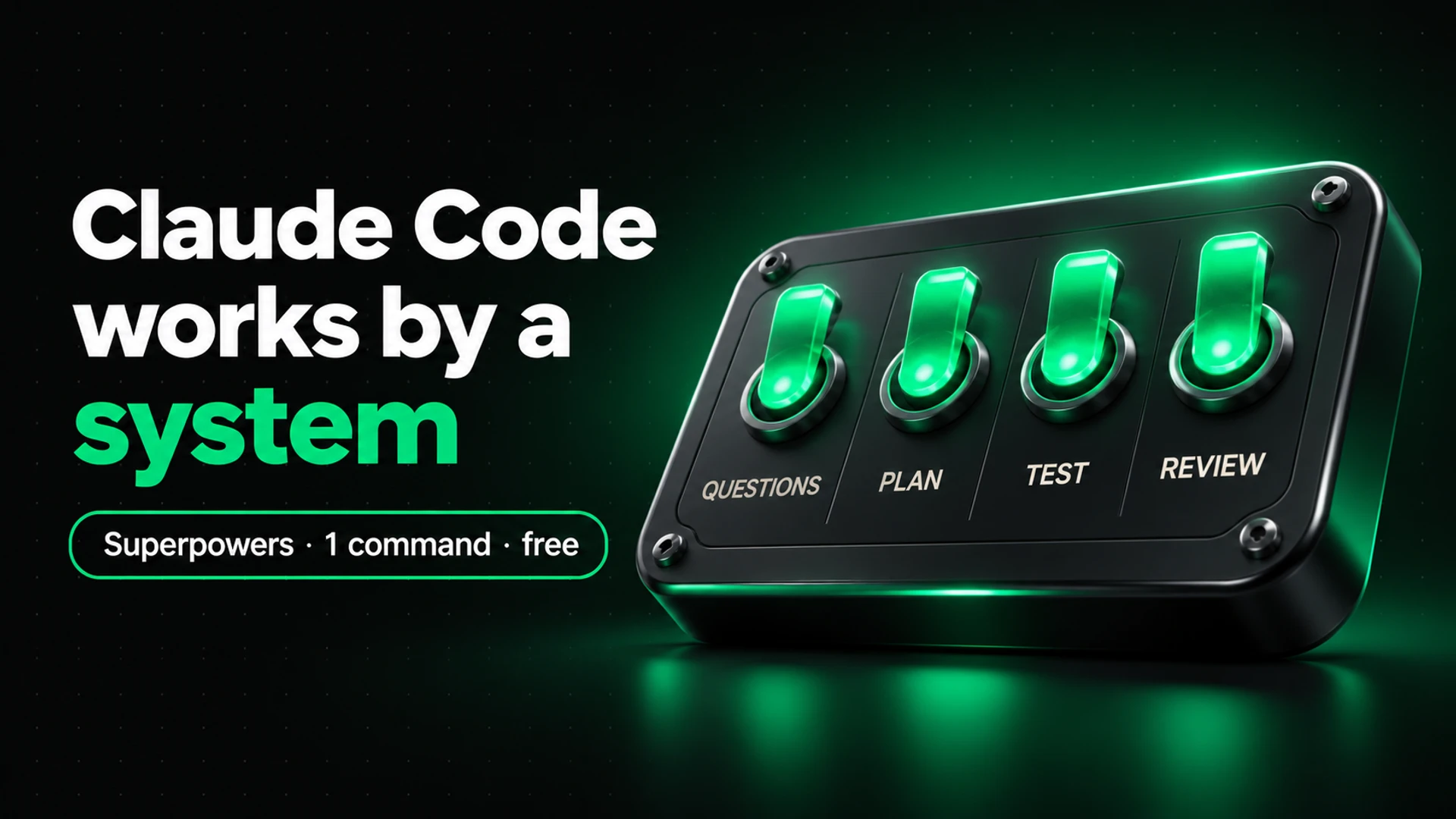
The most popular plugin for Claude Code, more than 318 thousand stars on GitHub. One command to install, then the agent asks questions, writes a plan, tests and runs reviews on its own. Below: setup, ready prompts and a checklist.
What you'll get
5 sections5 steps4 prompts
What is behind the plugin
318k+
stars on the GitHub repository
checked on 16.11.2026 via the GitHub API
2–5 min
length of one task in the plan
each with exact files and verification steps
$0
for the plugin itself, MIT licence
you only pay for Claude
01Inside
Five skills that switch on by themselves
No commands to remember: the agent decides which step is needed now. A short summary of each skill and the licence is in the Superpowers tool card.
- brainstormingBefore building, asks questions one at a time and plays the task back to you for correction.
- writing-plansBreaks the work into 2–5 minute tasks with exact files and verification steps.
- test-driven-developmentA failing test first, then the minimal code to make it pass.
- requesting-code-reviewBetween tasks it reviews the work against the plan; critical issues block progress.
- subagent-driven-developmentOptionally hands every task to a fresh subagent with a review after each.
02Prompts
Setup and four prompts for the first project
Paste the first line into Claude Code as it is. Copy the other prompts and replace the text in square brackets.
01Install
/plugin install superpowers@claude-plugins-officialThe plugin comes from the official Claude marketplace. Run /plugin to check that it is enabled.
02Project start: questions first
I want to build [a Telegram bot that books clients]. Before writing any code, ask me questions one at a time until you understand the task, then play back how you understood it.Answer briefly. Once the playback matches what you meant, move on to the plan.
03Plan and work by it
Write a plan of small 2–5 minute tasks with files and verification steps. Show me the plan, wait for my OK, then do the tasks one by one: test first, then code.With more than ten tasks, ask it to hand each one to a separate subagent with a review after each.
04Final review
Review the whole branch against the plan. List the issues by severity, fix the critical ones, run the tests again and show me the result.This prompt helps even without Superpowers, but with the plugin the review follows the plan's own checklist.
03Try it yourself
A first project with Superpowers in one evening
What to do step by step. How exactly is up to you and the agent.
Install the plugin
One command from the block above, then check it in the /plugin list.
Claude CodePick a small task
A bot, a landing page or a spreadsheet script. Not an edit in a big project: the process is clearer from scratch.
Answer the questions
The agent asks one at a time. The more precise the answers, the shorter the fixes later.
Read the plan
Remove extra tasks before the start: every line of the plan costs time and tokens.
Watch the tests
A red test before the code is normal. A green one at the end of a task proves it is done.
TDD
04Checklist
Before you let the agent work
Check
- The plugin is enabled: it shows up in the /plugin list
- The playback of the task matches what you meant
- The plan has no tasks you did not ask for
- Every task has a verification step
- The project is in git, so any task can be rolled back
05
When Superpowers is too much
- 01
A one-line edit: the questions and the plan take longer than the edit itself.
- 02
Tests and reviews spend more tokens than code-first work. On a plan with limits you will notice it.
- 03
If you do not read the playback and the plan, the process will not save you: the agent will faithfully build what you approved.
Sources
Go deeper
Mastering Claude Code: From Zero to Power User
The Claude Code course covers plugins, skills, subagents and working by a plan on real projects: from the first install to your own set of rules.
$44.90 · one payment, lifetime access

More guides on this topic
All guidesRead next
 Claude Code · PrivacyClaude, do not let me get sued: a 20-point promptCopy one prompt into Claude Code before launch. Below, each point in short: why it matters, how to check it yourself and a link to the official source.Nov 25, 2026
 Certificates · Generative AI11 certificates in a weekend: links and what you really getThe full list from the video in the same order. Each item has a direct link, time, price and an honest note: certificate, badge, profile mark or no confirmed document.Nov 24, 2026
 Claude Code · PerformanceClaude, do not let my app be slow: a 17-point promptCopy one prompt into Claude Code before launch. Below, each point in short: why it slows the app, how to check it yourself and a link to the docs.Nov 24, 2026
Comments