$ open guides/motion-graphics-claude-remotion
FreeRemotionClaudeMotion designWorkshop
Motion graphics end to end in Claude: from a ready example to the render
We never start from an empty prompt. We take a similar video from the workshop, pick references for our style, adapt the prompt, and Claude writes the code in Remotion. Below are the whole path, the prompts and a pre-render checklist.
What you'll get
5 sections6 steps3 prompts
Why code instead of a generator
$4–12
for 15 seconds in a paid video generator
Seedance 2.5 via Higgsfield, 720p to 1080p
$0
to render in Remotion
the video is built on your own computer
269
ready videos with prompts in the workshop
motion, 3D, explainers and interactive
01Pipeline
Six stages from an idea to a finished video
This is how we build our reels. The prompts below belong to stages 4–6.
1. A workshop example
Find a workshop video with similar mechanics: how screens move, how text appears, what the rhythm is. Copy its prompt.
Workshop2. References
Collect 2–3 frames in the style you want on Pinterest. If nothing fits, draw the missing frame in ChatGPT.
PinterestChatGPT3. Script and voice
Write 30–60 seconds of text and voice it to get the words with timings.
ElevenLabs4. Your prompt
Ask Claude to adapt the example prompt: your topic, your texts, the style of the references. Keep the structure and timing of the original.
Claude5. Code in Remotion
Claude Code writes the composition: layers, motion, timing. Every event is tied to a word of the voiceover.
Claude CodeRemotion6. Edits and render
Watch it in Remotion Studio, change things with one sentence, go through the checklist and render an MP4 on your computer.
Remotion Studio
02Workshop
Where to get ready examples
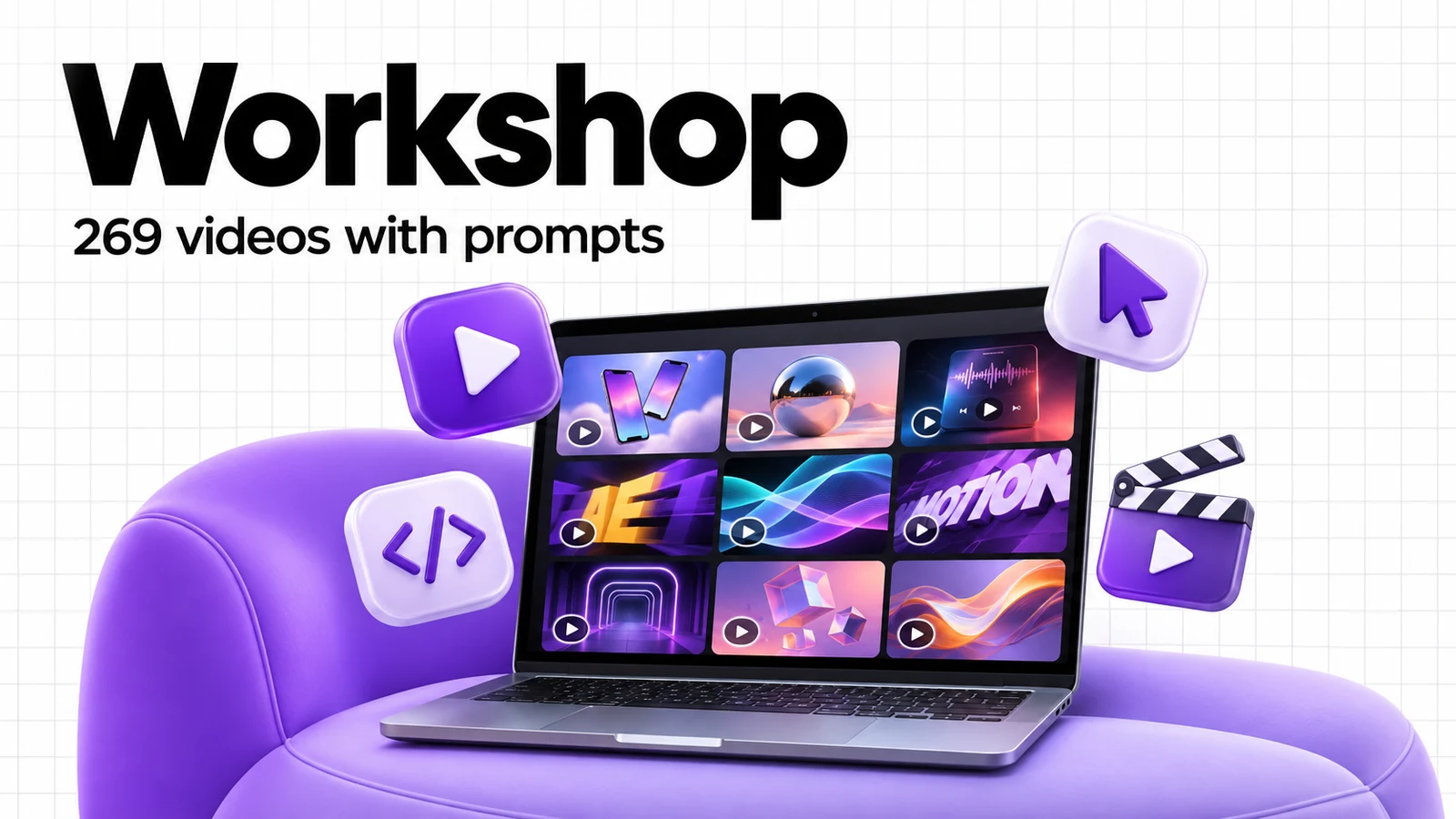
The motion prompt workshop holds videos Claude built in code: each card has the video, the full prompt and the author. The videos from our reel open first.
Motion and promo
163163 videos: product launches, interfaces in motion, logos, kinetic type. The easiest place to borrow mechanics for a reel.
3D
5151 scenes: glass objects, chrome spheres, carousels. Good for intros and background windows.
Explainers and interactive
5536 explainer videos and 19 interactive demos for when you need to show a process or a diagram step by step.
Access
Pro186 cards are open to everyone. Another 83 come with Pro, and a free account opens 3 of them a week.
03Prompts
Three prompts the pipeline rests on
Three prompts for stages 4, 5 and 6. Send the first to Claude with the workshop prompt and your references, the second and third to Claude Code inside the Remotion project.
01Stage 4. Adapt the prompt
Below is the prompt of a finished motion video from the library. Adapt it to my topic: [video topic]. On-screen texts: [phrases]. Take the style from the attached references: palette, type, light, background. Keep the structure, the number of scenes, the rhythm and the timing of the original. Return the full prompt, ready to run.

[workshop prompt]02Stage 5. Build the video in Remotion
The Remotion project has public/voice.mp3 and words.json with words and timings. Build a 1080x1920, 30 fps composition from this prompt: [adapted prompt]. Tie every event to a word from words.json, not to seconds. Draw all on-screen text in code. Keep everything important inside the safe area: 230 px from the top, 400 px from the bottom, the right edge free for the icons. Show stills on the key words.03Stage 6. Restyle in one sentence
Restyle the video as [description or reference]: change the palette, background and fonts. Do not touch the motion, the timing or the word bindings. Show the same stills before and after.
04Checklist
What to check before the render
Frame
- Titles and buttons stay out of the top 230 px: that is the phone notch and the app header
- The bottom 400 px stay free for the caption and buttons, the like column on the right is not covered
- Every insert stays on screen longer than a second and does not flash before a cut
- All text in the frame is drawn in code, not generated inside a picture
Sound and rights
- Events land on words: check the stills on every key word
- Loudness is normalised for social media, around −14 LUFS
- The authors of workshop videos you used are credited in the post caption
05
Where this path falls short
- 01
There is no live footage or realistic people here: it is graphics, interfaces and 3D drawn in code.
- 02
Heavy 3D scenes and many videos in one frame take long to render on a weak computer.
- 03
Without references Claude picks the style itself, and the video looks like a template.
- 04
Remotion is free for individuals and companies of up to 3 people, larger companies need a license.
Sources
Go deeper
Motion Video with AI: Create Without an Editor
In the Motion Video with AI course a video is built in code from the first frame to the render: scenes, motion, voice, face and editing without a video editor.
$44.90 · one payment, lifetime access
More guides on this topic
All guidesRead next
 Claude Code · PrivacyClaude, do not let me get sued: a 20-point promptCopy one prompt into Claude Code before launch. Below, each point in short: why it matters, how to check it yourself and a link to the official source.Nov 25, 2026
 Certificates · Generative AI11 certificates in a weekend: links and what you really getThe full list from the video in the same order. Each item has a direct link, time, price and an honest note: certificate, badge, profile mark or no confirmed document.Nov 24, 2026
 Claude Code · PerformanceClaude, do not let my app be slow: a 17-point promptCopy one prompt into Claude Code before launch. Below, each point in short: why it slows the app, how to check it yourself and a link to the docs.Nov 24, 2026
Comments