$ open workshop/claude-md-builder
● form runs in the browser · AI mode with a daily limit
CLAUDE.md Builder
CLAUDE.md, permissions and skills for your repo
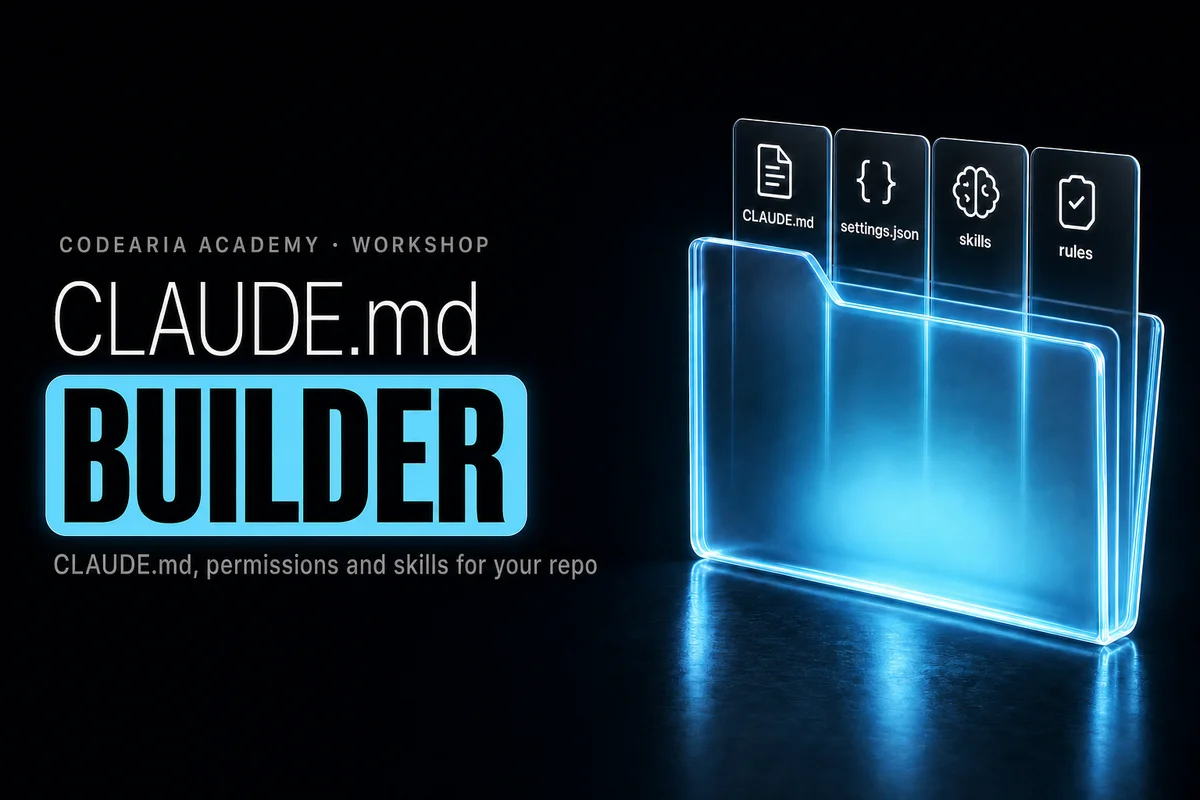
CLAUDE.md is the file Claude Code reads at the start of every session: what the project is, which commands build and check it, which rules to follow and what to leave alone. Without it the agent guesses from scratch every time, and often guesses wrong. There are two modes here. The form runs right in your browser and sends nothing: pick a stack, type your commands and rules, and three things assemble on the right — CLAUDE.md, a .claude/settings.json with allow and deny rules, and two skill skeletons. The AI mode is for when you would rather not fill anything in: paste your package.json, a folder tree or part of the README, and the model works out the stack, commands and conventions itself. It uses one run from the Workshop's shared daily limit.
$ claude init --md
● built in your browser · nothing is sent
Files
Put the files at these paths from the project root
# my-project

TODO: one line on what this project does and for whom.

## Stack

- Next.js (App Router), React, TypeScript

## Commands

- `npm run dev` — start the dev server
- `npm run build` — production build; run before saying a task is done
- `npm test` — run the tests
- `npm run lint` — lint; must pass before every commit

## Code style

- TypeScript strict: no `any`, no `@ts-ignore` without a comment explaining why.
- Server components by default; add "use client" only where state or browser APIs are needed.
- Import with the `@/` alias, not long relative paths.
- Reuse components from `src/components/` before writing new ones.
- Write code comments in English only.

## Workflow

- Read the files you are about to change before editing them.
- Keep changes small and focused on the task; do not refactor unrelated code.
- Before reporting a task as done, run the checks and say which ones you ran.
- If the request is ambiguous, ask one short question instead of guessing.

## Do not

- Commit or push without an explicit request.
- Read, print or edit `.env` files, keys or other secrets.
- Add, remove or upgrade dependencies without asking first.
- Run database migrations or touch a production database.
- Use destructive git commands: `push --force`, `reset --hard`, `clean -fd`.
- Edit generated and vendor folders (reading them for context is fine): `node_modules/`, `.next/`, `out/`, `coverage/`.
How to write a CLAUDE.md for your project
Pick your project's stack, check the build, test and lint commands, add your code rules and tick what the agent must never do. Three files appear on the right straight away: CLAUDE.md for the repository root, a .claude/settings.json with allowed and denied commands, and two skill skeletons for .claude/skills. Copy or download them. The form runs in your browser and sends nothing to a server.
How to use it
- 1Pick a stack: Next.js, React, Node, Python, Django, WordPress, Laravel or Go
- 2Check the commands, then add code rules, the comment language and what is off limits
- 3Download CLAUDE.md to the project root, settings.json and the skills into .claude
The details
- What you get
- CLAUDE.md, .claude/settings.json and two SKILL.md files
- Form
- Free, no limits, runs in the browser
- AI mode
- From package.json, a folder tree or a README, up to 12,000 characters
- AI runs per day
- Shared Workshop limit: guest 2, free account 3, full access 20
- AI mode model
- Claude Haiku 4.5
- Stacks
- Next.js, React + Vite, Node API, Python, Django, WordPress, Laravel, Go and custom
Common questions
What is CLAUDE.md and where does it go?
A plain markdown file with instructions for Claude Code. Put it in the repository root: the agent reads it at the start of every session. It briefly describes the project, the build and check commands, the code rules and what not to do. The shorter and more specific it is, the better the agent follows it.
What is .claude/settings.json for?
It holds the agent's permissions. Allow lists safe commands it may run without asking: the linter, the tests, git status. Ask lists what needs your confirmation, such as git push. Deny lists what is always off limits: reading .env, force pushes, rm -rf. That is more reliable than a request written in CLAUDE.md.
What is a skill, and why two skeletons?
A skill is a folder with a SKILL.md file inside .claude/skills. Its header holds a name and a description, and the description tells Claude when the skill applies. The builder gives you two: running every check before a commit, and a routine task for your stack, such as a new page or endpoint. Fill in the steps your way.
How is the AI mode different from the form?
You fill in the form yourself, and it sends nothing anywhere. In AI mode you paste your package.json, a folder tree or part of the README, and the model works out the stack, commands and conventions and writes the same three kinds of files. The pasted text goes to our server and a Claude model, so strip keys and passwords first.
Other apps
The whole workshop Motion video prompts with examplesMotion Prompt LibraryMotion graphics prompts for Claude, with video examples
 MCP servers for Claude Code, Cursor and VS CodeMCP Config GeneratorHow to add an MCP server to Claude Code, Cursor and VS Code
 Any error in plain words, plus a fix promptError ExplainerWhat this error means and how to ask Claude Code to fix it
 Layered backgrounds in plain CSSGradient LabA good gradient background for a website, in plain CSS
 Frame, size and formatCrop and convertCrop an image for a preview and convert it to WebP
 Invisible characters from modelsText cleanupRemove invisible characters from AI-generated text
 The bill for what surrounds the modelHarness costWhat the opening context of Claude Code and MCP servers costs