$ open workshop/image-prep
● runs in the browser · nothing uploaded
Crop and convert
Frame, size and format
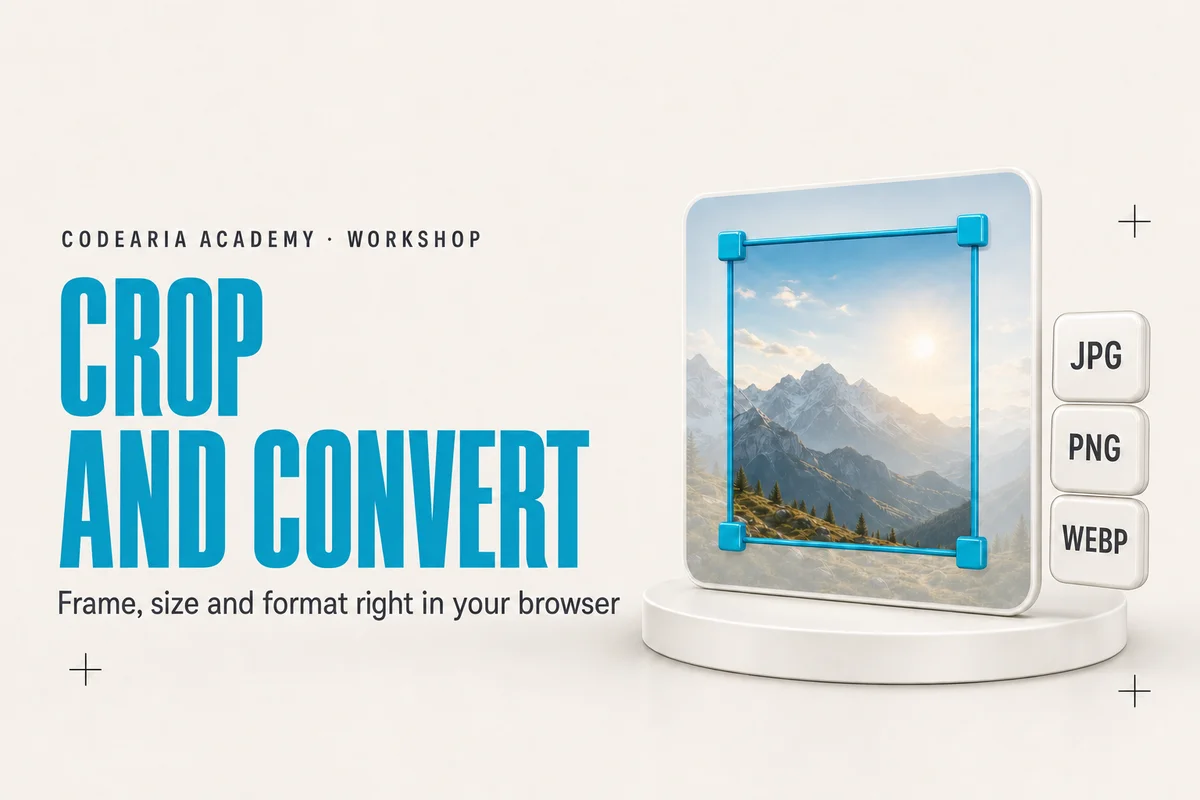
The frame drags and resizes from its corners, so the shot holds what you meant rather than the middle of the image. Aim once and «all presets» returns four frames built around the same point. Everything runs in your browser: redrawing through a canvas keeps only pixels, so C2PA, EXIF and XMP fall away on their own.
or choose a file, or paste from the clipboard
JPG, PNG, WebP, AVIF · up to 25 MB
The file never leaves your computer
Crop an image for a preview and convert it to WebP
Drop an image, aim the frame at the part of the shot you need, and take the result away as WebP, JPG or PNG. The work happens in your browser through a canvas: the file never reaches a server, and C2PA, EXIF and XMP fall away because only pixels go into the new file.
How to use it
- 1Drag an image onto the window or paste one with Ctrl+V
- 2Pick a size: a ready preset, your own in pixels, or «as is» with no crop
- 3Aim the frame: drag the corners, move it by the middle, arrow keys nudge by a pixel
- 4Choose a format and quality, then download the file or copy the image
The details
- Article cover
- 1600 × 900
- Open Graph preview
- 1200 × 630
- Telegram
- 1280 × 720
- Square
- 1080 × 1080
- Output formats
- WebP, JPG, PNG
- File limit
- 25 MB
Common questions
Is the image uploaded anywhere?
No. The file is read by the browser and redrawn through a canvas on your device. No network request ever carries the image, which is why the tool keeps working offline once the page has loaded.
Does it really strip AI generator metadata?
Yes, and it follows from how the work is done rather than being a separate feature. A canvas hands back a plain array of pixels, while the C2PA manifest, EXIF and XMP live in the file container and are not carried over.
Why WebP rather than JPG for previews?
At the same quality WebP is usually about half the weight and supports transparency. Reach for JPG when the file goes to an older CMS or a client who asked for it, and PNG when you need lossless transparency.
Can I convert without cropping?
Yes, choose the «as is» size. The frame stays as it was and only the file format changes, while the metadata is stripped all the same.
Other apps
The whole workshop Animated React componentsCodearia FrontendAnimated components for React and Tailwind, with ready code
 Motion video prompts with examplesMotion Prompt LibraryMotion graphics prompts for Claude, with video examples
 MCP servers for Claude Code, Cursor and VS CodeMCP Config GeneratorHow to add an MCP server to Claude Code, Cursor and VS Code
 CLAUDE.md, permissions and skills for your repoCLAUDE.md BuilderHow to write a CLAUDE.md for your project
 Any error in plain words, plus a fix promptError ExplainerWhat this error means and how to ask Claude Code to fix it
 Layered backgrounds in plain CSSGradient LabA good gradient background for a website, in plain CSS
 Invisible characters from modelsText cleanupRemove invisible characters from AI-generated text
 The bill for what surrounds the modelHarness costWhat the opening context of Claude Code and MCP servers costs