$ open workshop/mcp-config
● form runs in the browser · AI mode with a daily limit
MCP Config Generator
MCP servers for Claude Code, Cursor and VS Code
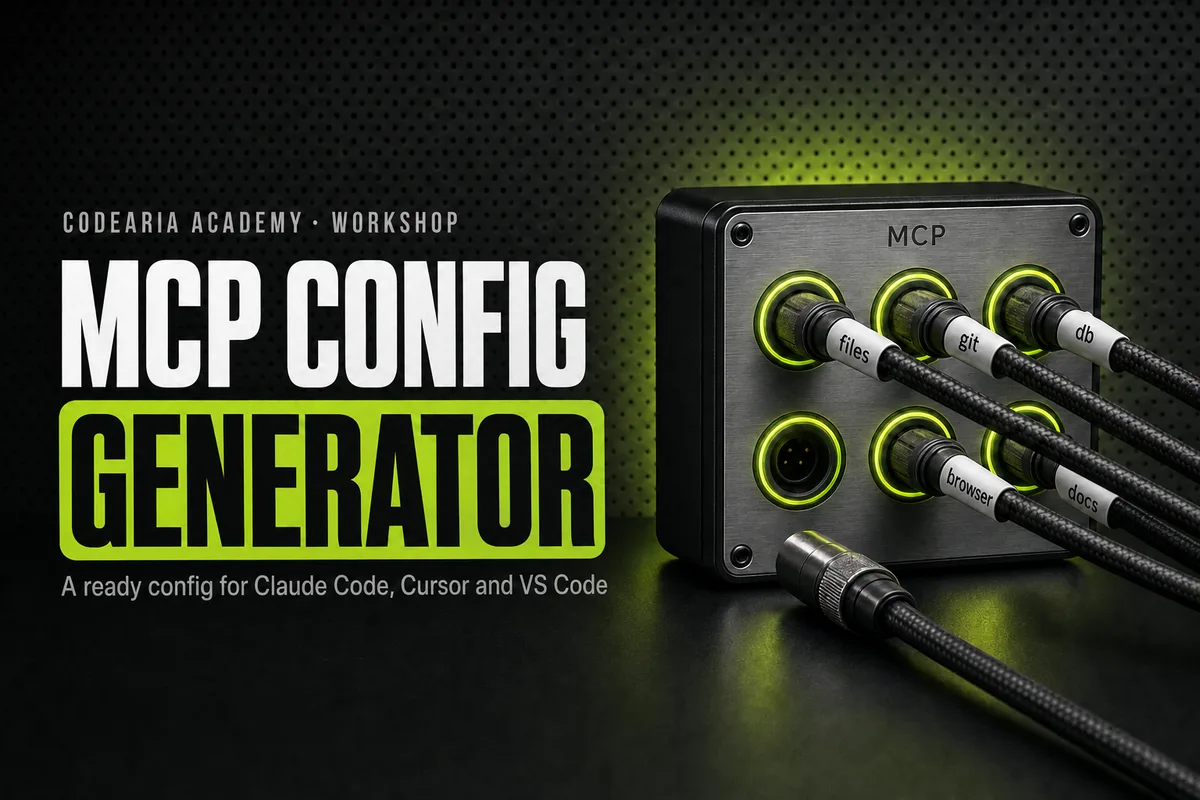
An MCP server gives the agent new hands: access to a repository, a database, a browser, a design file or documentation. It takes one entry in a config, but every client has its own file, its own format and its own traps: quotes, backslashes in Windows paths, the cmd /c wrapper for npx, keys that must never be committed. There are two modes here. The manual one runs right in your browser and sends nothing: pick the client, the OS and servers from a checked list, and the config or the commands assemble on the right, with placeholders instead of keys. The AI mode is for when you do not know which server you need: describe the task in plain words, and the model picks the servers, explains why and warns what they will be able to access. It uses one run from the Workshop's shared daily limit.
$ claude mcp add
● built in your browser · nothing is sent
Config
claude mcp add --transport http context7 https://mcp.context7.com/mcp --header 'Authorization: Bearer <YOUR_CONTEXT7_API_KEY>'
claude mcp add --transport stdio playwright -- npx @playwright/mcp@latest
claude mcp list
Run the commands in the project folder. Or put .mcp.json in the project root, so the whole team gets the servers.
Before you start
- Replace the placeholders with your keys:
<YOUR_CONTEXT7_API_KEY>(Context7). Give each token the fewest rights it needs. - With real keys inside, do not commit
.mcp.json. Add it to .gitignore or switch the keys to environment variables. - Install first: Node.js (npx).
- Check with
claude mcp list; inside Claude Code,/mcpshows the status of each server.
How to add an MCP server to Claude Code, Cursor and VS Code
Pick a client: Claude Code, Claude Desktop, Cursor or VS Code. Choose your operating system and tick the servers, such as GitHub, Playwright or Context7. The right side shows ready claude mcp add commands or a JSON file, the path where it goes, and the list of keys to put in place of the placeholders. Copy or download the result. The manual mode runs in your browser and sends nothing.
How to use it
- 1Pick the client and your operating system
- 2Tick the servers and how each connects: locally through npx or remotely over HTTP
- 3Copy the commands or download the JSON, then replace the placeholders with your keys
The details
- Clients
- Claude Code (CLI and .mcp.json), Claude Desktop, Cursor, VS Code
- Manual mode
- Free, no limits, runs in the browser
- AI mode
- Picks servers from a plain-words task, up to 2,000 characters
- AI runs per day
- Shared Workshop limit: guest 2, free account 3, full access 20
- AI mode model
- Claude Haiku 4.5
- Keys
- Placeholders only, like <YOUR_GITHUB_TOKEN>; you add real keys on your machine
- Servers
- 17 checked: GitHub, Filesystem, Playwright, Context7, Postgres, Figma, Notion, Sentry, Supabase, Linear, Stripe and more
Common questions
What is an MCP server?
MCP (Model Context Protocol) is an open protocol that lets an agent such as Claude Code connect to outside tools: GitHub, a database, a browser, Figma. The server describes which actions exist, and the client decides when to call them. A local server is started on your computer by a command; a remote one lives at an HTTP address.
Why does Windows need cmd /c before npx?
On Windows npx is a script, npx.cmd, not a program, and a client that starts the server directly, without a shell, cannot find it. The cmd /c wrapper runs the command through the command prompt, and the server starts. The generator adds it for you when you pick Windows.
Where does the config file go?
Claude Code reads .mcp.json from the project root, or takes servers through the claude mcp add command. Cursor reads .cursor/mcp.json in the project, or ~/.cursor/mcp.json for every project. VS Code reads .vscode/mcp.json. Claude Desktop has one claude_desktop_config.json whose path depends on the OS; the generator shows the exact one.
Is it safe to put keys in the config?
The config keeps a key in plain text, so a file with a real key must never be committed. The generator never asks for keys: it writes placeholders, and you fill in the key on your machine. Give the server a token with the fewest rights it needs, read-only if it does not have to write.
Other apps
The whole workshop Motion video prompts with examplesMotion Prompt LibraryMotion graphics prompts for Claude, with video examples
 CLAUDE.md, permissions and skills for your repoCLAUDE.md BuilderHow to write a CLAUDE.md for your project
 Any error in plain words, plus a fix promptError ExplainerWhat this error means and how to ask Claude Code to fix it
 Layered backgrounds in plain CSSGradient LabA good gradient background for a website, in plain CSS
 Frame, size and formatCrop and convertCrop an image for a preview and convert it to WebP
 Invisible characters from modelsText cleanupRemove invisible characters from AI-generated text
 The bill for what surrounds the modelHarness costWhat the opening context of Claude Code and MCP servers costs