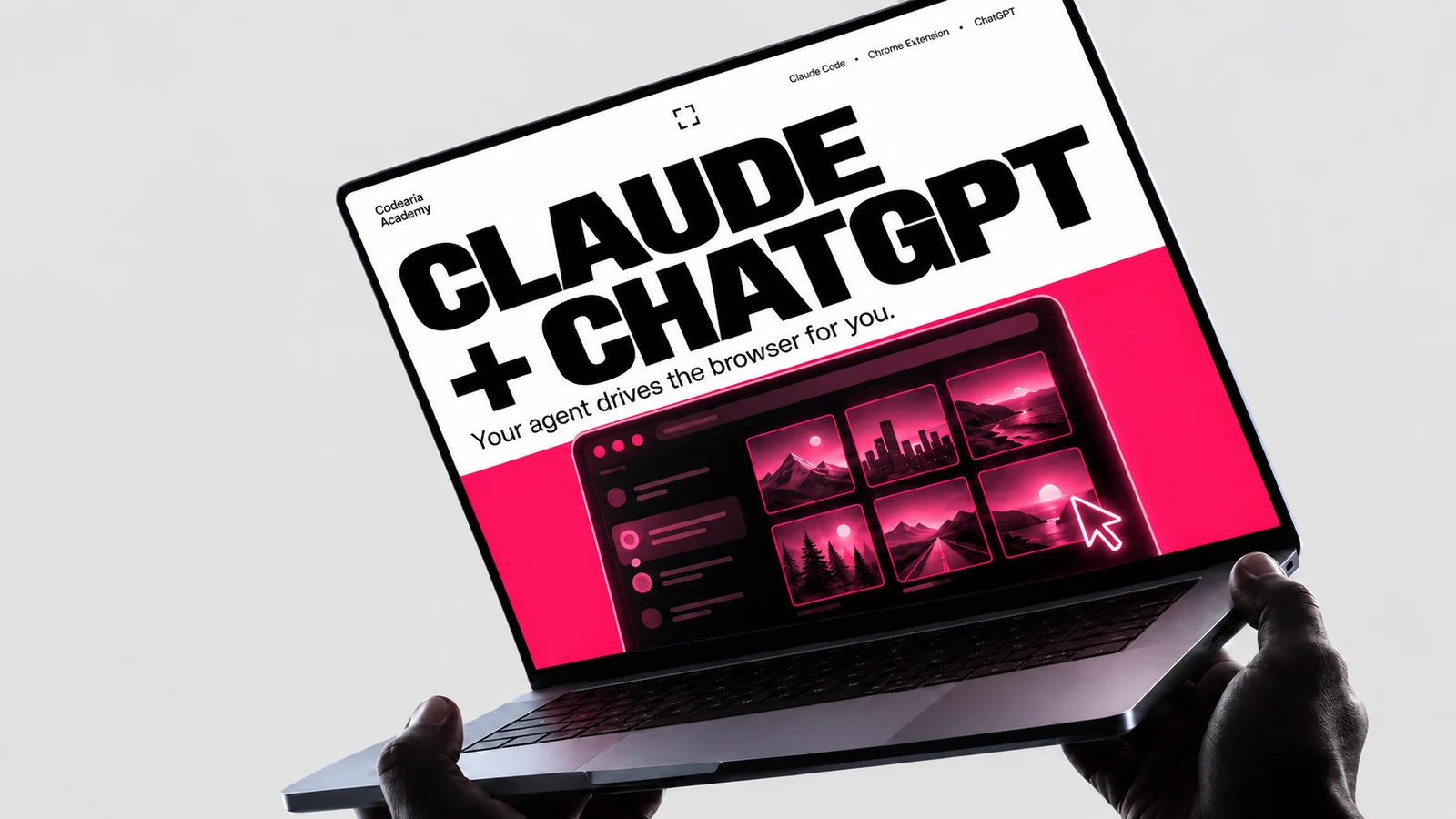
What happens when you cross Claude Code with ChatGPT?
Imagine Claude Code becoming the architect of your tasks, with a Chrome extension that gives it access to other AIs: ChatGPT, for one, which makes some of the best images around. You describe what you need, and the agent walks into the chat, generates, downloads and files the result into your project. We tried it on a series of eight covers. Here is what came out.
In this article6
Tools used in this piece
 microsoft/playwright-mcpMCP serverGives the agent a real browser: open a page, fill a form, wait for the response. From Microsoft, Apache-2.0.38kcommit this monthstdioruns in Claude Code, Claude Desktop, Cursorchecked August 28, 2026
 browser-use/browser-useGitHub repositoryA Python library that gives an agent a browser and a task in plain words: go here, find this, fill that in. A hundred thousand stars, MIT.119kcommit this monthchecked August 28, 2026
Claude Code plus the Claude in Chrome extension can work in your browser the way a person does: open tabs, read pages, type into fields, upload files and press buttons. If ChatGPT is open in that same Chrome under your subscription, the agent can walk into a chat, drop in a reference, ask for a new image in the style you want, wait for the render, press Save, move the file into your project and go get the next one. One request template plus a list of variables turns into a library: a series of covers in one style, a set of illustrations for articles, or a folder of answers from a second model. The limits are simple: other people's images only as references, ChatGPT's generation quotas still apply, the agent never touches passwords or captchas, and the first series deserves a look with your own eyes.
Friday evening. A new ad wave needs eight covers: one series, black background, a big two-line headline, one recognisable object on the right, a strip with the name along the bottom. The studio has a rule: photos and pictures from search never go into our work, not even "for now". Until recently that meant an hour in the editor per cover, or an evening of messages with a designer.
This time I typed one message to the agent in the terminal: here is the series template, here is a list of eight headlines with an accent colour and an object each, here is the ChatGPT chat where the previous covers live. Make them one by one, save them to the project folder, name each after its campaign code.
Then I went to make coffee.
When I came back, the folder held eight files with the right names, all 1672 by 941, all in one style. One cover the agent had redone four times because the headline font kept drifting away from the series, and it had kept the best take. I had not opened the browser once. Below is how this works, what else ends up in a library like this, and where you should not trust the agent blind.
What actually happened
There are two tools here, and it matters who does what.
Claude Code is an agent in the terminal: it reads and writes files, runs commands, remembers the project. On its own it cannot use a browser. The Claude in Chrome extension gives it hands: the agent sees the open tabs, reads what is on a page, finds the fields and buttons, types, uploads files from an allowed folder, presses Save and watches what happens next.
ChatGPT in this setup is just another tab. You are signed in to it in the same Chrome under your own subscription, so the agent needs no keys, no API and no separate bill. It does what you would do with a mouse, only it does not tire and does not wander off.
Eight covers are eight identical loops:
- Open the right chat in ChatGPT, the one where the previous covers of the series already sit. This matters: the model sees them and holds the style.
- Assemble the request from the template and one line of the list: headline, subtitle, chips, object, colour.
- Send it and wait. A render takes a minute or two; the agent checks the page every ten seconds.
- Open the image in the viewer and press Save. The file lands in Downloads with a name like
ChatGPT Image Sep 5, 2026, 18_31_47.png. - Find the newest file in Downloads, move it into the project under the campaign name, shrink it to 1600 by 900 if needed.
- Take the next line of the list.
Why this is a library, not eight pictures
The pictures are not the point. The point is that after the first evening you are left with two files, and both live in the project next to the code.
The first is the request template. It fixes everything that does not change across the series: the background, the headline font, the "text left, object right" layout, the name strip at the bottom, the ban on other people's logos and on small print. The second is the list of variables, one line per image: two headline lines, a subtitle, chips, an object, an accent colour.
A banner in the same series as the previous ones in this chat: black background,heavy condensed italic headline font, text on the left, object on the right,a «</> Codearia Academy» strip along the bottom, 16:9.Headline: {line 1} in white, {line 2} larger in the accent colour.Subtitle: {subtitle}. Chips: {chips}.Object on the right: {object}, three cards with icons: {icons}.Accent {colour}. No third-party logos, no small print, no people, no hands.
From there the library grows on its own. Need a ninth cover: add a line to the list and tell the agent "make the new ones from the list". Need to change the series: edit one line of the template, and every following image comes out in the new style. Need to remember what that purple one was called: the file name matches the campaign code, because that is what the agent named it.
There is a third file that appears without you noticing: the history of corrections. When one cover came out in a foreign font, I wrote "no, this fell out of the series, redo it like the previous ones", and the agent ran three more takes. The wording that finally worked went into the template. A month from now you will not remember it. The file will.
What else ends up in a library like this
We have pushed images and texts through this link, and the mechanics are the same for everything: the agent carries a request into a tab, waits, collects the result and puts it into a file.
- Series of illustrations for articles. Not only covers: a process diagram, a social card, a placeholder image in the exact ratio. The agent drops the reference into the chat from your folder, so someone else's photo stays a model, and a new piece goes into the article.
- A second opinion. A draft goes to ChatGPT with a request to find the weak spots, and the answer comes back into a file next to the draft. Two models rarely make the same mistake.
- Answers to a list of questions. Thirty reader questions, thirty answers from a second model in one markdown file, later merged with your own. By hand that is an evening; with the agent it happens in the background.
- Image edits. ChatGPT's viewer has tools of its own: remove the background, resize, repaint. The agent presses the same buttons.
This is the place to stop and see the bigger idea. ChatGPT in this story could have been any service that needs a login and has a form: a voice generator, a transcription service, an ad account, an analytics dashboard. Most of them offer no API on your plan, but they do offer a tab. An agent with the extension turns a tab into an interface you can call with one sentence, with the results filed into the project.
Where the limits are
Other people's images only as references: the result has to be a new piece of work, and it still deserves a look with your own eyes. One of our banners went into the bin because the model had painted someone else's logo onto it. ChatGPT's generation quotas do not go away, and one image takes a minute or two, so a series of eight is an evening, not five minutes. The agent works in your signed-in browser: it does not enter passwords and does not solve captchas, and that is as it should be. Close the tabs you do not need before you start.
Where to start
You need three things: Claude Code in the terminal, the Claude in Chrome extension in a browser where you are signed in to claude.ai, and an open ChatGPT tab under your subscription in that same Chrome. Then the order is this.
- Make a folder in the project for references and results. The agent uploads files to a chat only from allowed places, and the project folder is exactly such a place.
- Write the request template into a file. Do not try to make it perfect on the first go: the first series will show what it lacks.
- Write the list of variables, one line per image. Put the output file name in the line too.
- Walk the first loop together with the agent: watch which chat it opened, what it typed, where it put the file. After that, let it go in batches.
The message that starts it all looks roughly like this:
Open my «Covers» chat in ChatGPT in Chrome.For every line in covers.md, assemble a request from the cover-prompt.md template,send it, wait for the image, save it with the Save button.Move the newest file from Downloads to public/img/covers/{code}.pngand shrink it to 1600×900. If an image falls out of the series, redo it, three tries at most.Show me all the results as one grid when you are done.
If you do not have the extension
The idea is not tied to one extension. The same loop of "open, type, wait, download" runs through Playwright MCP or Browser Use: a separate browser under the agent's control that you set up once, and that does not depend on your Chrome or your session. Both are in our tools library with breakdowns.
Next step
The Chrome extension, memory, skills and MCP in one course: learn to hand the agent whole tasks so it builds links like this one for you.
Open the courseThe rule we took away
Anything you ask ChatGPT for a second time should become a line in a list, not a tab in the browser. An agent with the extension makes that transition almost free: a template, a list, one message, coffee. And the library that stays in the project afterwards is worth more than any single picture, because it will assemble the next series without you.
Versions and quotas change
The Claude in Chrome extension, Claude Code and ChatGPT's image generation quotas are described as of September 2026. The extension's capabilities and the plans change often, so check the current terms in Anthropic's documentation and on OpenAI's pricing page.
Comments