$ cat articles/family-archive-claude-artifact-map-search.md
Explainer· Content· Automation· 12 min read· Nov 18, 2026
Someone had pencilled “P. 64” on a map in an old book. Claude built a grandfather's story around that note
Turn a family book, letters or album into a Claude artifact with a map, chapters and a search across names. Every scene links to its page in the original.
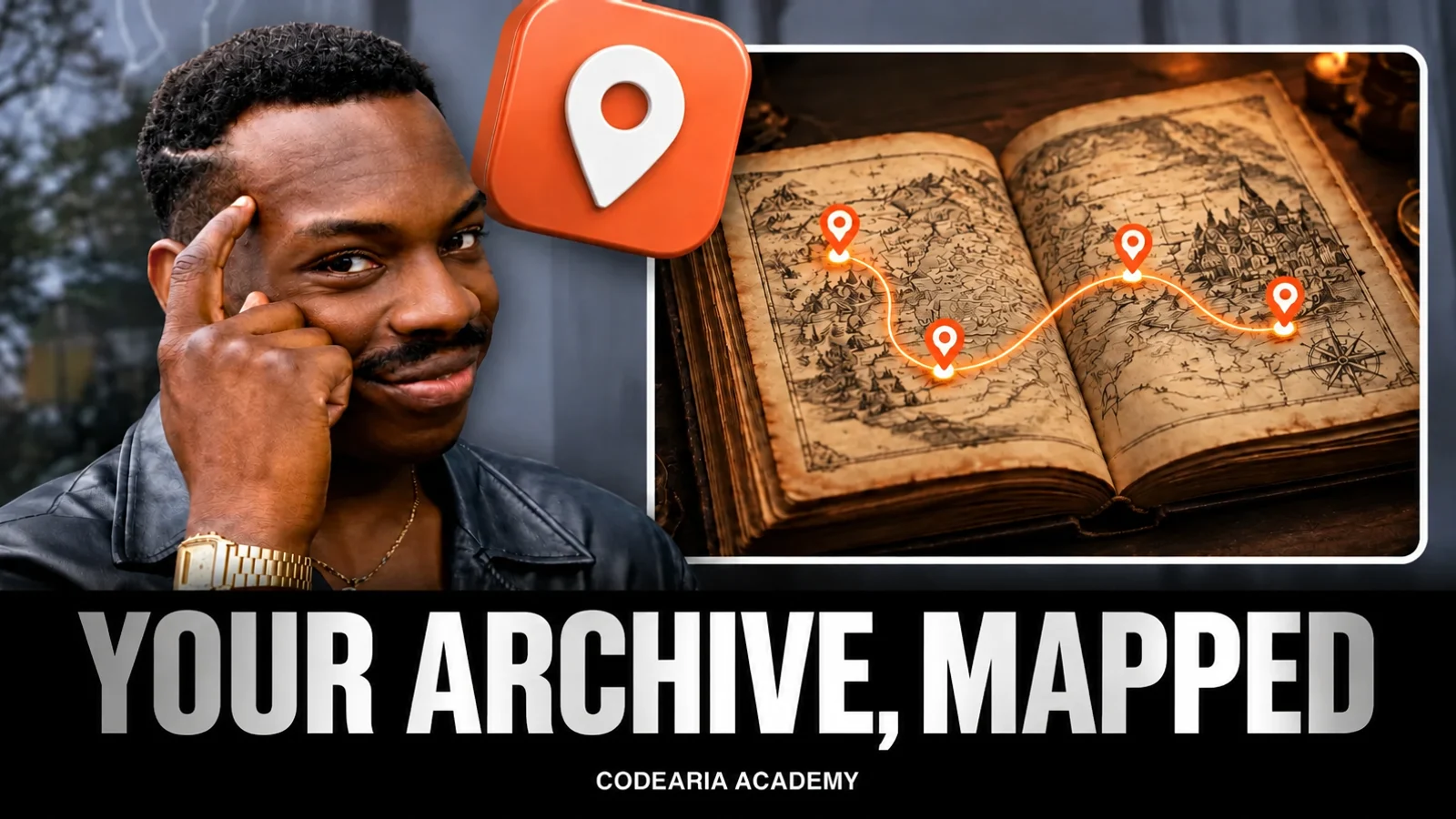
An old family book, a bundle of letters or a photo album can become, in an evening or two, a page the whole family will actually open: a map with the route, chapters by year, a search across names. You do it in an ordinary Claude chat, with no code, on the free plan. You upload photos of the pages, Claude transcribes them, builds lists of people and places, and turns that into an interactive page (Claude calls it an artifact). The key rule we took from a great example: every statement on the page points to a page number in the original, so the AI can't make things up.
One American family kept a book about the history of their grandfather's cavalry unit. Its editors finished it in Austria on September 1, 1945, as they wrote themselves, “before the men of the unit were scattered.” Over a hundred pages of small print, rosters, combat reports. Books like this sit on a shelf for decades: everyone knows grandpa is in there, nobody knows where.
On November 16, 2026, a grandchild of Lieutenant Donald B. of Rochester posted a link in Claude's Reddit community to what they had made from that book. Within 14 hours the post climbed to sixth place of the day. The link opens a map of Europe with the unit's route from Normandy to Austria, five chapters, grandpa's medals on their ribbons, sound. And at the end, one line: 2,655 men are named in this book.
So how do you do this with your own papers without ending up with a beautiful fiction?
A pencil note on page 64
The whole page hangs on one detail. At some point someone in the family wrote in pencil on a map in the book: “P. 64 – Oct 4.” The artifact shows that note and builds a whole chapter toward it: October 4, 1944, the Forêt de Parroy in France, Lieutenant B.'s platoon attacking on foot. That page is where grandpa is named.
And that's where you see how the page is put together. Every scene is labeled with where it came from. “Confirmed · named on p. 64” means grandpa is named on that page. “His troop was here” means his troop was there, but the book doesn't say whether he was. “Group record” is a report for the whole unit. Next to them are the buttons “Open the book” and “Original page,” so you can look at the book itself.
This is what removes the fear that “the AI will invent everything.” If every sentence is tied to a page, a fabrication stands out at once, because it has no page number. That's the rule we carry into the steps below.
What you need and what it costs
Any archive with people, dates and places will do: a history of a unit or a factory, letters from the front, a diary, an album with notes on the back of the photos, a great-grandfather's employment record. The more names and towns in the papers, the more interesting the map and the search.
Artifacts are available on every Claude plan, including the free one. No code, just a phone and a couple of evenings: one for photos, one for the page itself. Two limits are worth knowing up front. One chat holds up to 20 files. And Claude reads a PDF of up to 100 pages together with its images; past that it sees only the text layer, which a plain scan doesn't have. So split a thick book into parts of fewer than a hundred pages each.
Step 1. Transcribe the pages with their numbers
Photograph the pages in daylight, straight from above, one page per shot. Combine the photos into a PDF (any scanner app on your phone can do it), upload the first part to a new Claude chat and send the request below. Claude will transcribe every page word for word and put the book's page number in front of it.
These are scans of the pages of [what it is: a book about grandpa's unit / great-grandma's letters / an album], pages [from–to].
Transcribe the text of each page word for word. Before each page, put its number from the original as "=== p. 64 ===".
Don't correct or add anything. Mark an illegible word [illegible] and a missing line [line unreadable].
At the end, list the pages where something couldn't be read.
Replace: the archive description and page range with your own.
Result: clean text with page numbers and an honest list of spots to check by eye. Save this text to a file: everything after builds on it.
Step 2. Build the list of people and places
Once Claude has transcribed every part of the book with page numbers, save those texts as files (the copy button under the reply and any notes app) and upload them to one new chat. The request below pulls three lists out of them: people, places and dates, each with a page number.
Here is the text of [archive name] with page numbers.
Build three tables:
1) people: name, rank or relation to the family, pages where they are mentioned;
2) places: name, country, pages, and the date if the text gives one;
3) events in order: date, place, what happened, page number.
Use only what is written in the text. If a date or place isn't given, leave the cell empty, don't guess.
Separately, mark every page that mentions [your relative's name].
Replace: the archive name and your relative's name.
Result: a list of everyone in the papers and the pages where your relative is named. Many people find something new already at this step: a platoon mate, a town where the family lived for a year, a date the family always got wrong.
One family page is done. Next: your own site that lives online
You turned an archive into an interactive page inside a chat. The next step is a site with several sections, its own address and updates, which AI builds and publishes from your words. In the course “From Chat to App” you build your first site with Claude Code, from an empty folder to publishing.
- Course “From Chat to App”: a site with Claude Code, from project folder to publishing
- A ready library of working prompts
- An AI mentor in every lesson
- New courses at no extra cost
$44.90one time
Get full accessNo subscription. Lifetime access, future courses included.
Step 3. Ask for a page with a map, chapters and search
Now Claude turns those lists into the page itself, with a map and search. Send the request below in the same chat, changing only the name, the years and the style.
From these tables, build an interactive artifact page about [name, years].
Include: a map with the route through the places in the events table; chapters by period; a search across everyone in the people table with page numbers; a separate section about [name].
Rule: every scene and every sentence carries a label saying where it comes from. "Named on p. N" if the person is named on that page. "His unit was here, p. N" if only the troop or the family is named. Write nothing without a label.
Add nothing from general historical knowledge. Style: [calm, like an old album / dark, like a newsreel].
Replace: the name, the years and the style.
Result: the page opens to the right of the chat. You can scroll it, search for a person by surname, click points on the map. Don't like a color or the order of chapters? Just say what to change. 3D, sound and animation like Donald B.'s page are also just requests away, but start simple: the map and the search already give you the main thing.
Step 4. Check against the original and send it to family
Before sharing, go through the labels. Open three or four scenes and compare them with the pages they cite. Then ask Claude to check itself: the short request below collects every sentence without a page number.
Go through the page and list every sentence that has no page number, and every place where the page number doesn't match the events table. Don't fix anything, just give me the list.Replace: if the page covers several relatives, add "separately check every scene about [name]".
Result: a list of questionable spots that you fix yourself or remove.
To share: in the artifact, click Share and choose Anyone with the link. You can drop the link into the family chat; such links usually open without signing in to Claude. Changed your mind? Same Share menu, choose Only you.
Whoever opens the link also sees the chat's files
If the artifact was made in a chat, the link also opens the files uploaded to that chat. Before sharing, build the page in a separate chat and don't upload documents with addresses, passport details or phone numbers of living relatives there.
What else you can build this way
A book about grandpa's unit is just one case. The same sequence (text with page numbers, tables, a page with labels) works for other family papers:
- Letters from the front or from emigration. A timeline from the dates on the envelopes and a map of the towns they came from. Each point opens the letter itself.
- A photo album with notes on the back. Photograph both sides of each print. You get a feed by year and a search across the people named on the photos.
- Employment records and certificates. A map of a great-grandfather's moves between factories and towns, with dates from the entries. For kids it's clearer than any story told at the dinner table.
- Grandma's recipe notebook. Not a map but a catalog with search by ingredient and notes on who wrote each recipe down and when.
Where it won't work
- Handwriting that's hard to read. Claude transcribes printed text well, but handwritten letters need checking by eye more often. Mark illegible words as in the transcription step, and don't let the AI guess.
- What isn't in the papers won't be on the page. If the book doesn't say where grandpa was in December, the map will have a gap. You can fill it with family stories: ask Claude to add them with the label “according to [who told it],” and they won't get mixed up with the documents.
The book used to sit on a shelf
A family archive used to be a box you opened once a decade. Now it's a link where a cousin finds their great-grandfather on the map in a minute, along with the page where he's named. The point isn't the 3D or the sound, it's one habit: every sentence with a page number.
Start with whatever is closest: an album or a bundle of letters, one evening of photos. Send the finished page to the relative who remembers more than you: their story can be added later with an “according to” label.
Next stepFrom Chat to AppAll your family pages under one address, with a section for each branch: build that site with Claude, no code, and put it online.Open the courseVersions and limits as of November 17, 2026
Plans, upload limits and publishing buttons change; check the current ones in Claude's help center.
Sources5expand
- Claude Artifact, “1st Lt. Donald B. · 106th Cavalry, 1944–1945”, 16.11.2026 — https://claude.ai/artifact/Mnra2RWf4dnY8Gh5F297YB
- r/ClaudeAI, “I gave Claude my grandfather's 1945 WWII unit history…”, 16.11.2026 — https://www.reddit.com/r/ClaudeAI/comments/1xxtf0m/i_gave_claude_my_grandfathers_1945_wwii_unit/
- Anthropic, “What are artifacts and how do I use them”, 17.11.2026 — https://support.claude.com/en/articles/9487310-what-are-artifacts-and-how-do-i-use-them
- Anthropic, “Publishing and sharing artifacts”, 17.11.2026 — https://support.claude.com/en/articles/9547008-publishing-and-sharing-artifacts
- Anthropic, “Uploading files to Claude”, 23.07.2026 — https://support.claude.com/en/articles/8241126-uploading-files-to-claude
$ grep tools: articles/family-archive-claude-artifact-map-search.md
Tools from this piece
Each has its own card: check date, stars and a short verdict.
 GitHub repository198kmarkitdownTurns PDF, Word, Excel, PowerPoint and images into clean markdown a model can read without losing the structure.
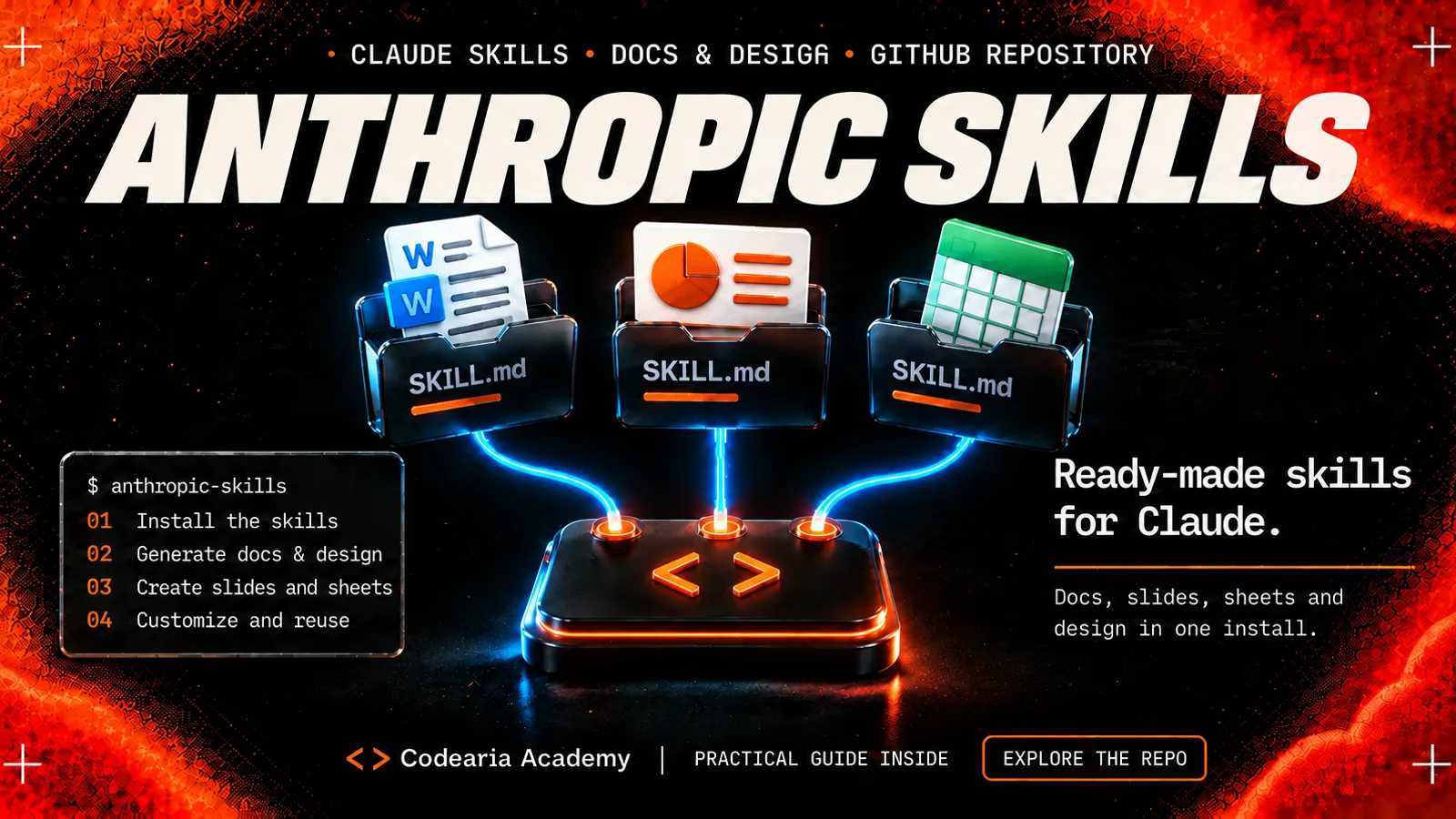 GitHub repository200kAnthropic SkillsAnthropic Skills is the official set of Claude skills for Word, PDF, slides, spreadsheets and design. One command adds it to Claude Code, free.
$ ls articles/ --related


Comments