$ cat articles/frontier-design-benchmark-ai-website-designers.md
Breakdown· Design· Content· 10 min read· Nov 20, 2026
AI makes fewer design mistakes than people, yet designers still pick the people. What gives an AI website away
Frontier Design Benchmark: 35 designers blind-judged sites by people and 15 AI models on real client briefs. Who leads, and the tells that give AI away.

If you ask an AI to build a website for your business, use Claude or GPT: in a blind test by professional designers, their work won more often than the rest. But the judges picked work by human designers even more often, although it had more small mistakes. AI gives itself away with habits you spot at a glance: a tiny all-caps label above every heading, one word in italics, numbered sections, everything boxed in frames. You can ban them outright in your request, and the site stops looking machine-made.
Thirty-five designers who earn a living from client work were shown pairs of websites with no names on them. Both sites in a pair answered the same brief, taken from a real job: a studio that designs restaurant interiors, an audio guide for a museum, a festival selling tickets. One site might be by a person and the other by an AI model, or both by machines. The task was simply to pick the better one.
That is how the freelance marketplace Contra and the BenchFlow team set up the Frontier Design Benchmark, published on November 19, 2026. The result was odd: the machines are neater, yet people get picked. Below we look at what caught the judges' eye, because you will see the same things on a site an AI builds for you.
Who won the designers' blind vote
These tasks are nothing like the usual "make a landing page for a coffee shop". Most come from jobs clients posted on Contra, with a logo, an audience and a requirement to work on a phone. A client typically pays around a thousand dollars for that kind of work, so the test ran on real money, not toy tasks.
| Rank | Who | What to know |
|---|---|---|
| 1 | Gestalt | a hidden model, not available to try yet |
| 2 | Human designers | work by Contra freelancers on the same briefs |
| 3–6 | Claude Fable 5.2, Claude Opus 5.5, GPT-6.1 Sol, Claude Sonnet 5.5 | top group of available models |
| 7–8 | Kimi K3.1 Pro, GPT-6 Astra | also in the top group |
| 12 | Gemini 4 Carbon | bottom group |
First place went to Gestalt, a model tested under a code name: it beat even the people, but there is nowhere to use it today. So what matters more to you is the rest of the table.
The available models split into two teams. The top one, three Claude models, two GPT models and Kimi, wins roughly two pairs out of three. The bottom one, which includes both Gemini models, loses more often than it wins. Inside the top group the gaps are small, so for your site it matters more to land in that group than to pick its leader.
Why people get picked even though they make more mistakes
On top of the vote, every piece of work was checked against a list of errors: fonts, spacing, contrast, whether anything is cut off. Here people came only sixth, behind all three Claude models and both GPT models.
The human mistakes are ordinary ones: button text too dark on a dark background, a logo half covered by the next block. The designers saw these mistakes and still picked the people in 74% of pairs. According to the benchmark authors, the checklist counts slips everyone should avoid, while the judges vote for taste.
In our view this is the key takeaway for you: an AI can already build a clean page with no obvious slips, but a clean page is not yet a good one. The difference shows in small details, and those details can be named.
Four tells of a website built by AI
The benchmark authors trained a program to tell human sites from model sites and listed the habits designers call "made by AI". Here are the four most visible ones.
A label above every heading. Above each section heading sits a short line in small, widely spaced capitals, and it repeats what the heading already says. 93% of AI pages do this, against 11% of human ones.
One word of the heading in italics. Half the phrase is upright and a couple of words at the end lean, "for style". One judge praised the winning site precisely for having no italics in the heading and no small labels everywhere. Among the human designs, this showed up in one piece out of nineteen.
Sections numbered 01, 02, 03. Not a single human design did this.
Everything in boxes. Every piece of text sits in its own card with a border or a fill. This is Gemini's signature: both of its versions do it on 92% of pages.
Each company also has its own handwriting. Claude puts a → arrow on buttons, GPT uses ↗. GPT-6.1 Sol loves slogan headings made of two short phrases, like "Less paperwork. More possibility.", and its copy often stops at the promise without explaining how the product works.
Step 1. Give the model a brief, like a real designer
The simplest thing to take from the benchmark is the shape of the task. The models were not tested on one line, but on a brief with everything the client knows. Open a chat with Claude or ChatGPT (which model to pick is covered below) and describe your site the same way:
Build a one-page website for [who you are and what you do].
Who will look at it: [your clients, their age, where they come from].
What a visitor should do on the site: [book, call, buy, leave a request].
What I already have: [logo, colors, photos, copy, link to my old site].
Required: the site works well on a phone, loads fast, and text is readable on any background.
Write the copy in plain words: what I do and why people should come to me, no slogans.
Show the result as a single page I can open right in the chat.
Replace: the square brackets with your own details. Attach your logo and photos as files, and the model will match the colors to them.
Result: a finished page in the chat window that you can scroll and show to people. If you would rather edit it with the mouse than with words, move the draft onto a free canvas where Claude sees your edits.
One page is done. Next, a site that lives on the internet
You got a page from an AI built on a real brief. The next step is a multi-page site that AI builds, edits and publishes online from your own words. In the course “From Chat to App” you build your first landing page with Claude Code, learn to have it fix its own mistakes and publish the result.
- The “From Chat to App” course: from a draft in the chat to a site at your own address
- Ready-made prompts for pages, forms and edits
- An AI mentor in every lesson
- New courses at no extra cost
$44.90one time
Get full accessNo subscription. Lifetime access, future courses included.
Step 2. Ban the model's habits
Now look at the page through the eyes of a benchmark judge. Find the tells from the list above and ask the model to remove them in one message:
Redesign the page. Remove the signs that show the site was made by AI:
- no small all-caps labels above section headings;
- no words in italics in headings;
- no section numbers like 01, 02, 03;
- don't put every block in its own bordered card, let the text sit freely;
- headings say what I do, not a two-phrase slogan;
- buttons without arrows, just clear text.
Keep everything else as it was.
Replace: you can shorten the list to the tells you actually found on your page.
Result: the same page, only calmer. You usually see right away how much room the extra labels and frames were taking. If you build interfaces in Claude Code or Codex all the time, it is easier to keep these bans not in every message but in a design kit for the agent.
Step 3. Test your eye blind
Before handing your own site to a model, open the gallery on the benchmark site: twelve briefs, each with a human design and up to fifteen versions from models. Scroll through one brief from start to finish, and you will spot the tells from the list yourself in a couple of minutes. If you want a game of it, the Vote section lets you choose between two designs without knowing whose is whose.
Which AI to use for your site
Our opinion, and you are free to disagree: take whichever top-group model you already have access to. If you use Claude, take Claude: by the detector program's measure its pages look less "machine-made" than those of GPT and Gemini. If you have ChatGPT, GPT is in the top group too, just watch for slogans in place of explanations.
We would not use Gemini for a website right now: both of its versions sit in the bottom half of the ranking and box everything in frames more often than the others.
What this benchmark won't tell you
- Websites and apps only. Logos, banners and social media images were not tested.
- The models worked as agents. They ran inside a program that writes the code and builds the whole page on its own. In a regular chat the result may differ, but the list of bans from step 2 works there too.
- Rankings change. Gestalt is still closed, and models from the bottom group may climb with their next update. Rankings here are as of November 20, 2026.
Picking a model is easy, taste you add yourself
The question used to be "can AI make websites". Now the best models build a page more neatly than a professional designer, and lose to them on small details that are easy to name and ban. Pick a model from the top group, give it a real brief and strike out its habits.
Next stepFrom Chat to AppThe page from step 1 can become a real website: AI builds it, edits it from your words and publishes it online.Open the courseSources5expand
- Contra Labs × BenchFlow, “Frontier Design Benchmark”, 19.11.2026 — https://contralabs.com/frontierdesign
- Contra Labs, “Frontier Design: Evaluating AI on Real World Design Tasks”, 19.11.2026 — https://contralabs.com/frontierdesign/blog
- Contra Labs, “Methodology”, 19.11.2026 — https://contralabs.com/frontierdesign/methodology
- Contra Labs, “Rubric”, 19.11.2026 — https://contralabs.com/frontierdesign/rubric
- Hacker News, discussion of the benchmark, 19.11.2026 — https://news.ycombinator.com/item?id=50558559
$ grep tools: articles/frontier-design-benchmark-ai-website-designers.md
Tools from this piece
Each has its own card: check date, stars and a short verdict.
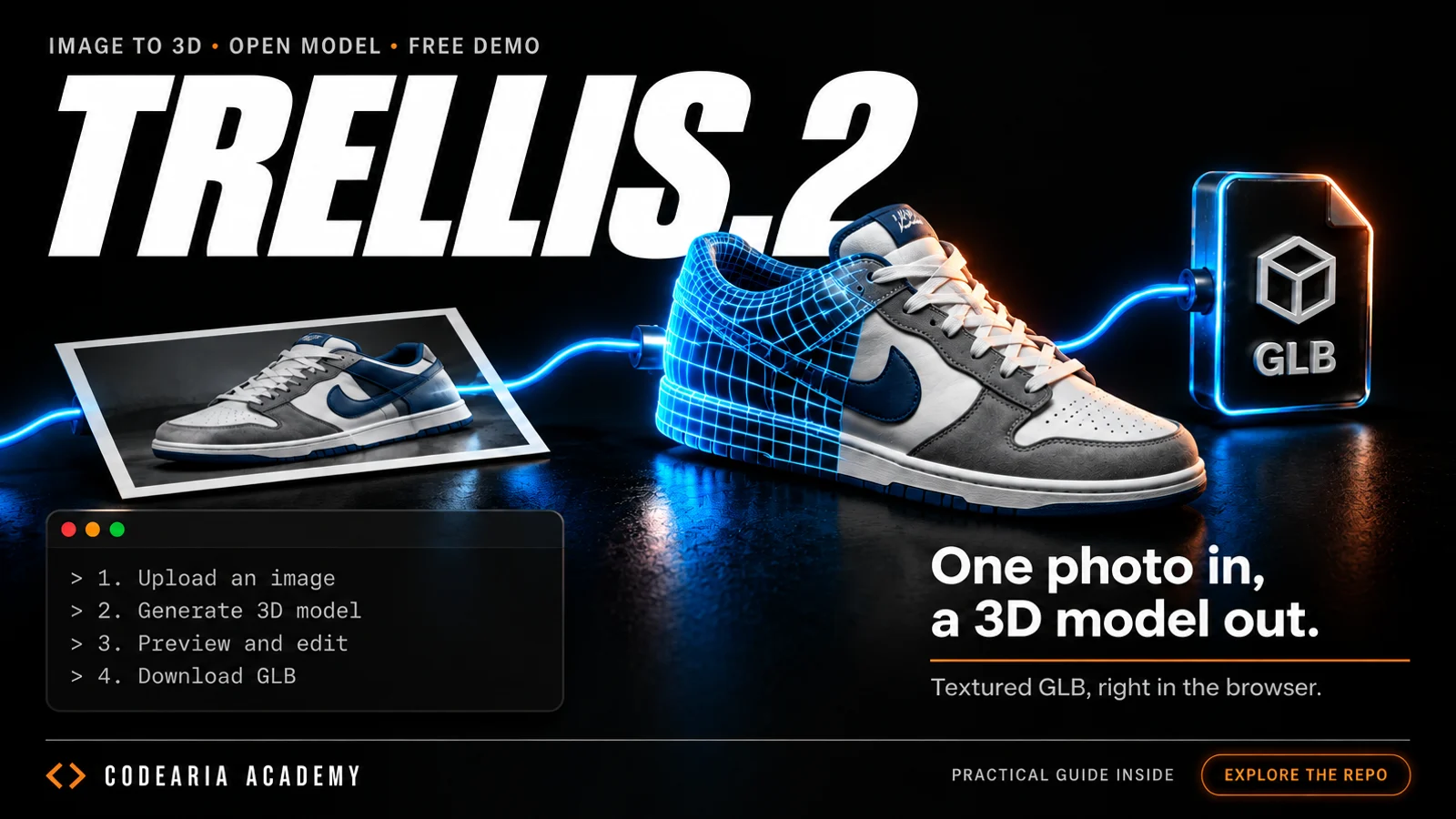 ServiceTRELLIS.2TRELLIS.2 by Microsoft turns a single photo of an object into a 3D model with materials and gives you a GLB file. The demo runs free in the browser, MIT licence.
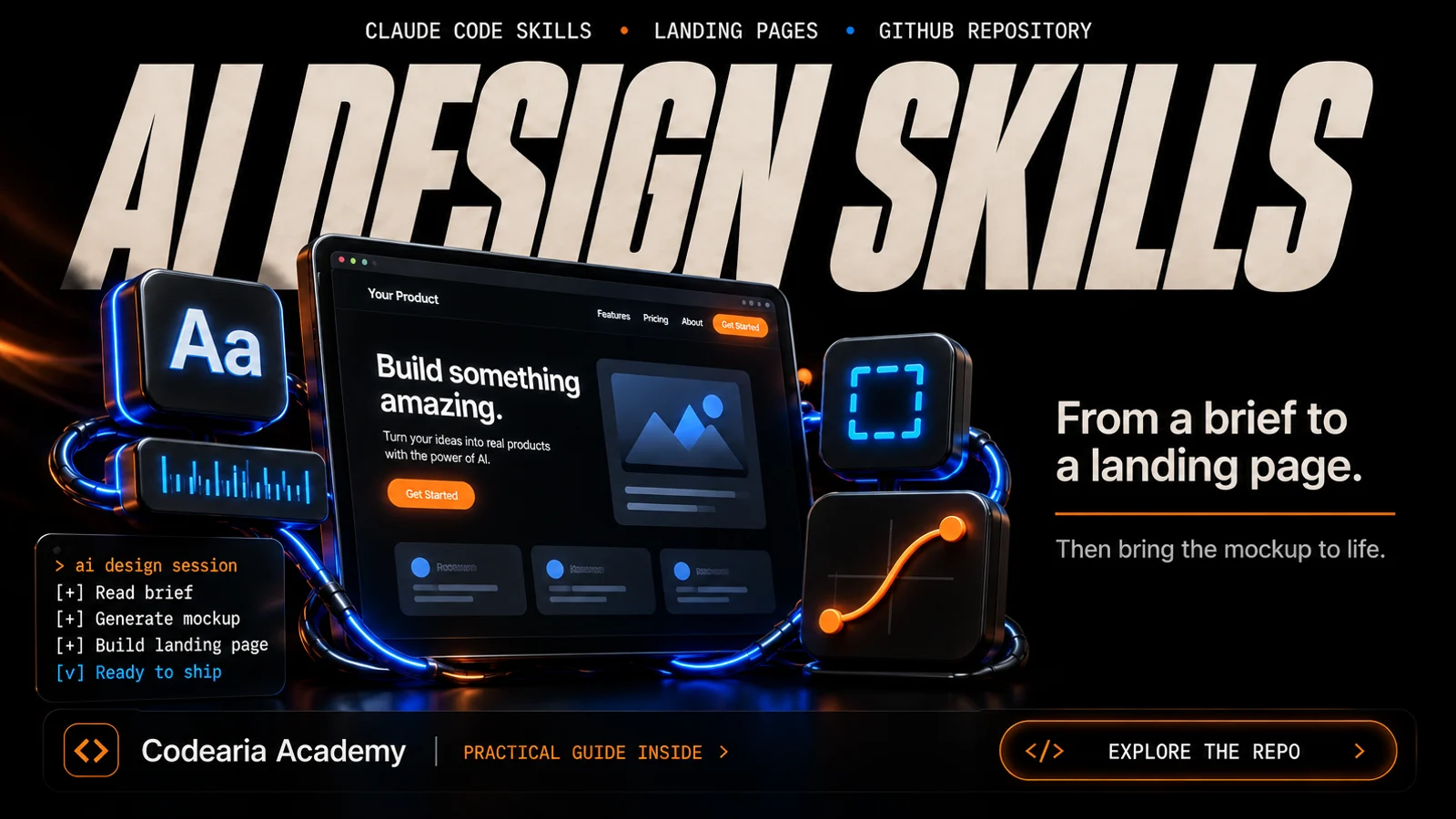 GitHub repository17kAI Design SkillsTwo MIT skills for Claude Code, Cursor or Codex: one takes a landing page from brief to strict visual system, one animates a Figma mockup into video and GIF.
$ ls articles/ --related
Comments