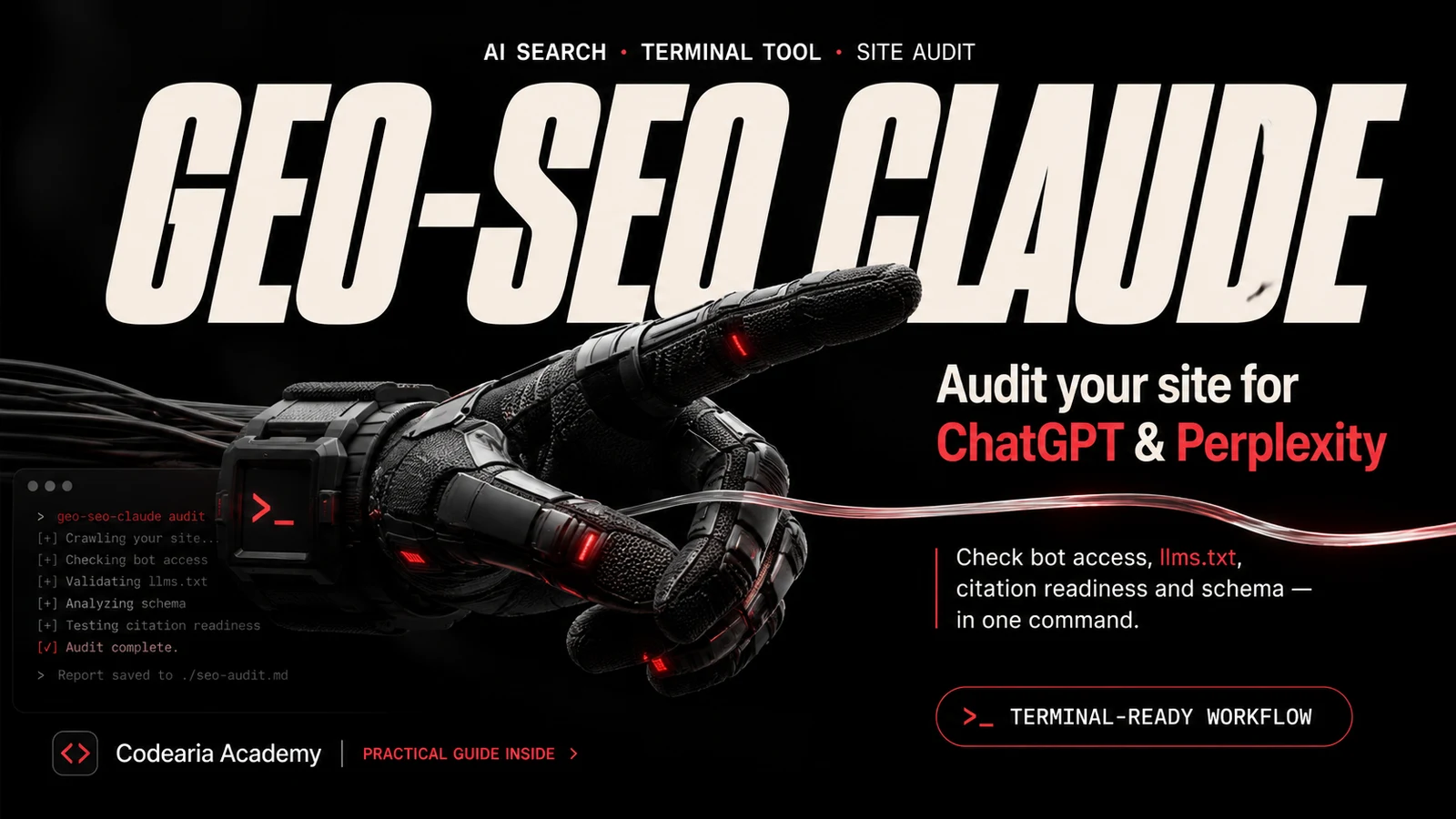
geo-seo-claude: audit your site for ChatGPT and Perplexity
A Claude Code skill that checks if your site is ready for AI answers: crawler access, llms.txt, passage citability and Schema. One command, one report.
In this article5
Tools used in this piece
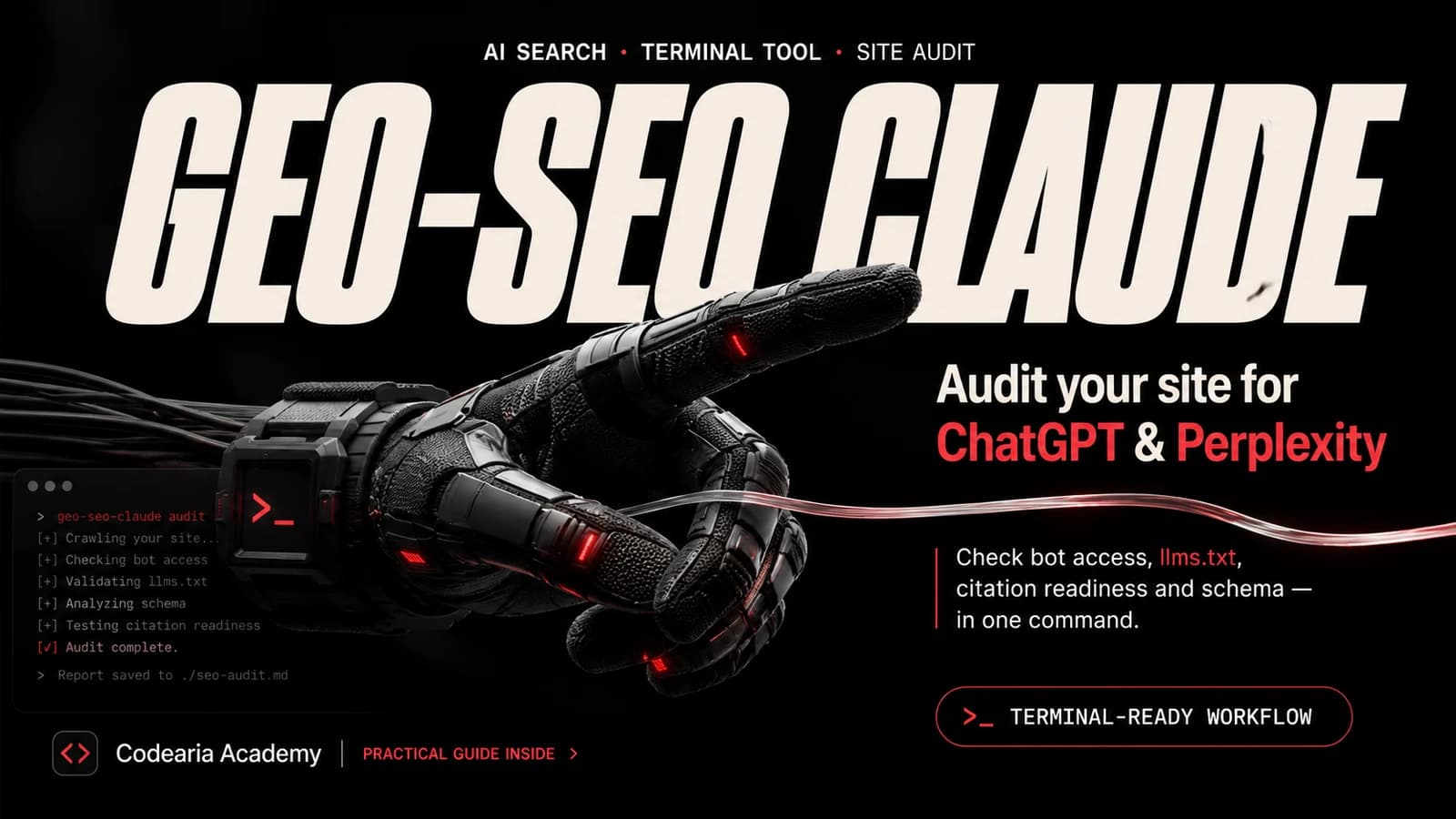
geo-seo-claude is a free Claude Code skill that checks whether a site is ready to appear in answers from ChatGPT, Perplexity, Claude and Google AI Overviews. Seventeen commands: a full audit scored 0 to 100, a check on AI crawler access in robots.txt, llms.txt generation, passage citability scoring, Schema markup analysis and generation, and a client-ready report in markdown and PDF. It runs from the terminal, installs with one command, and ships under MIT.
People increasingly ask a model rather than a search box: "which automation course should a beginner take", "what can replace Notion". The answer gets assembled from a handful of sources, and getting into it is a job ordinary SEO tools do not do — they count positions, not citations.
A niche grew around that job in half a year, and its most visible project is geo-seo-claude: 9,900 stars, 1,500 forks. We went through the code, and it turns out to be one of those rare cases where a loud promise has real engineering behind it.
What it does
Not a subscription service but a set of instructions for Claude Code plus a few Python scripts. You type a command in the terminal and get a report in a file.
The centrepiece is /geo audit. It splits the work across five subagents that crawl in parallel: one on AI visibility, one on platforms, one on technical foundations, one on content quality, one on markup. A few minutes later you have a single report with a score and a prioritised task list.
| What gets scored | Weight | What it means |
|---|---|---|
| Citability and visibility | 25% | Can a paragraph be lifted into an answer as it stands |
| Brand authority | 20% | Do Wikipedia, Reddit and YouTube know you |
| Content and E-E-A-T | 20% | Author, experience, sources, dates |
| Technical foundations | 15% | Server rendering, speed, indexability |
| Structured data | 10% | Schema and JSON-LD |
| Platform readiness | 10% | AI Overviews, ChatGPT and Perplexity separately |
Three commands worth installing it for
The full audit is impressive, but short checks are what you reach for in practice. These three return something useful in a minute and need no setup.
/geo crawlers https://your-site.com/geo llmstxt https://your-site.com/geo citability https://your-site.com/blog/post
/geo crawlers reads robots.txt and tells you whether GPTBot, ClaudeBot, PerplexityBot and OAI-SearchBot are allowed in. This is the most common and most annoying failure: the site is closed to AI crawlers, and no amount of work on the text will help. The check takes seconds.
The second command, /geo llmstxt, looks for /llms.txt — a short site map written for language models. When the file is missing it builds one from your sitemap, and all that is left is to publish the result at the root.
Most of the value sits in the third, /geo citability. The script cuts a page into blocks by heading and scores each one: is there a direct answer up front, does the paragraph stand without the context around it, are there numbers and names, have the sentences sprawled. It works as an editorial exercise — it shows which paragraphs a model can quote and which fall apart the moment they are pulled out.
the paragraph length the skill treats as optimal for citation
The pleasant details inside
- 1
Isolated environment
Python dependencies go into a dedicated venv at ~/.claude/skills/geo/.venv. Your system Python is untouched, and uninstalling the skill takes the environment with it.
- 2
Current standards
tests/ holds live checks for things that only just landed: Content-Signal in robots.txt, markdown served through content negotiation, RFC 8288 Link headers. Someone here is watching the field.
- 3
Ready-made schemas
schema/ has six JSON-LD templates — organisation, local business, product, article with author, SaaS, site search. Useful on their own, without the skill.
- 4
White label
white-label/ repaints reports in your own brand from a single config file. If you deliver audits to clients, that is an evening of layout saved.
What we took from it
We have not run the audit itself yet: the installer spreads sixteen skill directories and five agents across ~/.claude, and that is a decision to take deliberately rather than in passing. The citability logic, though, travels without the install — direct answer in the first paragraph, numbers with their conditions, self-contained blocks. This article was written to it: the rules work by hand, with nothing running. What happens when the same work stops being manual is covered in the SEO automation guide, and the full path to an autopilot in the course of the same name.
One caveat about languages
The citability scoring is built on English patterns: it looks for constructions like "X is a", Latin-script proper nouns and English pronouns. On a Russian or Hebrew page part of the score is awarded blind — read the number on the English version and use the written recommendations elsewhere. Also: the PDF report only builds on macOS, where the browser path is hard-coded. The markdown report works everywhere.
Is it worth installing
Yes, if you run a blog, documentation or a catalogue and want models to cite you. The project is alive — 101 commits, 13 contributors, MIT — and the barrier is nil: one install command, then ordinary commands in the terminal.
If you build sites for clients, the value doubles: there is a complete path from audit to proposal to monthly progress report inside. That is no longer a utility, it is half a service.
git clone https://github.com/zubair-trabzada/geo-seo-claude.gitcd geo-seo-claude./install.sh
Versions move
This breakdown was made on 31 August 2026 against commit 1ccbcf4. The project is six months old and growing fast — check the README for the current command list before installing.

Comments