$ open guides/claude-artifacts-desktop-apps
FreeClaudeArtifactsDesktop apps
Claude artifact as an app: how to install it and what people already built
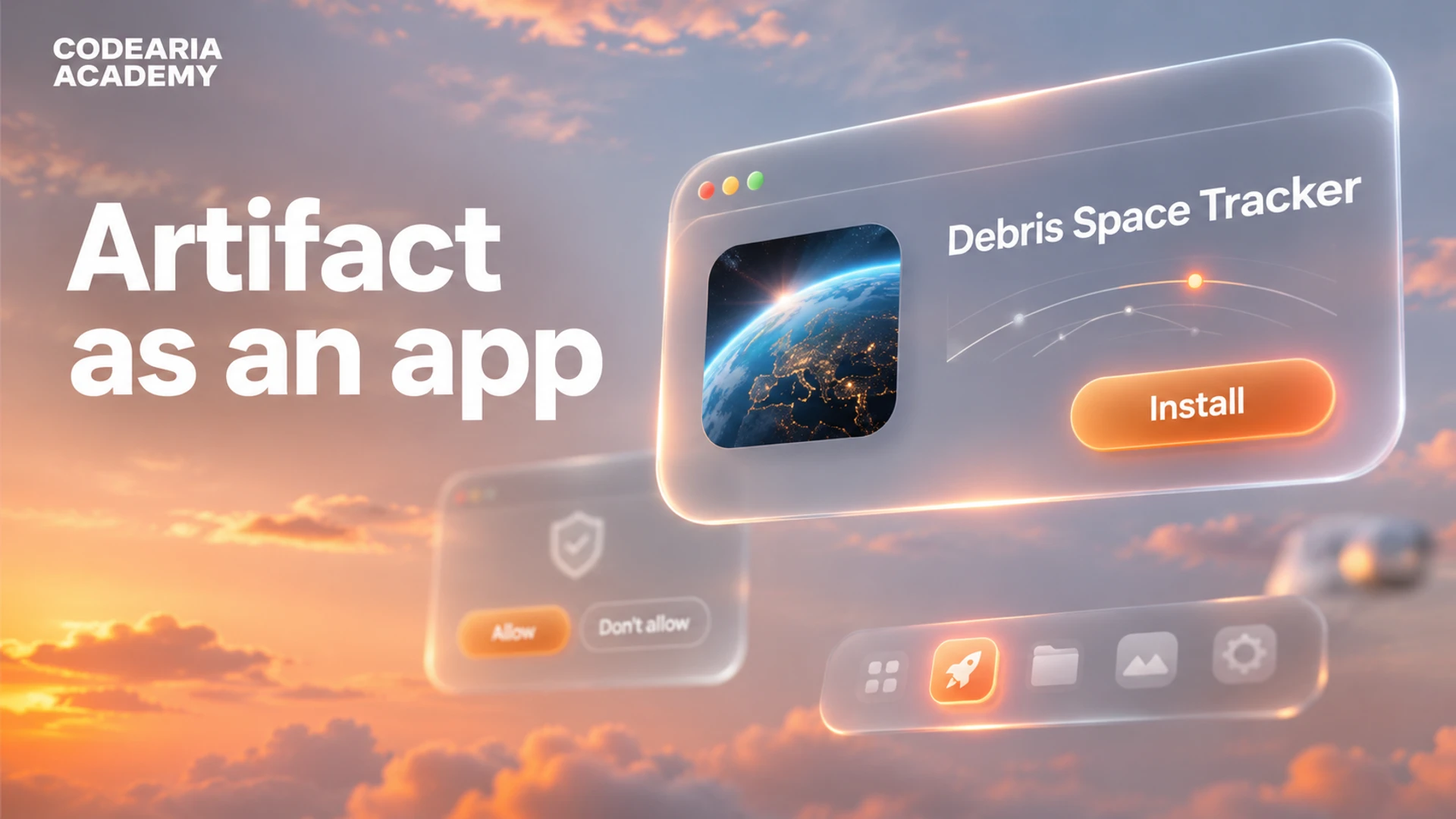
Install as app turns an artifact into a program with its own icon and window. Below: how to install it, what permissions it asks for, examples from Anthropic and three prompts to build your own.
What you'll get
4 sections5 steps3 prompts
What to know
2 clicks
Install as app, then Install
in the artifact menu, on right-click or in Share
3 levels
of access to your computer
browser, individual permissions, full access
0 keys
no packaging, no signing, no API key
the app runs through your Claude account
01Install
How to install an artifact on your computer
You need Claude Desktop for Mac or Windows, version 6.28899.0 or newer. The browser and the phone app do not have this button.
Update Claude Desktop
Check the version in the app menu. The feature is not available on Linux, on the web or on the phone.
MacWindowsAsk for an artifact
Describe a small program: a tracker, a dashboard, a converter. Claude builds it right in the chat. Ready prompts are below.
Click Install as app
The button is in the artifact header menu, on right-click or in Share. Then confirm with the Install button.
Find the app
On Mac it sits in the Claude Apps folder inside Applications, and you can pin it to the Dock. On Windows: the Claude Apps folder in the Start menu or a shortcut on the desktop.
DockStart menuEdit as usual
Ask Claude to change the artifact, and the installed app updates by itself. No need to reinstall.
02Prompts
Three prompts for your first app
Paste into Claude Desktop, wait for the artifact and click Install as app. Replace the square brackets with your own.
01Habit tracker in the menu bar
Build an artifact: a habit tracker that is handy to keep in the menu bar. Habits: [drink water, 20 pages of a book, workout]. One button per habit, a check for today, a streak of days in a row and the week as squares. Store the data in the artifact itself. Dark theme, large buttons, everything fits in a 360 by 480 window. At the end, tell me which permissions it will need after installation and why.To keep it in the menu bar, allow "Menu bar item" after installing.
02Your own dashboard instead of an admin panel in the terminal
Build a dashboard artifact for [my tasks / requests / orders]. At the top, three numbers: [today, this week, in progress]. Below, a table with search and a status filter. Use sample data for now, but make a clear place where I will paste my own: JSON or CSV. No external libraries loaded from other sites. At the end, tell me how to connect [connector] if I have it.Code the app loads from other sites can change without a new permission request. Better to go without it.
03File helper with rules
Build an artifact that helps me tidy up my [Downloads] folder: I drag in a list of files or paste their names, and it suggests where to move each one based on my rules. Rules: [images to Photos, PDFs to Documents, archives older than a month to Trash]. At first it only shows the plan and does nothing by itself. Add a "Copy plan" button.Let the app only suggest a plan. Give full computer access only to apps you built and checked yourself.
03Security
What the app can do on your computer
By default: like a page in a browser
Without your permission the app does not read files or run programs. It can do what a browser tab can, plus Claude and your connectors.
Individual permissions
Notifications, keyboard shortcuts, a window on top of others, an icon in the menu bar (the tray on Windows). For each one you answer Allow or Don't allow.
Full access to your computer
Run programs, read, change and delete files without asking. Available only for apps you built yourself, and in Team and Enterprise for apps built in your organization.
A permission lasts until the next update
"Allow" applies only to the current version. After any edit, even your own, the app asks again. "Don't allow" stays until you change it.
Anthropic does not review apps
Nobody reviews them before installation. If the app comes from another author, the permission request shows a warning.
Where to change them
On Mac: the menu with the app name, Permissions. On Windows: right-click the window title bar. Or in Claude Desktop: File, Apps, Permissions.
04Examples
What Anthropic already built
Linnet
An image editor with layers.
Phosphor
A file manager styled like a movie set.
Sift
You set rules for folders, and Claude sorts the files by itself.
Tern
A terminal with Claude built in: it suggests commands and explains what happened.
Vitals
A small app in the menu bar or tray: how your computer is doing.
Beta limitations
- 01
You need an internet connection and to be signed in to Claude Desktop, otherwise the app will not open.
- 02
Building the app and its requests to Claude use your plan limits.
- 03
You cannot install template artifacts (Docs, Slides, Sheets), old artifacts or live artifacts from Cowork.
- 04
In Enterprise the feature is off until the owner turns it on in the organization settings. It is not available for HIPAA organizations.
- 05
This is a beta: button and menu names may change.
Sources
Go deeper
Mastering Claude Code: From Zero to Power User
In the Claude course we cover artifacts, projects, skills and Claude Code on real tasks: from the first prompt to your own tools that work for you every day.
$44.90 · one payment, lifetime access

More guides on this topic
All guidesRead next
 Claude Code · PrivacyClaude, do not let me get sued: a 20-point promptCopy one prompt into Claude Code before launch. Below, each point in short: why it matters, how to check it yourself and a link to the official source.Nov 25, 2026
 Certificates · Generative AI11 certificates in a weekend: links and what you really getThe full list from the video in the same order. Each item has a direct link, time, price and an honest note: certificate, badge, profile mark or no confirmed document.Nov 24, 2026
 Claude Code · PerformanceClaude, do not let my app be slow: a 17-point promptCopy one prompt into Claude Code before launch. Below, each point in short: why it slows the app, how to check it yourself and a link to the docs.Nov 24, 2026
Comments