This Is More Than Just One Guide
11 courses and 27 free guides on AI automation for business — and beyond.

Three Ways to Work With AI: Chat, Browser, Terminal
90% of people only know AI as a chat: ask a question, get an answer. But that's just the first of its three forms. In the browser it clicks, fills forms, and sets up ad campaigns for you. In the terminal it gets access to your whole computer and writes, checks, and fixes code itself. Same AI, three levels of access to your real work. The difference isn't the model — it's how much access you give it. And with chat alone, you're using it at a tenth of its power.
What's Inside
Free · 7 min readYou're Stuck on Level One
Chat answers, but does nothing for you. You stay both the one who sets the task and the one who does it. Here are the three walls you hit when you only work in chat.
Copy-paste eats your time
The AI hands you code or text — and you manually move it into files, into the ad dashboard, into the editor. It thinks for you, but you still do the work by hand.
It can't see your real work
In chat, the AI doesn't know what's in your project, what's open in your browser, what's on your screen. You re-explain context in words — and lose details at every step.
An advisor, not a teammate
'Here's how you could do it' is all chat gives you. Click a button, change a file, launch a campaign — it can't. The power is there; the access isn't.
Access Turns Talk Into Work
The moment the AI gets access to your files, browser, or computer, an answer becomes a finished task. Here's what opens up.
All of this is the same AI. The only thing that changes is where you let it in: the chat window, a browser tab, or the terminal.
One AI, Three Levels of Access
Each form gives the AI more access to your real work — and takes more routine off your plate. From a conversation partner, to a web agent, to an executor on your own computer.
Chat With Access to Your Files
The simplest entry. Claude.ai in your browser, phone, and app. Drag in files or set up a Project with a knowledge base — and the AI works from your documents. It can not only read but create finished files: spreadsheets, presentations, documents, PDFs.
What it can do
- Build a report, presentation, or spreadsheet from your data
- Sort and structure a pile of files — contracts, exports, notes
- Write copy and drafts based on your own materials
- Answer a question about a huge document in seconds
- Hold context in a Project — load the knowledge once, the AI remembers it in every chat
Example
Drop in a sales export → 'make a quarterly summary with charts and a 5-slide deck' → walk away with finished files.
The limit
Works only with what you give it. Doesn't browse the internet on its own or touch anything you didn't load.
Who it's for & start
Anyone who wants a result right now. No installs, start in 1 minute, free.
An Extension Right in Your Browser
The Claude extension for Chrome. The AI gets access to your open tab and acts on sites for you: it sees the page, reads it, clicks and fills fields itself.
What it can do
- Scan a site and pull the data you need — prices, contacts, tables
- Look into a page's code and adapt it
- Run searches, queries, and fill forms
- Help set up ad accounts and campaigns
- Walk through routine web flows step by step
Example
Open your ad dashboard → 'collect stats for all campaigns this month into a table and flag the unprofitable ones'; open a competitor's catalog → 'list every product and price.'
The limit
Lives inside the browser and acts with your confirmation, step by step — that's protection, not a flaw. Rolling out in preview for subscribers.
Who it's for & start
Marketers and anyone who lives in the browser: ads, data, forms, research.
AI Right in Your Terminal
The top level. Claude Code installs into your terminal; open a project folder and it gets access to your whole computer. You still work through chat, but the AI changes files itself. It also lives in VS Code, JetBrains, and the desktop app.
What it can do
- Read and change code across your projects instantly
- Check and fix errors on the fly — it runs, sees the error, fixes it
- Work across whole folders, not a single file
- Run tasks by command and make git commits
- Spin up a project or MVP from scratch
Example
'Find why the build fails and fix it,' 'add payments across the whole project,' 'refactor every form for the new validation' — grab a coffee, come back to the result.
The limit
The biggest access means the biggest responsibility. You run it deliberately, per project.
Who it's for & start
Anyone who wants to truly automate work, not just get advice. This is the level our course is built around.
Which Level Is Yours?
The map you'll keep coming back to. Task → the right form of AI.
Pro tip: start at level 1, and move to the terminal when tasks get serious. The levels don't compete — they stack into one pipeline.
The full course spends a block on each form: where it's strong, where it's risky, and how to wire all three into one workflow.
Launch the Most Powerful Level in 4 Steps
Chat and the extension turn on in a couple of clicks. Here's the working start for Claude Code — copy it as-is.
# 1. Install Claude Code (needs Node.js 18+)
npm install -g @anthropic-ai/claude-code

# 2. Go to your project folder and launch it
cd path/to/your/project
claude

# 3. First command inside — let the AI study the project and build memory:
> Study this project and create a CLAUDE.md file: stack, structure, rules.

# 4. Then steer with words, not code:
> Add a contact page with a form and validation.
> Find the bug that resets the cart on reload, and fix it.
> Add payments and make a working 'Buy' button.
How to read it
Installed once
Claude Code installs globally via npm and is available in any folder on your computer.
Gave it memory
The AI picks up the CLAUDE.md file at the start of every session — no re-explaining the project.
Steered with words
You state the task in plain language — the AI changes files, runs them, and checks the result itself.
The full course breaks down every command, memory setup, and how to keep the agent from breaking your project.
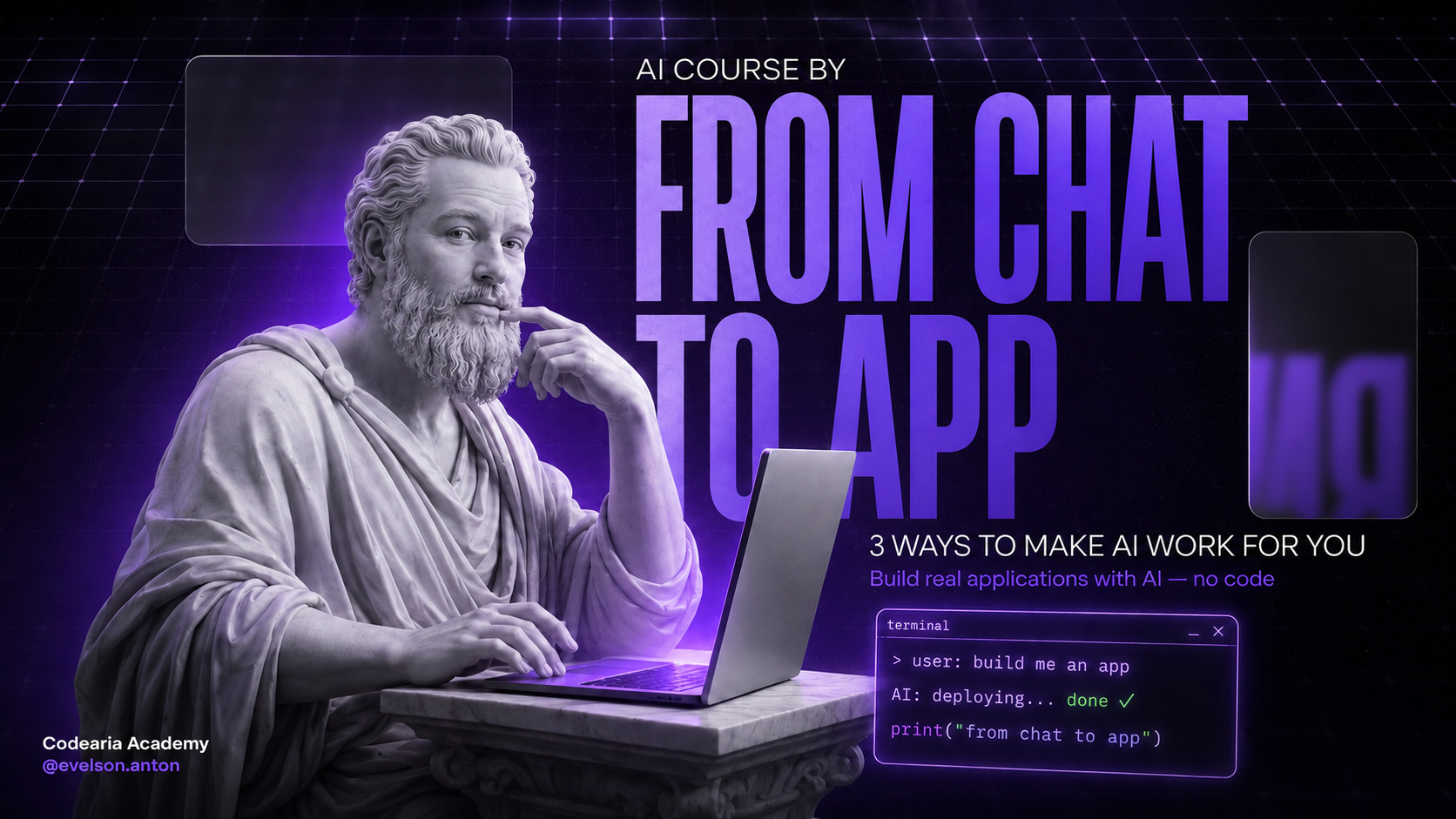
From Chat to App
All three ways, laid out step by step — and in the finale you build and publish a real landing page straight from your terminal. From zero, no coding experience needed.
What Changes
You stop being the AI's hands.
An idea no longer stalls on 'who's going to actually do this.' In chat you think it through, in the browser the AI sets up the campaign and gathers data, in the terminal it builds and fixes the product itself. One AI carries the task from thought to finished result, and you just steer. That's the shift from an AI advisor to an AI teammate.
Your First Day With the Three Levels
A taste of what the full course teaches — the shape of the work, without the full depth.
01.Start with chat
Open Claude.ai, set up a Project for your task, and try turning your files into a report or a deck.
The full course walks each level in detail — with real projects, setup, and wiring all three into one workflow.
What You Get Out of It
You stop choosing between 'easy' and 'powerful.' Simple goes to chat, web routine to the browser, real work to the terminal. One skill — steering a task with words — pays off across all three levels at once.
Your Learning Path
Three courses that compound. Master AI in the terminal, then video content, then scale into everything else.
Master Claude Code first
Level three from this guide — in depth. Context, memory, commands, and the AI workflow every automation builds on.
Open the Claude Code courseMove into AI video
Turn the skill into content: AI video with Remotion, scenes, and serial production.
Open the Motion Video courseScale into everything
AI sales, team workflows, automation. All included in the lifetime bundle.
See all coursesOne payment — everything unlocks
All 11 courses are independent. Pay once ($44.90), get lifetime access to every course, guide, and future update.
Turn AI Into an Executor
The guide showed you three levels of access. The full bundle gives you the whole route: how to set up AI in the terminal, wire it to the browser and your files, and automate real work. Lifetime access, every future course included.
Comments