$ cat articles/aura-autopilot-ai-playtester-unreal-unity-godot.md
Explainer· Development· Automation· 15 min read· Oct 31, 2026
Aura Autopilot, an AI playtester: let an agent play your game and report the bugs (from scratch)
Checking whether a change broke your level no longer takes an hour on the gamepad. Set up Aura Autopilot in Unreal, Unity or Godot and get a playtest report.

Aura Autopilot is an open-source program that plays your game by itself and looks for bugs. You install it as a plugin in the Unreal, Unity or Godot editor and give it a task in plain words: go through the level and tell me what looks wrong, or check that the tree shakes when you hit it with an axe. Autopilot launches the game, reads the project code, plays in real time and hands you a report at the end. It remembers your game from run to run and plays with more confidence each time. It suits anyone who builds a game alone or together with an AI agent and is tired of replaying the level by hand after every change.
After every change to your game you usually do the same thing.
You launch the build. You run to the right spot. You hit, jump, open the chest. You check whether the character fell through the floor.
If an AI agent writes the game for you, there are far more changes, and you are still the one replaying the level. The agent can write code, but it can't see how that code plays.
That job now goes to an AI playtester: an agent that doesn't build the game but plays it. On October 30 the Aura studio open-sourced its playtester Autopilot. It works in three engines and, by the authors' own measurements, handles checks faster than Claude Code.
Below we set it up from scratch. By step 2 you will have your first report on what is wrong with your level.
Real-time playtester for Unreal Engine 5, Unity 6 and Godot 4 on Windows and macOS. Open source under the Apache 2.0 license.
What an AI playtester is, in plain words
Imagine you invite a friend over, sit them at the console and say: get to the boss and tell me if anything feels off. They play, you listen for where they stumble. A playtester does the same, except the friend is a program and you can be more specific: test the crafting system, beat the boss without dropping below 20% health.
Why can't an ordinary coding agent do this? The game runs in real time: an enemy attacks, and you have to dodge and aim right now. An agent that thinks for several seconds over every move has already lost by then.
Autopilot splits the work between two parts. The first, a language model like the one inside ChatGPT, reads your game's code and writes a "control panel" for it: which buttons exist and what each one does. The second, a fast decision model, holds that panel and picks actions during play. When the task is done, the game window closes by itself and you get a report.
And the third detail, the reason it is worth a try: Autopilot keeps a memory of your project. The first runs are clumsy, but the more it plays your game, the faster it finishes the same tasks, the better it dodges and aims, and the smarter it picks its weapons.
Do you need it
It is worth an evening if:
- you are making a game in Unreal, Unity or Godot, even a small one, even your first;
- an AI agent writes the game for you and you are tired of checking every change by hand;
- your game has a mechanic that is easy to break without noticing: crafting, inventory, combat, saves;
- you want to check not only whether it launches but whether it can be beaten.
You can skip it if your game runs on another engine or in the browser: Autopilot only works as a plugin for these three editors. And if there is nothing in the project yet but an empty scene, come back once you have a first level.
Step 1. Install Autopilot in your engine
What you need first: a project in one of the engines and a Windows or macOS computer. Supported versions are Unreal Engine 5.4–5.8, Unity 6 and later, Godot 4.7 and later. In Unreal, a Blueprint-only project (visual scripting, no code) works too.
- Open the Autopilot page, pick your engine and OS, and download the build.
- Unzip it and put the plugin into your project:
# Unreal: the Autopilot/ folder into the project's Plugins/<YourProject>/Plugins/Autopilot/Autopilot.uplugin# Unity: Window > Package Management > Package Manager+ > Install package from tarball... > com.ramenvr.autopilot-<version>.tgz# Godot: the autopilot/ folder into the project's addons/Project > Project Settings > Plugins > Autopilot: Enable
- Open the project. In Unreal click the orange Autopilot icon, in Unity open Window > Autopilot, in Godot the panel appears on the right.
- Go through setup: sign in to an Aura account or create one. When you see the "Agent service ready" screen, click Continue.
- The program asks whether it may share your runs with the authors to improve Autopilot. Your call: it is a toggle and you can switch it off.
Result: the Autopilot panel is open in your editor, with a field for the task.
Step 2. Give it a first task and get a report
Autopilot understands four kinds of tasks: explore, test, verify one specific thing, and reach a goal. Start with the simplest, a general test of the level. We write in English, as in the authors' documentation:
Go through the currently open level and tell me everything that looks wrong.Replace: nothing, just open the level you want checked in the editor. Result: Autopilot launches the game in an editor window, runs around the level and closes the window. A report appears in the panel: what it did and what looked wrong to it.
To check one specific thing, write a verification task:
Verify that [what should happen] when you [player action].Replace: the brackets with your mechanic. The authors' example: "Verify that the tree shakes when you hit it with an axe". Result: a short works-or-not report and what it did to find out.
Read the report as a tester's note, not a verdict. If it flagged something odd, open that spot and look at it yourself.
What to do with the findings next? If an AI agent writes your game, you can hand it the whole report, just like a note from a tester:
Here is a playtest report from Autopilot for [level name]. Fix the problems it found, explain each fix in one line, and do not change anything else.

[paste the report text]
Replace: [level name] with the name of the level, and paste the report from the Autopilot panel at the end. Result: the agent fixes specific spots instead of guessing what you meant by "something is off with the door". Then give Autopilot the same task again and see whether the bug is gone.
That gives you a short loop: the agent fixes, the playtester checks, and you only look at what raised doubts.
Step 3. Teach it your game
On the first runs Autopilot doesn't know your game yet and may play clumsily. The authors say so directly: early attempts will be suboptimal while it fills its project memory.
There are two ways to speed up the introduction.
Exploration run. During setup Autopilot offers a 10-minute run in which it simply studies the game. You can skip it, but if you have the time, run it: later tasks will go faster.
Exploration task. Point it at one system:
Explore the [system] in [level].Replace: [system] with what you want to show it (crafting system, inventory, dialogue), [level] with the name of the level or scene. The authors' example: "Explore the crafting system in Lvl_Main". Result: Autopilot figures out how that system works and remembers it for the next tasks.
The memory lives in the project. Even if you uninstall Autopilot, by default it stays, so after a reinstall it doesn't have to learn from scratch.
Step 4. Set a goal, as you would for a real player
The most interesting task is a goal: not "check the button" but "beat it". That tells you whether your level can be beaten at all and whether it is too hard.
Kill the [enemy] while keeping your health above [threshold] of its maximum value.Replace: [enemy] with a boss or an opponent, [threshold] with the condition. The authors' example: "Kill the boss while keeping your health above 20% of its maximum value". Result: Autopilot plays the fight and tells you whether it worked and what got in the way.
If it can't reach the goal, that is an answer too. Maybe the fight really is too tough, or there is a bug that makes winning impossible.
Step 5. Connect it to Claude Code or Codex
If Claude Code or Codex writes your game, you can connect Autopilot right to them. Then the agent builds a feature and calls the playtester to check it on its own. It works through skills and an MCP server, a standard socket that lets an agent plug into other programs.
autopilot connect claudeautopilot connect codex
After that, talk to the agent as usual:
Use Autopilot to verify that [what to check] after your last change.Replace: [what to check] with the feature the agent just built. Result: the agent runs the game through Autopilot and gets a report it can use to fix the code itself.
In this mode Autopilot runs on your own Claude or ChatGPT subscription. The plugin itself has two other options: an Aura account or your own API keys.
Where Autopilot doesn't work
Good to know up front
Three engines only, and only inside the editor. Autopilot is a plugin for Unreal, Unity and Godot on Windows and macOS: it won't test browser games or other engines. Building from source is supported for Unreal only; for the others you take the prebuilt package. The first runs are slower. While the memory is empty it plays clumsily, which is normal and passes with practice. The benchmark is the authors' own. The comparison with Claude Code is their measurement on one game, not an independent test.
How to do it right. Start with small tasks that verify one mechanic: they show right away whether Autopilot understands your game. Save big goals like "beat the whole level" for when it has a couple of runs behind it. And treat the report as a hint: deciding what is actually broken is still up to you.
Since speed came up, here are the authors' numbers. They gave Autopilot and Claude Code the same seven tasks in a game on Unreal Engine 5.8, both started with empty memory, and cheating counted as failure.
tasks passed by Autopilot in the authors' test, Claude Code passed 5 of 7. Mean time per task 262 seconds versus 437, that is 1.7 times faster
Version and terms as of October 31, 2026. The project has just been opened and will change fast: check the Autopilot page for the current state.
Examples: how to repeat this
A check after every change. You built a new mechanic or asked the agent to, so give Autopilot a verification task for exactly that. While it plays, you move on to the next change instead of running the same corridor with a gamepad.
Finding oddities in a new level. You built a level, so give it the general "what looks wrong" test. It will run where you wouldn't have thought to go.
Checking difficulty. Set the goal "beat the boss while keeping health above half". If a nimble playtester with memory can't do it, your players will have an even harder time.
A build-and-check loop. Connect Autopilot to Claude Code or Codex, and the agent will check its own work before handing it to you. The Aura app works the same way: the agent builds a feature, and Autopilot plays it.
Games of different genres. The authors say it has played shooters, action RPGs, mobile match-3, survival crafting, turn-based JRPGs and real-time strategy. So try it on your genre, even if it is nothing like an action game.
Prompt set
All tasks go into the Autopilot panel. Everything except the [brackets] copies as is.
General level test
Go through the currently open level and tell me everything that looks wrong.Verifying a mechanic
Verify that [the door opens] when you [press the button next to it].Getting to know a system
Explore the [inventory system] in [level name].Goal with a condition
Kill the [boss] while keeping your health above [50%] of its maximum value.Checking item pickup
Verify that picking up [item] adds it to the inventory and that it can be used.Checking that the level can be finished
Reach the [exit or checkpoint] of [level name] starting from the player start. Report anything that blocks the path.From Claude Code or Codex
Use Autopilot to check the feature you just built in [level name] and fix what the report finds.Plan for tonight
- 1
10 minutes
Download Autopilot for your engine and put the plugin into the project.
- 2
5 minutes
Open the panel, sign in, decide on sharing your runs.
- 3
10 minutes
Start the exploration run while it gets to know the game.
- 4
10 minutes
Give it a general test of the current level and read the report.
- 5
15 minutes
Verify one mechanic you changed recently and look at the findings yourself.
- 6
10 minutes
If you build the game with an agent, connect Autopilot to Claude Code or Codex.
Before and now
Before, after every change you launched the game yourself, ran to the right spot and checked whether anything broke. Now a program does it, playing to your task and knowing the game better each time.
Autopilot is not about replacing real players. It is about spending your evening on the game you are making, not on the same run through the same level.
Our opinion, and you can argue with it: for a solo developer building a game with an AI agent, a playtester will become as essential as the agent itself. We will be wrong if on real projects the reports miss the point and checking them takes longer than playing the level yourself.
If you are just starting to build your own projects with AI and want to go from chatting with a bot to a working app, that path is in the course From Chat to App.
Sources4expand
- Aura (Ramen), «Aura Autopilot», README, checked 31.10.2026 — https://github.com/ramenvr/autopilot
- Aura, «Aura Autopilot», product page and benchmarks, checked 31.10.2026 — https://www.tryaura.dev/autopilot
- Aura Documentation, «Autopilot», checked 31.10.2026 — https://www.tryaura.dev/documentation/autopilot/
- Aura, announcement of open-sourcing Autopilot, X, 30.10.2026 — https://x.com/Aura_Assistant/status/2116191580063404100
$ grep tools: articles/aura-autopilot-ai-playtester-unreal-unity-godot.md
Tools from this piece
Each has its own card: check date, stars and a short verdict.
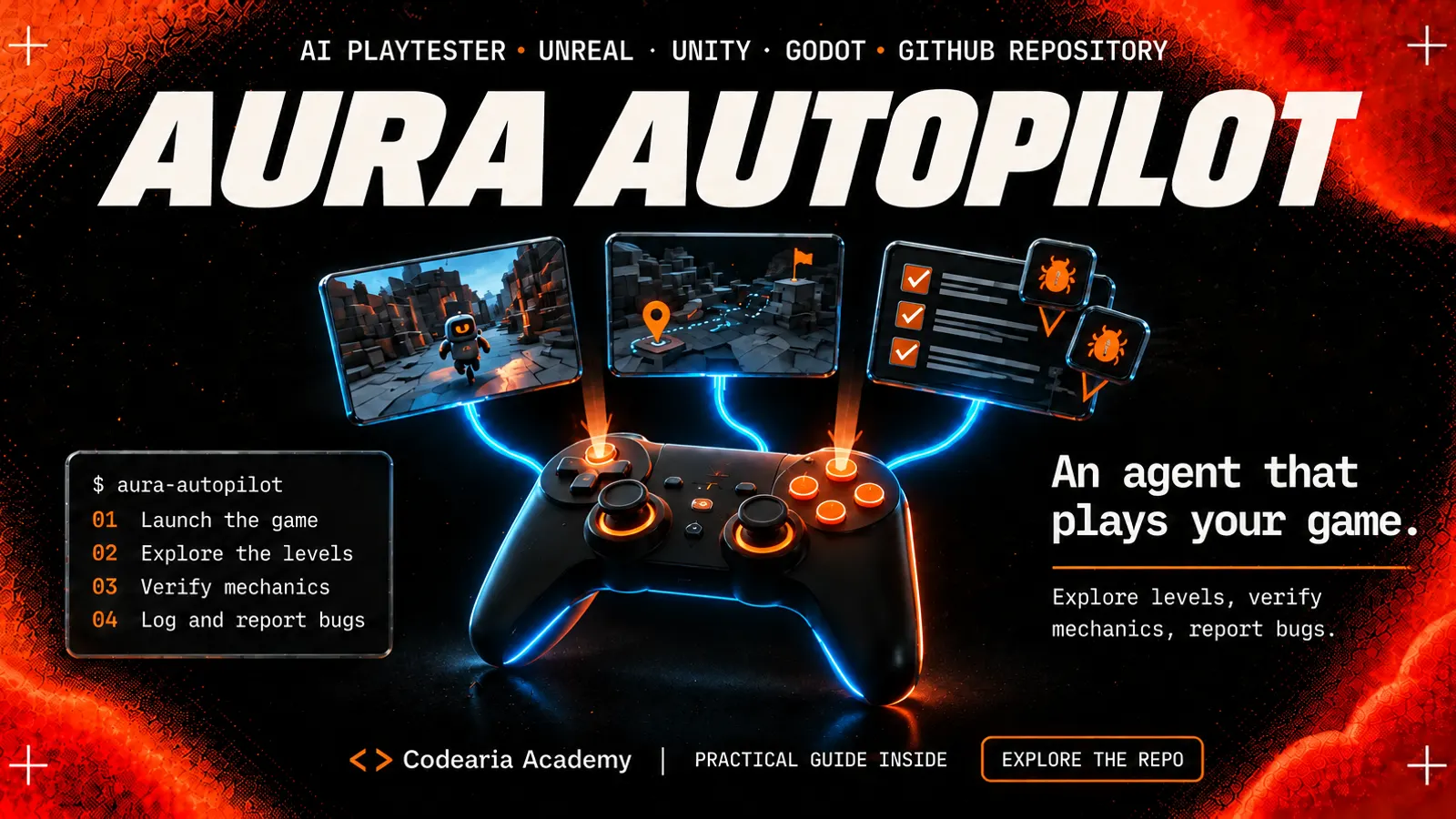 GitHub repository616Aura AutopilotAn agent that plays your game for you and hunts for bugs: it explores levels, checks a mechanic from a single sentence and writes a report. It installs as a plugin in Unreal, Unity and Godot and learns from every run. Open source, Apache-2.0.
 GitHub repository58kCLI-AnythingTurns an ordinary program like GIMP, Blender or LibreOffice into a set of commands an AI agent can use on its own, without screenshots or clicks. There is a catalogue of ready-made ones, and you can build your own with one command in Claude Code. Apache-2.0.
$ ls articles/ --related



Comments