
Less code, more tests: Ponytail teaches Claude Code to stop writing what you don't need
Build with Claude Code without hundreds of extra lines: install Ponytail, walk its ladder of questions, the pre-release review and the author's benchmark.
In this article5
Tools used in this piece
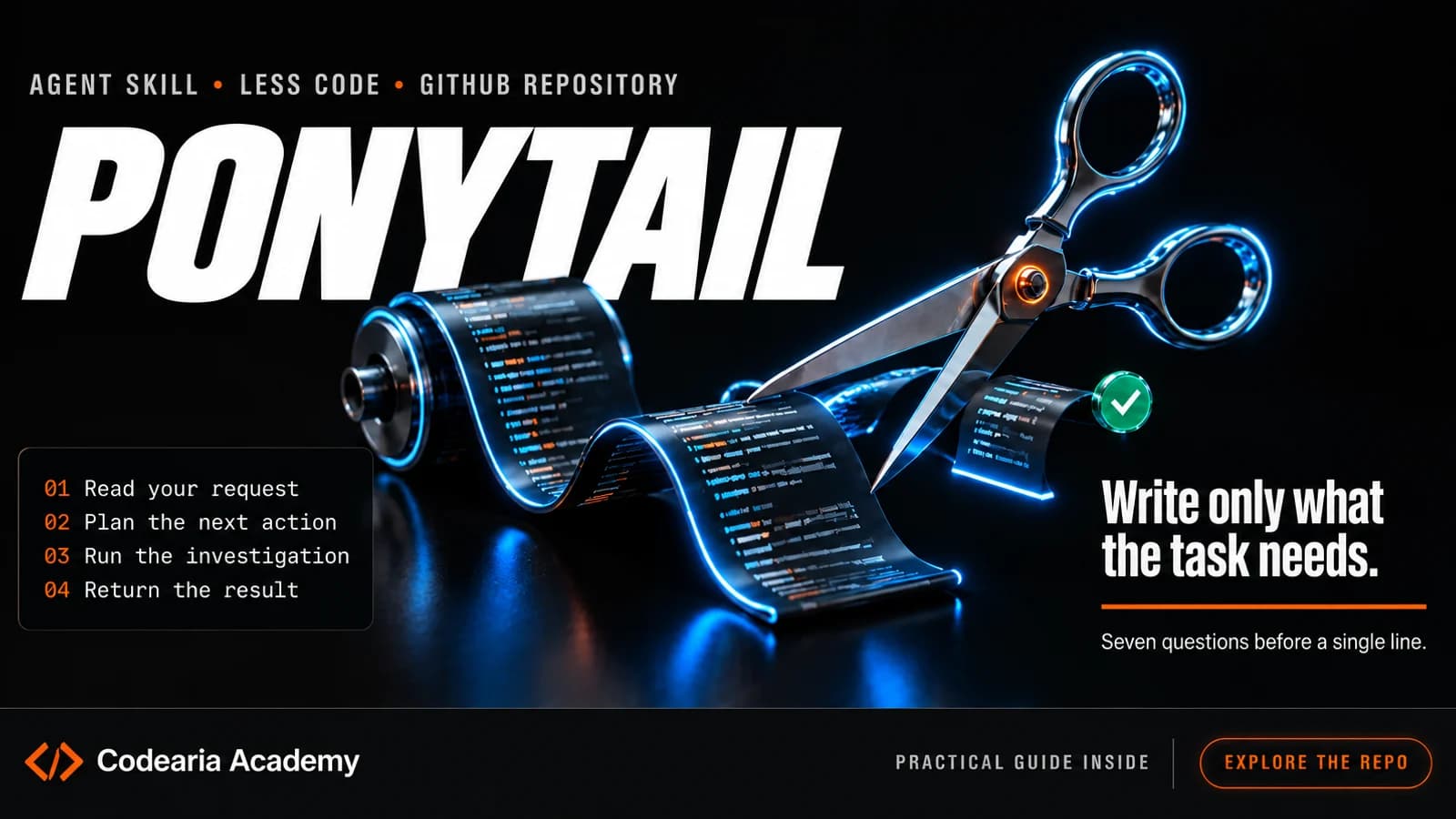
Ponytail is a free add-on for Claude Code and other AI agents that breaks their habit of writing a lot. Before building something of its own, the agent checks whether it is needed at all and whether a ready-made solution already exists in the project, in the language or in the browser itself. The code comes out shorter, tasks cost less, and the places where a mistake costs money or security still get a small check. By the author's measurements, the agent writes roughly half as much code, and correctness stays the same as without the add-on. It installs with two commands and switches off with one.
You ask an agent to add a field to your site where a visitor picks a date. The agent happily gets to work: it installs a new calendar library or draws a calendar itself, cell by cell. It works, but the project now has a big chunk of code that someone has to understand, update and fix.
The author of Ponytail shows exactly this case on the project page. Without the add-on, the agent produced 335 lines. With Ponytail, it noticed that the project already had a ready input field and that any browser can show a calendar on its own, and it got the job done in 10 lines.
If you build a site, a bot or an internal spreadsheet with Claude Code and don't write the code yourself, this is about you: less code means fewer places where something can break without you knowing.
A skill and plugin that teaches an AI agent to look for a ready-made solution first. Claude Code, Codex, Cursor and other agents, MIT license.
What Ponytail is, in plain words
Ponytail is a skill: a file with rules that the agent reads before it starts, like a cheat sheet for a new hire. The name comes from the author's joke: every company has a senior developer with a ponytail and glasses who looks at your fifty lines, says nothing and replaces them with one. The skill puts that person inside the agent.
The core of the cheat sheet is a ladder of questions. The agent walks down it from the top and stops at the first step that solves the task:
- 1
Is this needed at all
The agent doesn't build extra options or things "for later". It names them in one line: this is what I skipped.
- 2
Is it already in the project
A ready component, function or pattern the project already uses.
- 3
Can the language or browser do it
The standard library and built-in platform features, like that calendar.
- 4
Is it among what's installed
A library the project already has. It won't add a new one for a couple of lines.
- 5
Will one line do
If that line is easy to read at first glance.
- 6
Only then, new code
The minimum that works, plus a small test if there is logic inside.
An important caveat from the author: the agent can be lazy in the solution, but not in the reading. First it works out which code the change touches, and only then picks a step. There is also a list of things it never cuts corners on: checking data that comes from outside, handling errors that would lose data, security, and accessibility for people with disabilities.
One more habit that helps beginners in particular: the agent ends every answer with a line about what it skipped or didn't check, and which risk you should know about.
Less code and lower cost, with the tests still there
The author ran his benchmark on October 7: the same Claude Code with the Opus 5.5 model solved 39 tasks, each five times, with and without Ponytail. The tasks were varied: changes to a real web app, bug fixes, work with money and passwords, small apps built from scratch.
The result on volume: 53% less code, roughly half. A task costs 26% less on average: 14 cents instead of 20 per session, and over a hundred tasks that is a visible difference on the bill.
The most surprising numbers are about tests. A test is a small program that checks that code does what it should. You might expect an agent trained to write less to skimp on those too. It went the other way:
of places with risky logic got a test with Ponytail; 68% without it
The reason is a rule in the cheat sheet: a branch, a loop, money or security leaves a small check behind. Without such a rule, the agent sometimes writes a very detailed test and sometimes none at all.
Correctness didn't drop, but it didn't rise either: on tasks with hidden checks, the result is almost the same with and without the add-on. So Ponytail makes code shorter and cheaper, not smarter.
How to install Ponytail in Claude Code
In short: two commands in the Claude Code window, and the add-on works in every session. If you're doing it by hand, here they are in order, each as a separate message:
/plugin marketplace add DietrichGebert/ponytail/plugin install ponytail@ponytail
After that, you change how strict it is with one command:
/ponytail litebuilds what you asked for, but suggests a smaller option in one line, and you choose;/ponytail fullfollows all the rules, this is the default level;/ponytail ultraalso pushes back on the task itself if part of it has no justification;/ponytail offswitches the add-on off.
The author has a separate plugin for Codex, and for Cursor, Copilot, Gemini and other agents it's enough to put the AGENTS.md file from the repository into your project; step-by-step instructions are there too. Install only from the original repository or the author's package: he warns specifically that copies with .exe and .dll files are not his.
A review before release and a task cost meter
In version 5, the author rewrote two commands that come in handy before you ship a project.
/ponytail-review looks at your latest change like a senior developer who gets called at night when everything is down. It reads not only the changed lines but also the code they touch, and looks for bugs, security holes, risky spots without a test, and anything unnecessary. Each comment explains in plain words what's wrong, how to fix it and what happens if you don't.
/ponytail-audit does the same for the whole project and ranks the findings by importance: what to fix first. If you built a project with an agent and aren't sure what's inside, this is a good check before launch.
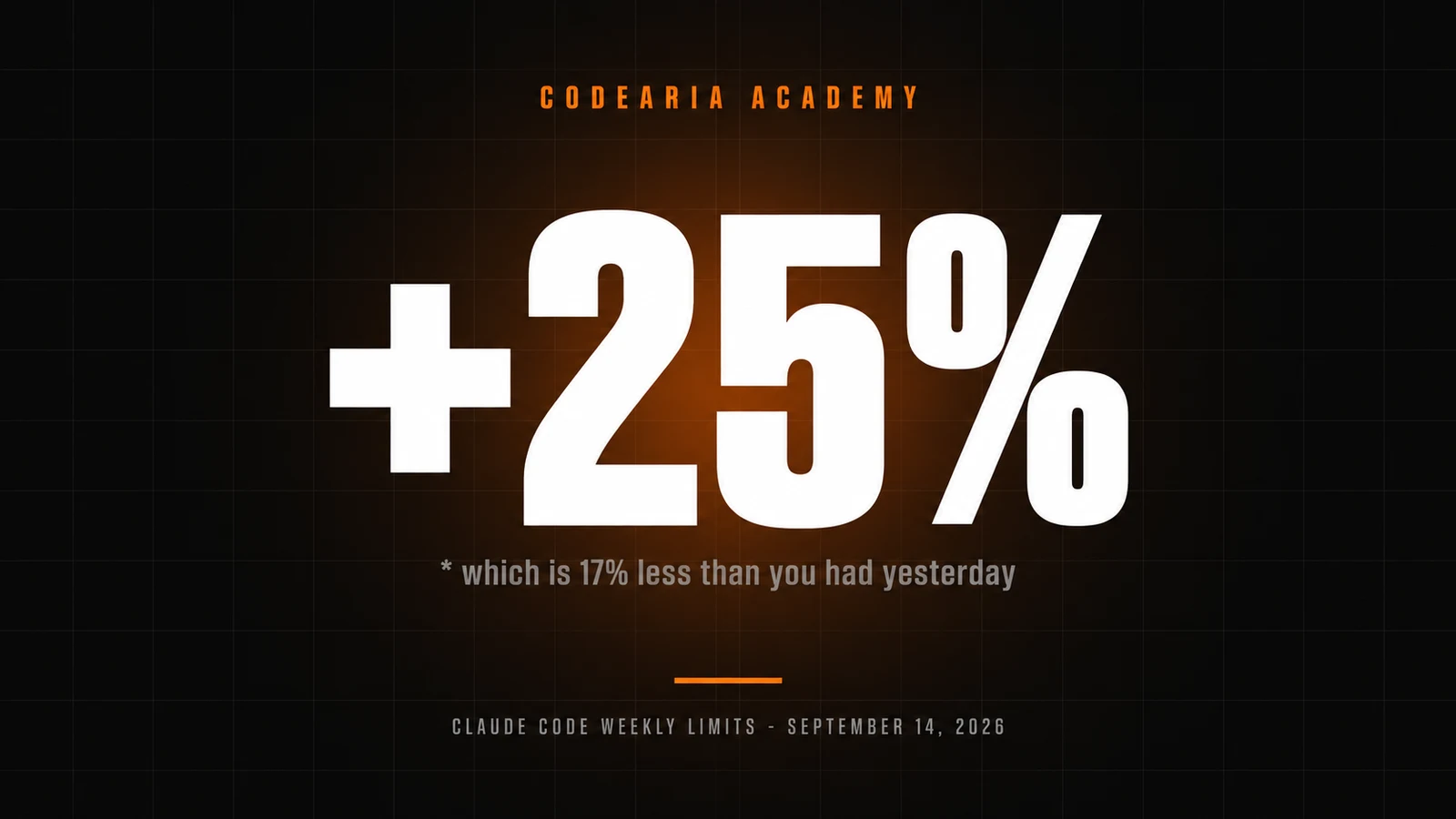
And since version 5.3, Claude Code has a panel above the input field: how much the current task costs, how many tokens (the units a model's work is counted in) and how much agent time it used, how often it took something ready-made instead of writing new code, and whether the tests passed. The data stays on your computer. If you keep an eye on Claude Code's weekly limits, this lets you see usage while you work, not at the end of the week.
What we take for ourselves
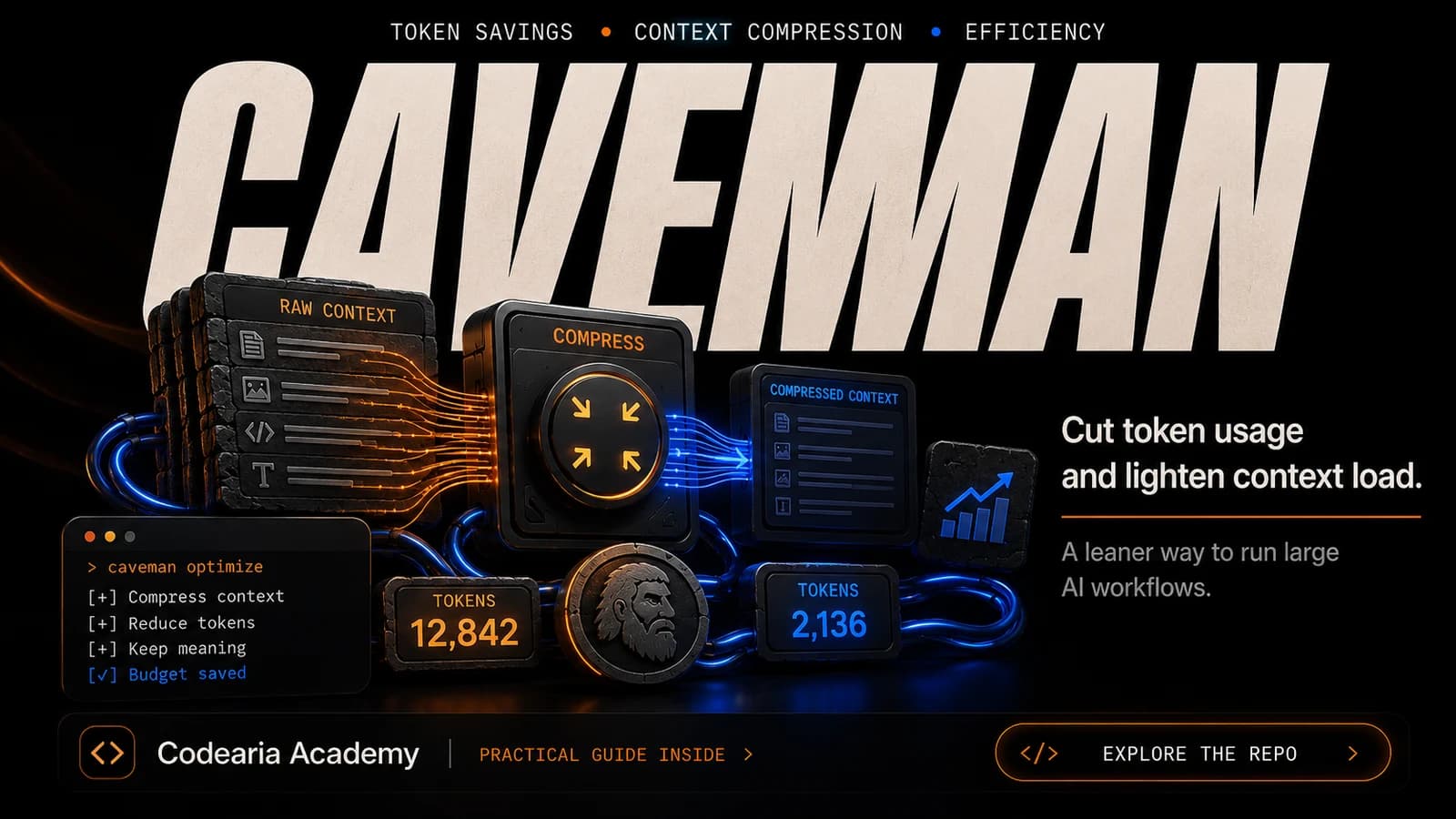
Ponytail saves on what the agent writes. There's another approach: caveman trims what the agent reads and replies. They don't conflict, and you can install both.
Our opinion, and you're free to disagree: for someone who doesn't code, the main benefit here isn't the cents. Short code can be read, and you can ask the agent to explain it. Three hundred lines of a homemade calendar you will never read, and next time the agent will have to figure them out all over again. We'd start with the lite level: the agent does what you said and also shows where it could have been simpler. That's a faster way to understand how it thinks.
We'll be wrong if the project is large and already has strict rules of its own: then Ponytail's cheat sheet may clash with them, and it's easier to set up your own rules in CLAUDE.md than to layer someone else's on top. How these cheat sheets work and which others are worth taking is covered in the guide to Claude skills, and a short summary of Ponytail is on its tool card.
What to know before installing
All numbers come from the author's own benchmark: only Claude Code and one model, no independent check yet. Correctness with the add-on is the same as without it. The cost panel needs Claude Code 2.1.290 or newer and isn't shown in the VS Code chat, in cloud sessions or in claude -p mode. Agents that only read AGENTS.md don't get the review and audit commands.
Versions change
Versions and numbers as of October 18, 2026: Ponytail 5.3.2, about 167 thousand stars on GitHub. The project updates often, so check the README before installing.
Sources4expand
- Dietrich Gebert, “Ponytail”, README, 18.10.2026 — https://github.com/DietrichGebert/ponytail
- Dietrich Gebert, “Agentic benchmark: Ponytail 5 vs Ponytail vs no skill”, 07.10.2026 — https://github.com/DietrichGebert/ponytail/blob/main/benchmarks/results/2026-10-07-agentic.md
- Dietrich Gebert, “skills/ponytail/SKILL.md”, 18.10.2026 — https://github.com/DietrichGebert/ponytail/blob/main/skills/ponytail/SKILL.md
- npm, “@dietrichgebert/ponytail” 5.3.2, 18.10.2026 — https://www.npmjs.com/package/@dietrichgebert/ponytail

Comments