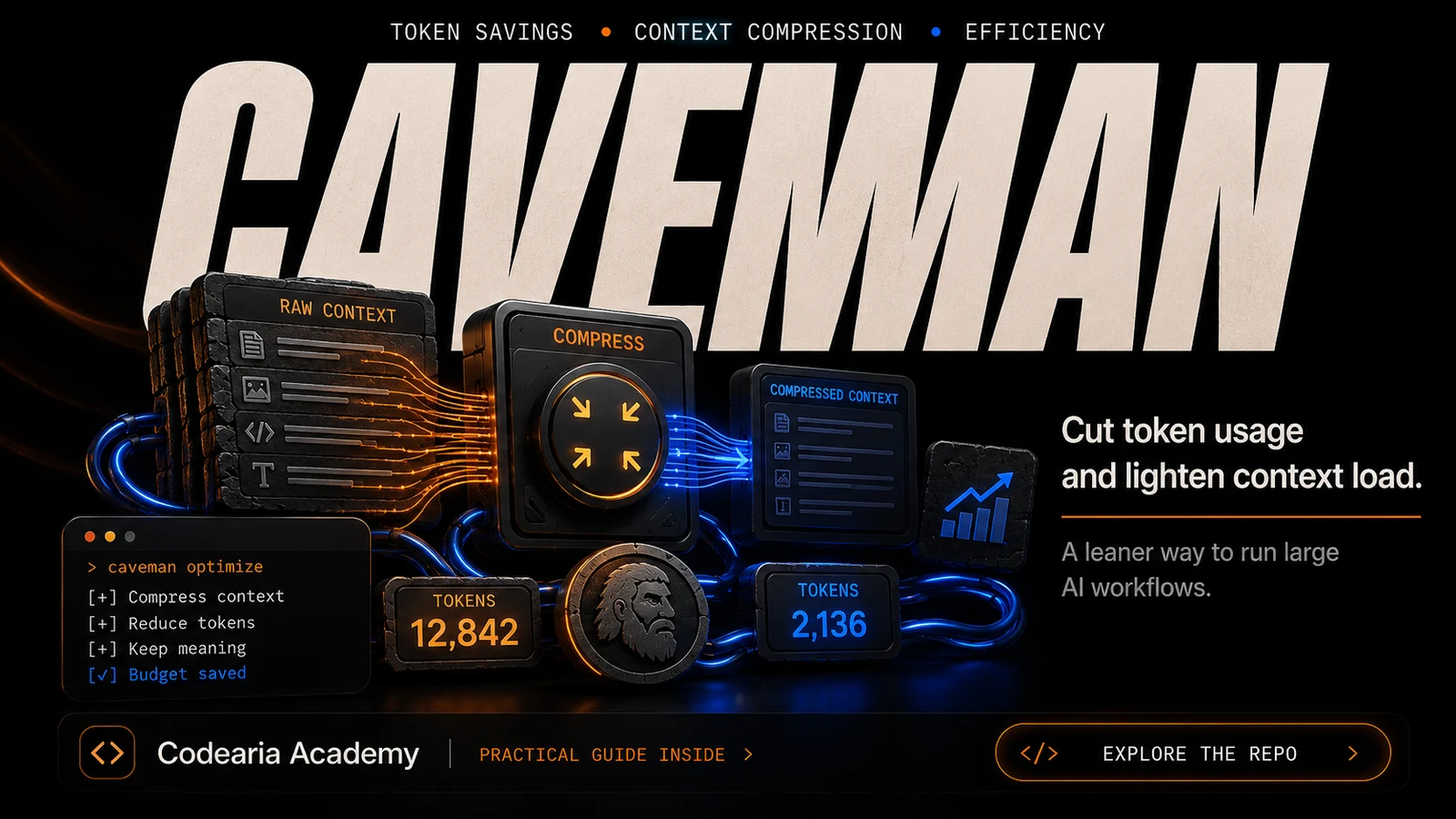
caveman: a third off your tokens by having the agent read less
A project whose motto tells you everything: "why many token when few token also trick". What it actually cuts, what the benchmark shows, and why the licence matters more here than the savings figures.
In this article5
Tools used in this piece
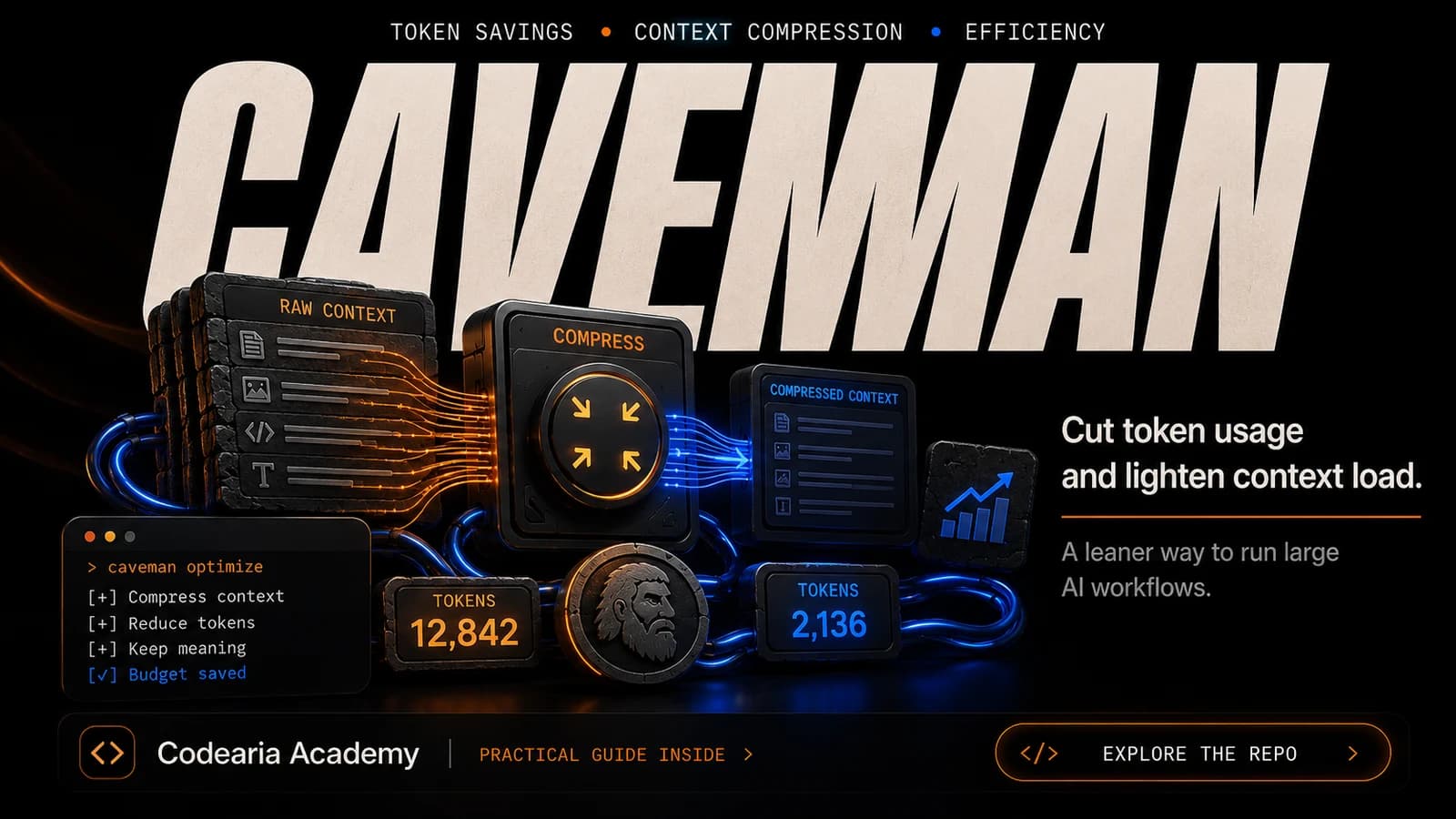
caveman cuts token spend two ways: an MIT-licensed skill that makes the agent answer in a terse telegraphic style, and a proxy that compresses what goes out in each request. The project's own benchmark claims 33.2% fewer input tokens. Start with `caveman learn` — it reads your existing session history and shows where the tokens go, without installing anything into your workflow. The catch is the licence: the core is BSL-1.1, so building a client-facing product on it needs a commercial agreement.
Every extra token is money. When the agent reads a whole file to change one line, then answers in three paragraphs where one line would do, the bill grows quietly. The caveman project takes a very direct view of this, stated in its motto: "why many token when few token also trick". The same bill shows up from the other side when a session hits its weekly limit earlier than usual.
Behind the joke is serious engineering — and one point that makes us say: do not rush to build on it.
These are two different products
The first confusing thing: two different things live under one name, with different licences and different degrees of interference in your work.
| Skill | Proxy | |
|---|---|---|
| What it saves | What the agent writes to you | What the agent reads before a request |
| How it works | Switches the answering style to telegraphic | Compresses request contents sent to the provider |
| Licence | MIT — free | BSL-1.1 — source open, but not free |
| Interference | None, it is just a skill | Traffic goes through a local proxy |
| Compatibility | 30+ agents | 8 profiles: Claude Code, Codex, Gemini CLI and others |
The skill is the original idea the project started from. The agent answers in a compressed "caveman" style: short phrases, no preamble, no politeness. Code, commands and error text stay exact — what shrinks is the chatter around them. In the documentation's example a normal 69-token answer becomes 19.
The proxy is the second version and a different story altogether. It sits between your agent and the provider and compresses what goes out in the request, with exact restoration. Passwords and access tokens pass through untouched; answers are not modified.
What the benchmark says
The figure the project puts in its headline: 33.2% fewer input tokens, measured against the provider's own numbers. The conditions are stated honestly — a fixed Claude Code run, 54 executions, and all 18 answer-accuracy checks passed.
How to read that figure
This is a benchmark the project ran on itself — not an independent check. The methodology and its limits are published next to the results, which is already better than most. But your own saving will depend on what you do: the more files and logs the agent reads, the more there is to compress.
Where to start — not with installing
The most useful thing here can be done without wiring anything into your workflow. The caveman learn command reads the session history already sitting on your disk and shows where the tokens go. Locally, read-only, no sign-up.
npm install -g @caveman-ai/clicaveman setup --installcaveman learn
The report is worth having on its own, even if you install nothing else: it shows how deep each session ran into the context window and what that cost over a month.
If you want to try the savings, the skill is the sensible starting point. It intercepts nothing:
npx skills add JuliusBrussee/caveman
And only then, if you liked the result, bring in the proxy:
caveman claude
The licence is the main reason for caution
This part needs reading closely, because it decides whether you can build anything of your own on the tool.
- 1
MIT — the free part
The skill, the SDK, the command line, the client libraries. You can do anything with these, commercial use included.
- 2
BSL-1.1 — the core
The engine, the proxy, the compression mechanism, the MCP server. You may read the source, fork it and self-host it for your own traffic — production included. But this is not an open licence in the usual sense.
- 3
What is forbidden
Offering it to third parties as a hosted or embedded service without a commercial licence. In other words, building your own client-facing product on it needs an agreement.
- 4
What happens later
Each BSL version automatically becomes Apache-2.0 four years after release or by 21 June 2030, whichever comes first.
The practical takeaway
For personal use, and for use inside your own company, there are no restrictions. If you plan to build a client-facing service on this engine, you need a commercial licence. The name and logo are protected as trademarks on top of that.
Why it is worth waiting
The tool works, the saving is real, the documentation is thorough, and caveman learn is useful even without installing the rest. Those are the strengths.
Three things argue for waiting. The core is under a non-free licence — and it is exactly the part that delivers the main saving. The project is under six months old and has already shipped a second version with a complete architectural change: impressive pace, but not what you would call settled. And a proxy by definition sits in the middle of your workflow — a point of failure where there was not one before.
The sensible path: run caveman learn and read the report, try the MIT-licensed skill, and leave the proxy for later — when the project turns a year old and it is clear where it is heading.
Versions move
The figures and licence terms are as of 27 August 2026, version 2.3.1. Projects this young change fast — check the current README before installing.
Comments