$ cat articles/matt-pocock-skills-claude-code-grill-me-handoff.md
Explainer· Development· Automation· 16 min read· Nov 4, 2026
Matt Pocock's skills: teach Claude Code to question you before it starts (5 steps from scratch)
Get your agent to understand you before it starts. Install Matt Pocock's skills in one command and teach Claude Code to question, hand off and teach.
Matt Pocock's skills are a free set of ready-made instructions for AI agents such as Claude Code, Codex and Copilot. One command installs them, and your agent gets new commands. The most popular one, grill-me, makes the agent question you about the task before it starts working, so it is less likely to build something you didn't mean. handoff turns a long conversation into a short note so a new session can pick up where you left off. teach turns the agent into a tutor that walks you through a new subject in lessons and remembers what you have already covered. Half the set works for any kind of work, not just code: plans, writing, learning.
You usually give an agent a two-sentence task and wait.
Soon the result arrives. Neat, long, and not what you wanted.
Most of the time the model isn't the problem. You carry a dozen decisions in your head that you never said out loud: who it's for, what matters most, what you definitely don't want. The agent doesn't know them, so it fills the gaps with guesses.
Developer Matt Pocock closed that gap with a set of skills, ready-made instructions the agent picks up on command. The main one is called grill-me: before doing anything, the agent asks questions until everything is clear.
Below we install the set from scratch. By step 2 you will have your first grilling session on a task of your own.
Skills For Real Engineers: a skill set for Claude Code, Codex, Copilot, Gemini CLI and other agents. MIT license.
What Matt Pocock's skills are, in plain words
A skill is a text file with instructions: how the agent should behave in a particular situation. You type a command, for example /grill-me, and the agent opens the right file and follows it. We covered how skills work and why they matter in our guide to Claude skills.
Think of a good renovation contractor. A bad one hears "I want a bright kitchen" and goes off to paint. A good one asks first: bright as in white or beige, are we replacing the tiles, where do the sockets go, what's the budget. And for every question he suggests an answer, so all you have to do is nod. grill-me turns your agent into the second contractor.
Pocock explains the set like this: the main problem with working with an agent is that the two of you understood the task differently. The usual fix, "write more detail", falls short because you don't know what you forgot to say. Questions from the outside find it faster.
The set has two parts. Engineering is for working with code: specs, tests, debugging. Productivity is for any kind of work: grilling, handoffs, learning, questionnaires. As of November 4 the repository has 311,712 stars on GitHub, and it is back on the list of fastest-growing repositories of the day. That is no guarantee of quality, but it does show that a lot of people use these techniques.
Do you need this
Worth an evening if:
- you already work with Claude Code, Codex, Copilot or Gemini CLI and you're tired of the agent reading the task its own way;
- your tasks are long and don't fit in one session, and explaining everything again gets old;
- you want to learn a new subject with AI, but a regular chat forgets what you've already covered;
- you write code and want the agent to work in small, checkable steps.
You can skip it if you only use ChatGPT in the browser: these skills are built for agents that work with files on your computer. And if your tasks are short, one message long, the grilling will be overkill.
Step 1. Install the set with one command
What you need first: Claude Code (or another agent from the list below) and a terminal. The author calls it a 30-second install.
- Open a terminal.
- Run the command for your agent.
- Restart the agent so it sees the new commands.
claude plugin install mattpocock-skills@claude-plugins-official
The plugin updates itself. The README has commands for other agents too: Codex and Copilot take two steps through plugin marketplace add, Gemini CLI takes two gemini skills install commands, and for Cursor, Windsurf and the rest there is a universal installer:
npx skills@latest add mattpocock/skills -a cursor
Pick one method per agent. The author warns that if you install both the plugin and the files through npx skills, every skill will show up twice.
Result: in Claude Code, typing / now shows new commands, including grill-me, handoff and teach. In the list they may appear with the mattpocock-skills: prefix.
Step 2. Let the agent grill you: /grill-me
This is the first payoff, and the reason to install the set. Take any task you've been putting off, it doesn't have to be about code. The author says plainly that /grill-me works for tasks with no programming in them.
- Open Claude Code in the folder with your task materials (or an empty one).
- Type
/grill-meand right after it describe your plan in your own words, even a rough one. - The agent replies not with a result but with a round of numbered questions. For each one it gives its recommended answer.
- Answer briefly. If you agree with the recommendation, write "yes". If not, write your own option.
- After your answers the agent asks the next round, taking what you said into account. This goes on until there are no open questions left.
/grill-me I want to [what]. It's for [whom or why]. Deadline: [when]. So far I only know that [what's already decided].Replace: the square brackets with your task. For example, "I want to move to another city with my family this summer" or "I want a simple website for my yoga studio".
Result: after a few rounds you have a plan where every decision has been spelled out. An important detail from the skill's instructions: the agent doesn't start doing anything until you confirm that you understand each other.
Why the questions come in rounds rather than one at a time: the instructions tell the agent to ask all the questions it can already ask at once, and leave the ones that depend on your answers for the next round. That saves time, because you don't wait for each question separately. And anything it can find out without you, for example what's in the folder, the agent is supposed to look up itself instead of asking.
Step 3. Hand the work to a new session: /handoff
A long conversation with an agent sooner or later hits a limit: it starts forgetting the beginning or answering more slowly. Usually you open a new session and retell everything from scratch. handoff writes that summary for you.
- At the end of a long session, type
/handofffollowed by what the next session will work on. - The agent puts together a short document: what's done, what was decided, where things are, which skills to call next.
- The document goes into the system's temporary folder, not your project, so your working folder stays clean.
- Open a new session and ask it to read that file.
/handoff The next session will be about [what's next: for example, the second half of the text or checking the spreadsheet].Replace: the description of the next step with your own.
Result: the new session starts where you stopped, with no retelling. Per its instructions, the skill strips keys, passwords and personal data from the note itself.
The system clears the temporary folder from time to time. If you need the note for a long while, ask the agent to copy it into your project. For memory that lives across sessions permanently there are separate tools: we covered claude-mem, which remembers the project for you.
Step 4. Learn a new subject in lessons: /teach
teach is the most unexpected skill in the set. It turns the current folder into a classroom where the agent guides you through a subject over several sessions and remembers where you stopped.
- Create an empty folder for the subject, for example
learn-excelorlearn-italian. - Open Claude Code in it and type
/teachwith the subject. - First the agent asks why you need this and writes your answer to MISSION.md. Every lesson then adapts to that goal.
- Next it looks for reliable sources, collects them in RESOURCES.md and builds the first lesson: a short HTML page with one clear win and a small quiz.
- After each lesson it records what you've learned and makes the next one a little harder.
/teach I want to understand [subject]. I need it to [why, specifically]. Right now I can [what you already know]. I have [how many minutes] per lesson.Replace: the subject, goal and level with your own. The more specific the goal, the better: "to keep the family budget in a spreadsheet", not "for general knowledge".
Result: the folder fills with lessons, cheat sheets and progress notes. A week later you open the same folder and the agent continues from where you left off. The instructions specifically say to train recall rather than recognition, and to link to the best primary source in every lesson.
Step 5. If you write code: /to-spec and the rest
This step is for people who build apps. Everyone else can skip straight to the examples.
The engineering part is built around an issue tracker. So first, once per project, you run /setup-matt-pocock-skills: it asks where your tasks live (GitHub, GitLab, local files or something of your own), which labels you use and where to put documents.
After that the typical path looks like this: /grill-with-docs grills you like /grill-me and keeps a glossary of project terms along the way. /to-spec turns what's been said into a spec and puts it in the tracker. /to-tickets cuts it into small tasks, and /tdd takes the agent through the "failing test first, then code" loop. If you're not sure what to pick, there's /ask-matt: it suggests the right skill for your situation.
/ask-matt I want to [what to do in the project]. Right now I have [what already exists]. Which skill should I start with, and in what order?Replace: the task and project description with your own.
Result: the agent suggests a chain of skills for your specific task, not a generic list.
Where the set doesn't work
Good to know up front
The skills don't fire on their own. grill-me, handoff, teach and most of the others run only when you call them with a command. Forget to type it and the agent works the way it always did. The engineering part won't work without setup: it needs an issue tracker and one run of /setup-matt-pocock-skills per project. These are tools for agents in the terminal and the editor: the commands won't appear in a regular AI web chat.
How to do it right. Set yourself one rule: start any task longer than a couple of sentences with /grill-me. That's exactly the habit the author built the set for. And don't install it two ways at once, or your command list will get confusing.
Versions and terms as of November 4, 2026. The set changes often, skills get renamed and added, so check the current list in the README.
Examples you can repeat
A move or a renovation. /grill-me with the plan "we're moving in May". The agent will ask about schools, belongings, lease dates, and you'll see questions you hadn't thought of.
An email to your manager or a client. First a grilling about what you want the email to achieve, then a draft. The text comes out shorter and sharper.
A decision that depends on someone else. /to-questionnaire asks only two things: who you're sending it to and what you need to find out. You get a file of questions you can send to an accountant, lawyer or contractor to fill in when it suits them.
Learning with your kid or for yourself. /teach in a separate folder for each subject: fractions, Spanish, Excel basics. The lessons pile up, and you can come back to them a month later.
When the agent explained something badly. /wait-what asks it to repeat its last message in plain language, with the context you were missing.
A long project over several evenings. /handoff at the end of each evening, reading the note at the start of the next. No need to keep everything in one endless session.
Prompt kit
Everything except the [brackets] can be copied as is.
Grilling before a task
/grill-me I need to [task]. The result should be [what kind]. Constraints: [time, money, people].Grilling a draft plan
/grill-me Here's my plan: [paste the plan]. Find what's still undecided and ask questions about each point.Handoff
/handoff Tomorrow I'll continue with [what exactly]. Note which decisions are already made and what's still open.Reading the note in a new session
Read the handoff note at [path to file], briefly summarize where we stopped, and suggest the first step.Starting to learn
/teach I want to learn [subject] so that [specific goal]. Level: [beginner / know the basics]. Lessons of [minutes] minutes.A questionnaire for someone else
/to-questionnaire I need to decide [what], but the answer is known by [who: the person's role].Explain again
/wait-whatPlan for tonight
- 1
5 minutes
Install the set with the command for your agent and restart it.
- 2
20 minutes
Run /grill-me on one real task you've been putting off, until the plan is confirmed.
- 3
5 minutes
Run /handoff and open the note in a new session.
- 4
15 minutes
Create a folder for a subject you want to learn and go through the first /teach lesson.
- 5
5 minutes
If you write code: run /setup-matt-pocock-skills in your project.
- 6
5 minutes
Write down one rule: any task longer than two sentences starts with /grill-me.
Before and now
Before, you wrote the agent two sentences and got a neat result that missed the point. Now the agent asks questions first, and you answer "yes" to its recommendations until the plan is clear to both of you.
Pocock's skills aren't about making the agent do more. They're about making it do what you meant.
Our opinion, and you're free to disagree: out of the whole set, a regular user needs three commands, /grill-me, /handoff and /teach, and the rest is worth opening only once you start writing code. We'll be wrong if your tasks are already short and unambiguous: then the grilling is an extra step.
If you want to learn how to work with Claude Code as a partner rather than a chatbot, start with our Mastering Claude Code course.
Sources8expand
- Matt Pocock, «Skills For Real Engineers», README, checked 04.11.2026 — https://github.com/mattpocock/skills
- mattpocock/skills, grilling/SKILL.md, checked 04.11.2026 — https://github.com/mattpocock/skills/blob/main/skills/productivity/grilling/SKILL.md
- mattpocock/skills, handoff/SKILL.md, checked 04.11.2026 — https://github.com/mattpocock/skills/blob/main/skills/productivity/handoff/SKILL.md
- mattpocock/skills, teach/SKILL.md, checked 04.11.2026 — https://github.com/mattpocock/skills/blob/main/skills/productivity/teach/SKILL.md
- mattpocock/skills, to-questionnaire/SKILL.md, checked 04.11.2026 — https://github.com/mattpocock/skills/blob/main/skills/productivity/to-questionnaire/SKILL.md
- mattpocock/skills, wait-what/SKILL.md, checked 04.11.2026 — https://github.com/mattpocock/skills/blob/main/skills/productivity/wait-what/SKILL.md
- mattpocock/skills, LICENSE (MIT), checked 04.11.2026 — https://github.com/mattpocock/skills/blob/main/LICENSE
- GitHub Trending, 04.11.2026 — https://github.com/trending?since=daily
$ grep tools: articles/matt-pocock-skills-claude-code-grill-me-handoff.md
Tools from this piece
Each has its own card: check date, stars and a short verdict.
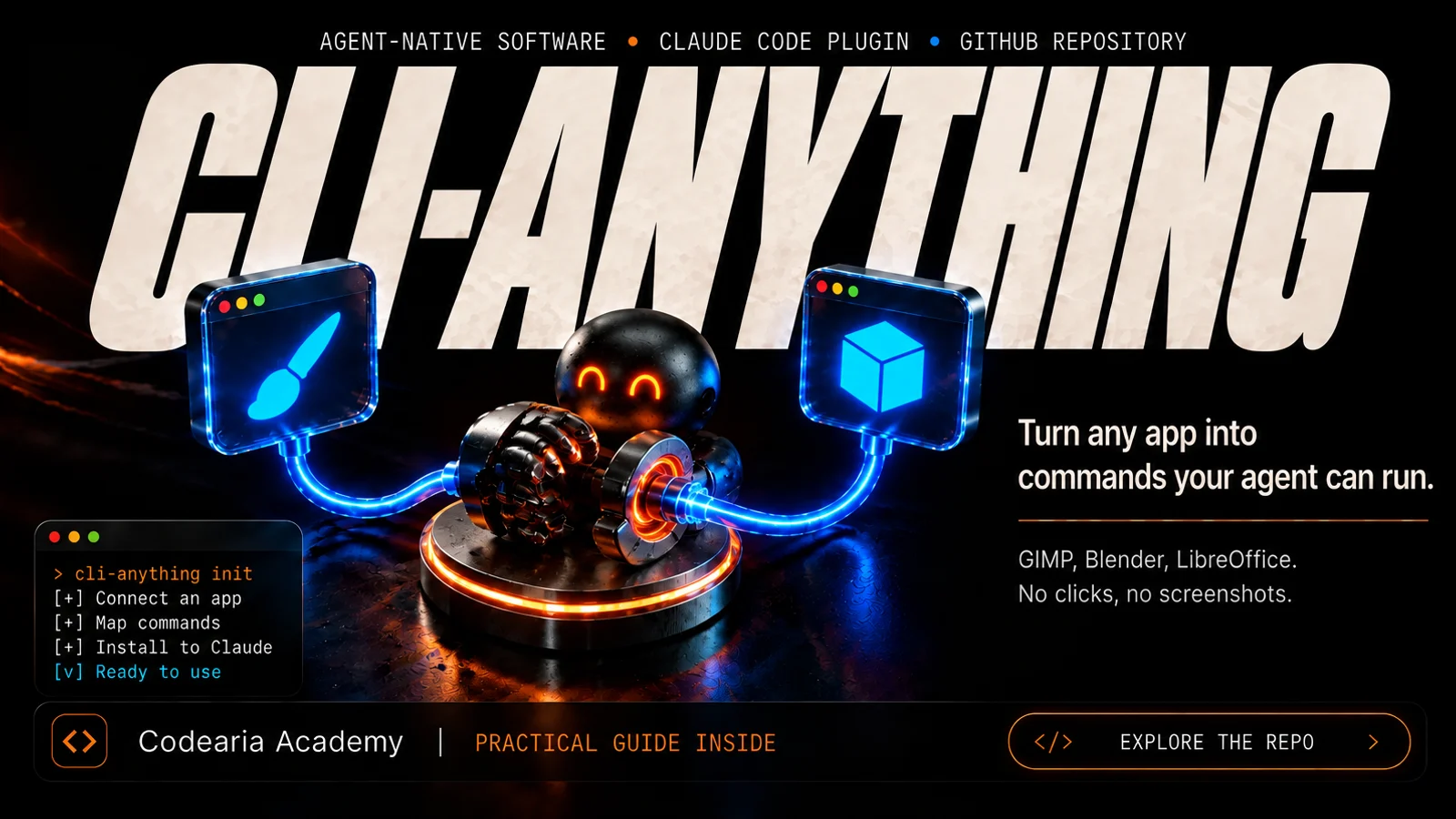 GitHub repository58kCLI-AnythingTurns an ordinary program like GIMP, Blender or LibreOffice into a set of commands an AI agent can use on its own, without screenshots or clicks. There is a catalogue of ready-made ones, and you can build your own with one command in Claude Code. Apache-2.0.
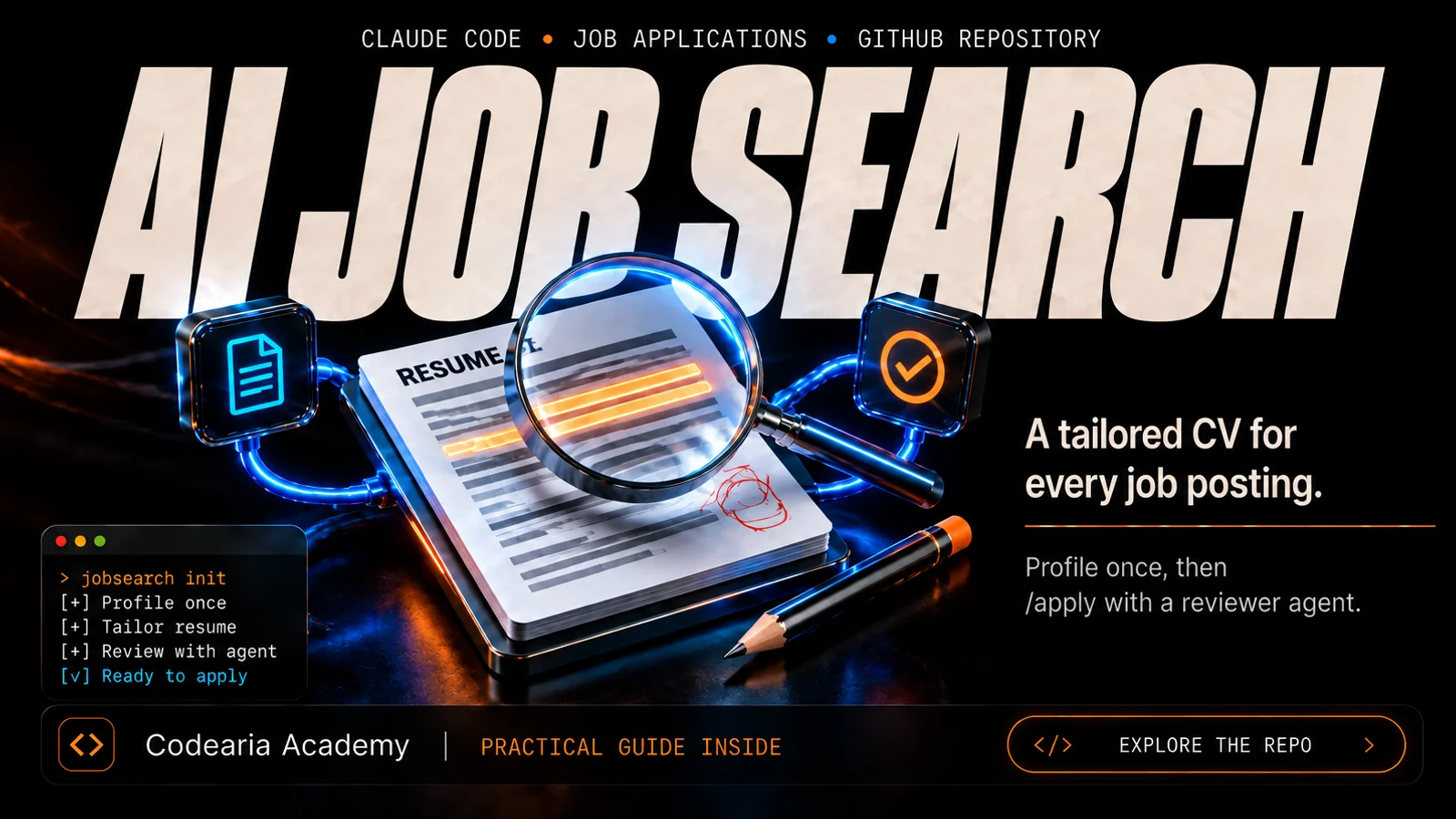 GitHub repository69kAI Job SearchAn open project that turns Claude Code into a job-search assistant: tell it about yourself once, and for every vacancy you get a tailored CV and cover letter as PDFs, reviewed by a second agent.
$ ls articles/ --related


Comments