$ cat articles/anthropic-skills-claude-documents-own-skill.md
Explainer· Content· Automation· 10 min read· Nov 20, 2026
Claude formats your weekly report differently every time. Anthropic's open skills show how to fix it
Anthropic Skills are the open instructions Claude follows to make Word, PDF and Excel files. Turn them on for free and write your own skill from that template.
A skill in Claude is a short cheat sheet for one recurring job. Anthropic has published its own cheat sheets for everyone, including the ones Claude uses to make documents and spreadsheets, and they work even on the free plan. Using them as a template, you write your own, say for a report or a client email, and Claude stops reinventing the format every time.
Every Monday you ask Claude to put together a report, and every week it comes out a little different. A table this time, a list last week, the font drifts, the summary moves from the top to the bottom. So in every new chat you explain again how it should look, and you still end up fixing things by hand.
Anthropic solved the same problem for itself. When Claude hands you a finished Word or Excel file, it is not improvising: it follows a written cheat sheet. Companies usually keep that kind of thing private, but Anthropic published it for everyone. So how do you write a cheat sheet like that for your own work if you are not a programmer?
Inside, it is just a folder with a cheat sheet
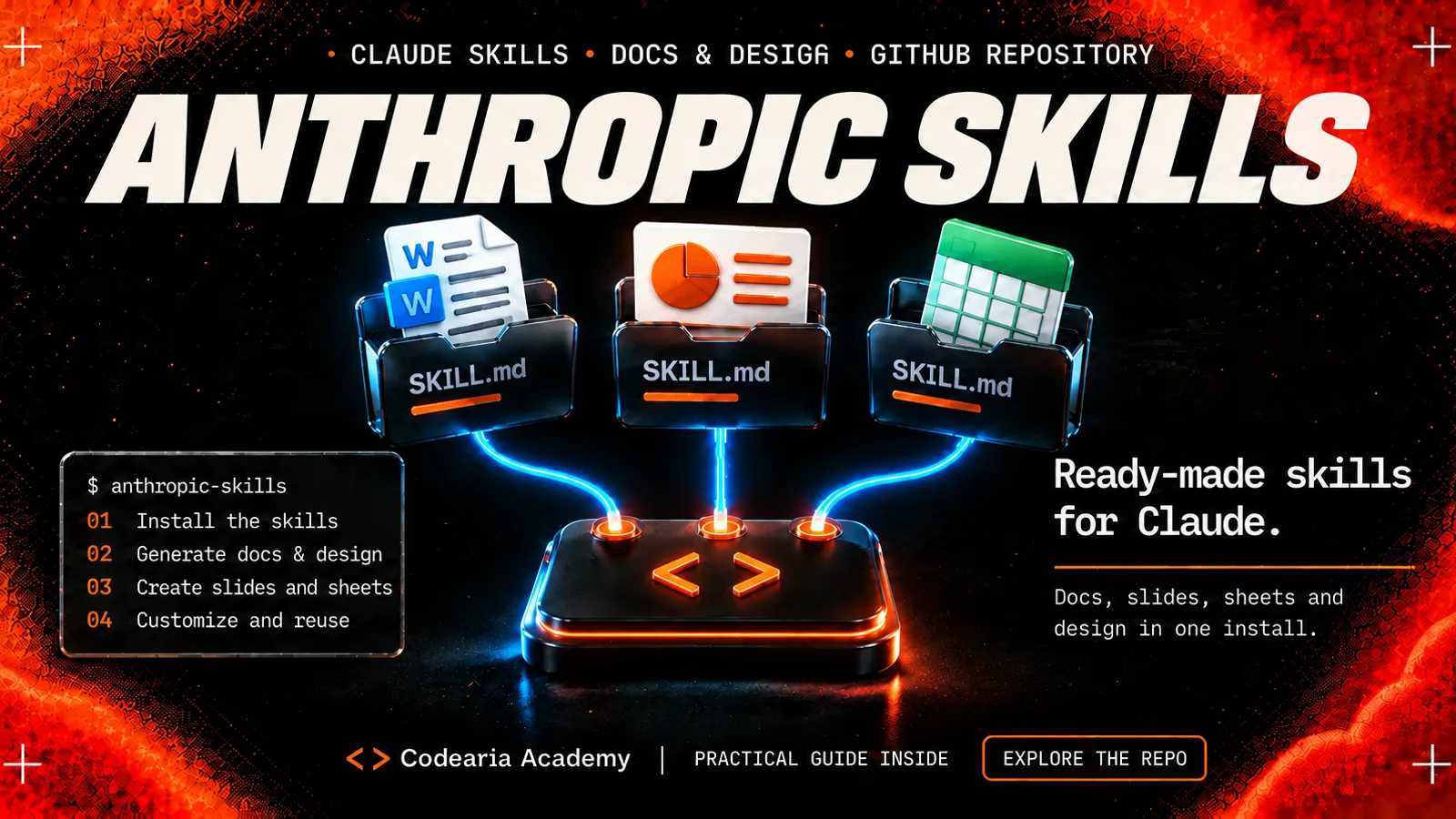
The authors themselves compare a skill to an onboarding guide for a new hire: you don't recite every company rule on day one, you hand over a folder and say when to open it. In practice a skill is a text file, SKILL.md, with a name, a line saying when to use it, and the rules. Claude keeps only that line in mind up front and opens the full cheat sheet when your task matches it, as described on Anthropic's blog. That is why you can turn on many skills and they don't get in each other's way. To get consistently good work from Claude you don't need a different AI or a paid add-on. You need a good cheat sheet.
What's in it for you if you don't write code
The ready-made document skills are already built into regular Claude. According to Anthropic's help center as of 19 November 2026, they are available on every plan, including the free one. You can upload your own skills there as a zip file, again without a single line of code. What's in the set and what to try first is collected in our Anthropic Skills card.
Who doesn't need this: if you open Claude once a week for one-off questions, a cheat sheet won't pay off. A skill makes sense when the same job keeps coming back: a report, a client email, a social post, a contract review.
Step 1. Turn on the built-in skills in regular Claude
Open Claude in the browser or the app.
- 1
Turn on files
Settings → Capabilities: switch on Code execution and file creation. Without it skills don't run and you won't get a file.
- 2
Open skills
Customize → Skills: this is the list of Anthropic's example skills, each with its own toggle.
- 3
Ask for a file
Describe the task in plain words. You don't need to call a skill by name: Claude decides which one fits.
Try it on a simple task:
Make a 6-slide presentation on [topic]. For each slide give a title, 3 short points and a note on which image to put there. Send it as a PowerPoint file.Replace: [topic] with your own, for example "this month's results at our café".
Result: Claude hands you a .pptx file that opens in PowerPoint or Google Slides, not a wall of text in the chat.
If you have Claude Code
In Claude Code, the version of Claude that works with files on your computer, the whole set installs in a minute with three commands in its window: /plugin marketplace add anthropics/skills, then /plugin install document-skills@anthropic-agent-skills and /plugin install example-skills@anthropic-agent-skills. The second set has 12 skills, including skill-creator, which helps you write your own. No Claude Code? You lose nothing: everything below works in regular Claude.
The built-in skills work. Next: your own library for your tasks
You turned on Anthropic's skills and saw Claude pick the right cheat sheet on its own. The course “Mastering Claude Code” has a whole module on skills: your first skill, skills with parameters, which ones to keep for a single project and which for everything, and a skill library from real work.
- Course “Mastering Claude Code”: the “Skills and custom commands” module
- A ready library of working prompts
- AI mentor in every lesson
- New courses at no extra cost
$44.90one time
Get full accessNo subscription. Lifetime access, future courses included.
Step 2. Copy a ready cheat sheet and make it yours
Here is a complete cheat sheet for a job almost everyone has: emailing a client. Copy it as is, swap the rules for your own and save it as a file named SKILL.md.
---
name: client-email
description: Writes client emails in my tone. Use when asked to reply to a client, write an email, or remind about a payment, a deadline or a rescheduled meeting.
---

# Client email

Rules:
- Address the client by name if it appears in the thread.
- The first sentence answers the client's question right away. No "I hope you're doing well".
- No more than five short paragraphs. One paragraph, one idea.
- Take dates and amounts only from my request. If they are missing, ask me instead of making them up.
- Don't write "unfortunately", "as soon as possible" or "don't hesitate to reach out".
- If the client is unhappy, acknowledge the problem in one sentence and offer a concrete next step straight away.
- End with one next action: what I will do and what I need from the client. Sign off as: [your name].

Example of a good email:
Hi Anna, the mockup will be ready on Thursday before lunch, and I'll send the link here. All I need from you is the logo in good quality, you can just reply to this email. [your name]
Replace: the rules with your own, [your name] with your signature, and the example with one of your own good emails. Keep the description line under 200 characters: Claude uses it to decide when to call the skill.
Result: Claude answers clients in one consistent tone and stops asking how you usually write.
For other recurring work, don't write the cheat sheet from scratch. Ask Claude to build one the same way:
Help me write a Claude skill in SKILL.md format, like the ones in the anthropics/skills repository. The task I do regularly: [task]. First ask me up to 7 questions: what goes in, what comes out, what format, what to avoid, what a good result looks like. Then write the file: name and description at the top (under 200 characters, when to use the skill), then 5–7 rules and one example of a good result.Replace: [task] with yours, for example "a weekly sales report for my manager, built from a spreadsheet".
Result: a finished SKILL.md in the same shape as the cheat sheet above, but for your task.
The last step happens once per cheat sheet: ask Claude to package it as a zip, download it and add it in the skills section (Customize → Skills). From then on Claude picks it up by itself in any chat.
Step 3. Get Claude to call the skill without reminders
If Claude doesn't pick up your skill on its own, the description is almost always the culprit. According to Anthropic's help center, Claude uses exactly that line to decide when a skill is needed, and it has room for under 200 characters. A description like "reports" won't trigger, while "weekly sales report for my manager when I send a spreadsheet" will: it contains the words you actually use when you ask.
Here is my skill's description: [description]. Come up with 5 requests I might use for this task in everyday work, and 3 similar requests where the skill is not needed. Rewrite the description in under 200 characters so it triggers on the first group and not on the second.Replace: [description] with the description line from your SKILL.md.
Result: a new description you paste into the file and test with a couple of requests from the list.
Which cheat sheets pay off first
A skill works best where you already know "the right way", but it only lives in your head.
A weekly report. What goes first, which columns the table has, where the summary sits and how many lines the conclusions get. Claude assembles it the same way every Monday, and you stop fixing the format by hand.
A social post that follows one pattern. The opening, the length, where the link goes, how many emoji. A month later your feed reads as if one person runs it.
A contract review against your checklist. Term, penalties, auto-renewal, who pays for delivery. Claude goes through the points in order and doesn't skip the one that once burned you.
Like the client email above, each of these cheat sheets is shorter than a page. It doesn't need to be long: precise rules and one good example matter more.
Where skills fall short
The authors call their skills demonstration examples: the same feature inside Claude may behave differently. Before you hand a skill important work, run it on three or four of your own tasks.
Which task to start with
In our view, your first skill should cover the most boring recurring task of your week: that's where the payoff shows within a week. If your tasks come out in a new format every time anyway, a skill may give you nothing, and that's an answer too. Five more ready skills that work for you are collected in our Claude skills guide.
Next stepMastering Claude Code: From Zero to Power UserThe next step after your first skill: a module on skills and commands, where one cheat sheet grows into a library for your work.Open the courseVersions and prices as of 19 November 2026
The skill set, settings labels and plan availability change. Check what's current in the anthropics/skills repository and in Claude's help center.
Sources5expand
- Anthropic, “anthropics/skills”, README, checked 19.11.2026 — https://github.com/anthropics/skills
- Anthropic, “marketplace.json”, checked 19.11.2026 — https://github.com/anthropics/skills/blob/main/.claude-plugin/marketplace.json
- Anthropic, “Equipping agents for the real world with Agent Skills”, 16.10.2025 — https://www.anthropic.com/engineering/equipping-agents-for-the-real-world-with-agent-skills
- Anthropic, “Use skills in Claude”, checked 19.11.2026 — https://support.claude.com/en/articles/12512180-using-skills-in-claude
- Anthropic, “How to create custom skills”, checked 19.11.2026 — https://support.claude.com/en/articles/12512198-creating-custom-skills
$ grep tools: articles/anthropic-skills-claude-documents-own-skill.md
Tools from this piece
Each has its own card: check date, stars and a short verdict.
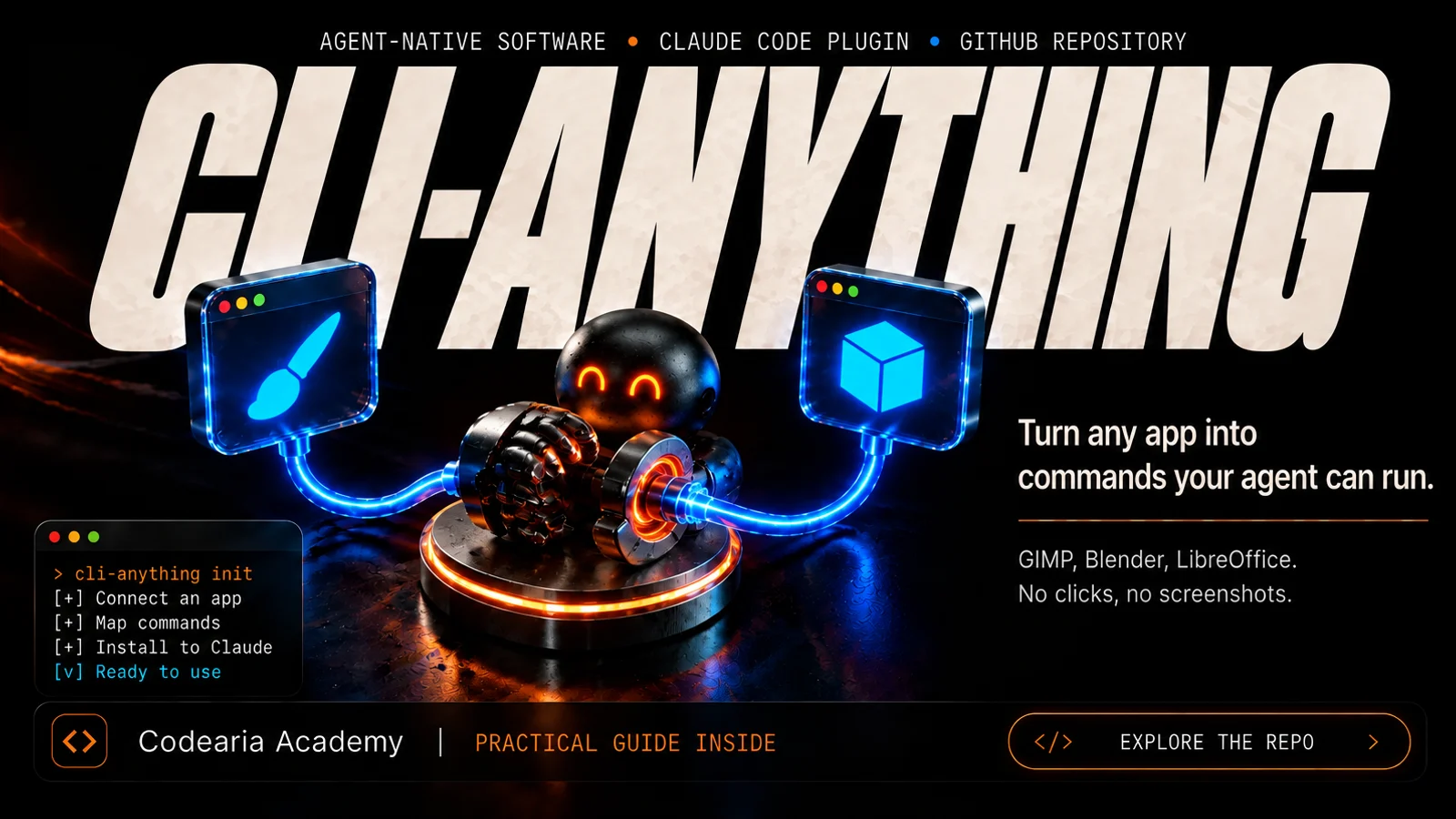 GitHub repository65kCLI-AnythingTurns an ordinary program like GIMP, Blender or LibreOffice into a set of commands an AI agent can use on its own, without screenshots or clicks. There is a catalogue of ready-made ones, and you can build your own with one command in Claude Code. Apache-2.0.
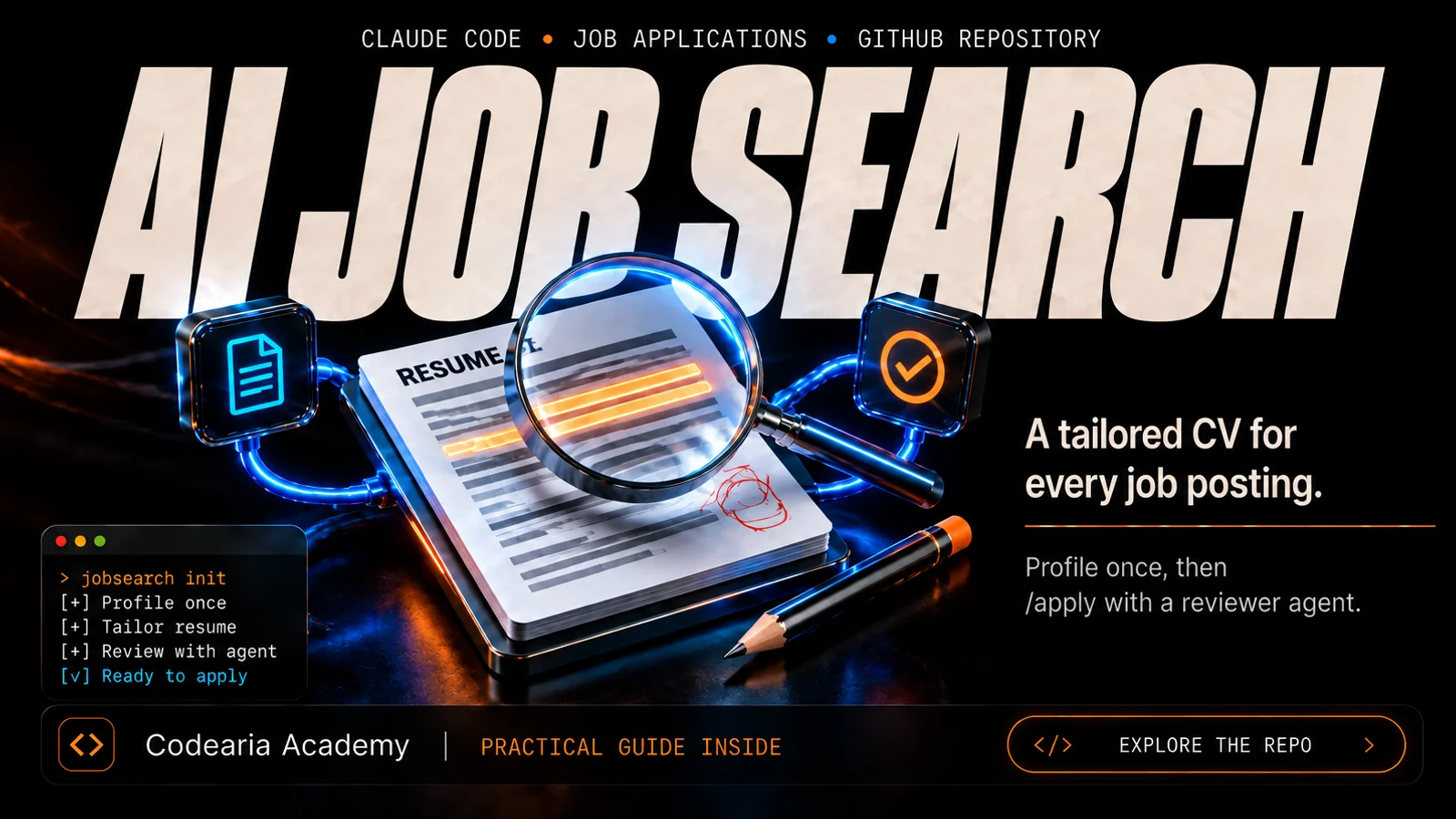 GitHub repository73kAI Job SearchAI Job Search turns Claude Code into a job-hunt assistant: a tailored CV and cover letter PDF for each vacancy, critiqued by a second agent. Open source, MIT.
$ ls articles/ --related

Comments