$ cat articles/claude-code-projects-coordinator-parallel-threads.md
Explainer· Development· Automation· 11 min read· Nov 14, 2026
You no longer have to split a big task yourself: Claude now hands it out to helpers
Claude Code Projects now run a coordinator that splits one goal into parallel threads. Each thread spends quota like its own session, so set a budget first.

Projects in Claude Code now work like a small team with a lead. You describe the goal, and a Claude coordinator splits it into parts, runs them in parallel with separate helpers, checks what they did and brings the result back into one chat. The helpers share the project's memory, so decisions don't get lost between tasks. Keep one thing in mind: every helper spends your subscription quota like a full session, so name a budget up front, in one sentence. Right now this is a beta for some Pro and Max subscribers in the desktop app, everyone else can join the waitlist, and the main skill, handing over a big task in one piece, works in a regular chat too.
A big task has always been yours to split. You open one Claude chat for one part, a second for another, then run between them, carry decisions from window to window and glue the result together at the end. The more windows you keep open, the more of your time goes into being the dispatcher.
Anthropic has rebuilt Projects in Claude Code so that Claude itself becomes the dispatcher. Boris Cherny from the Claude Code team wrote in the Hacker News discussion that this is now how he writes almost all of his code. In the same thread, someone else watched a simple question eat their whole subscription quota in ten minutes. So how do you hand Claude a big job in one piece without ending up in their place?
You set the goal, the coordinator hands out the work
A new project starts not with a folder of files but with a goal. You write what should come out at the end and add what to work with: documents or code. From there the project's main chat is run by the coordinator. It clarifies the task, cuts it into pieces and gives each piece its own helper, working at the same time as the others. Anthropic calls such a helper a thread.
The nicest part: you don't have to make the rounds of the helpers. When one of them needs your answer or has finished, the question and the result rise into the main chat on their own. You talk to one lead, and if you want the details, you can step into any helper directly.
Two things let a project outlive a single conversation. Shared memory: threads write decisions into it and read them back, so a new helper already knows that the deadline moved to Friday and why one of the ideas was dropped. And a library: it holds the files you added and everything Claude made. Work goes on after you close your laptop, and you can follow it from your phone.
Why your quota can run out in 10 minutes
A person in the discussion asked Claude a simple question: which ready-made software framework to use for a chatbot. Claude started 7 helpers, and the subscription ran out in about 10 minutes. It's easy to conclude from this that the coordinator itself devours the quota.
Boris Cherny replied that the lead costs almost nothing: in their tests it adds less than 10% to usage, under a tenth. The helpers are what's expensive: each spends quota as if you had opened another separate Claude and given it work. Anthropic says plainly that this is why projects hit limits faster.
So the thing to watch is not the lead but how many helpers it calls in. And the simplest move helps here: state the budget in words. According to Boris, asking it to stay within roughly 300 thousand tokens works reasonably well (a token is a piece of a word, the unit Claude counts usage in). Boris himself calls this only a partial fix, but it gives Claude a number to plan around instead of "do the best you can".
Do you have access, and what to do if not
For now this is a beta for some paying Pro and Max subscribers who already use Claude Code, and only in the desktop app. Checking takes a minute: open claude.ai/projects. If you see the old folder instead of a new project, you don't have access yet, and you can join the waitlist at claude.com/form/projects.
You don't have to wait, though. The core of Projects is not a button but the skill of handing over a big task so it can be split without you. The prompts from steps 1 and 3 work in a regular chat with Claude or ChatGPT too: there one helper will carry them out instead of several, but it will understand the task just as well.
This is useful if your task runs longer than one answer and has several parts: going through a stack of contracts, getting a site and its copy ready for launch, building a report from a dozen spreadsheets. If the task is one but long, a single Claude working overnight is enough: we covered separately how to give it a big task before bed.
Step 1. Describe the goal, not a to-do list
Take a clear example: you have a folder of contracts, and for each one you need a short summary and a draft letter to the other party. Before, you would open one chat per contract. In a project you upload the folder and write one goal:
Project goal: [what should exist at the end].
Done when: [how I'll know everything is finished].
Don't touch: [what must not be changed].
First suggest how you would split this into parts, and don't start anything without my "yes".
Replace: in our example the goal is "for each contract in the folder, a half-page summary and a draft letter", done when "each contract has both files in the project library", don't touch "the contracts themselves". The "Done when" line matters most: without it the lead has nothing to check the helpers' work against.
Result: Claude replies with a list of parts it can take on right away, with a start button for each and one shared button. That's your future team, still on paper, and you can cross out anything extra before it starts. In a regular chat you get a plan instead of buttons, which it then follows itself.
Claude split the task by itself. Next: your own team for your work
You set a goal, and Claude laid it out into parts for helpers on its own. The next level is a permanent team where each helper has its own role and character, and a dispatcher decides who gets which task. In the «Building an AI Team of Assistants» course you build that team from scratch, one agent per lesson.
- «Building an AI Team of Assistants» course: roles, task dispatcher, the team's voice chat
- A ready library of working prompts
- An AI mentor in every lesson
- New courses at no extra cost
$44.90one time
Get full accessNo subscription. Lifetime access, future courses included.
Step 2. Set a budget before the first run
While no helper has started spending quota yet, pick a model in the project settings. You can set one for the lead and another for the helpers, and one user in the same discussion suggests this: the strongest model for the lead, a lighter one for the helpers. The work is the same, and the quota melts more slowly. Then add to the main chat:
Stay within roughly 300 thousand tokens for the whole project.
Don't run more than [number] threads at once.
If you see the budget won't be enough, stop and ask me what to cut.
Replace: [number] with 2 or 3 for your first project. Once you see the real usage, you can raise it.
Result: instead of the story about seven helpers in ten minutes, you have a project that stops on its own and asks before going over the line. How much was actually spent is shown on the project page.
Step 3. Agree on when to interrupt you
The lead remembers not only facts about the project but also how you like to work: how often to report, how often to call in new helpers, how detailed to be. Say it once at the start:
Write to me only when you need my decision or when a part is done.
Don't narrate the normal course of work. Open a new thread only if the task can't be finished in one that's already open.
Replace: "when a part is done" with your own rhythm, for example "briefly every two hours, in three bullet points".
Result: instead of a feed of "started, reading, continuing", the chat keeps questions like "the contractor agreement has no date, which one should I use?" and finished pieces of work.
Step 4. Accept the result as one summary
When the helpers are done, don't open each of them in turn. Ask the lead to gather everything in one place:
Put together the project summary: what's done, what's checked, what's waiting for my decision.
If parts depend on each other, tell me in what order to accept them.
Save the decisions we made to the project memory so future tasks take them into account.
Result: one summary instead of five windows, plus the order in which to accept the finished work. The files sit in the project library, the decisions in memory. When a new batch of contracts arrives next week, "the same for the new ones" is enough, with no need to explain it all again.
Where Projects won't help yet
- Helpers work in the cloud, not on your computer. Files from your disk have to be uploaded to the project first. Anthropic promises work directly on your computer very soon, and you can already connect it, but users complain that it keeps asking for permissions.
- A budget is a request, not a ceiling. Keep your first projects small and watch the usage before handing over something big. We explained how weekly subscription limits work in our piece on Claude Code limits.
Our opinion, and you are free to disagree: the coordinator is useful where you were already juggling three windows and spending effort passing decisions between them. If your tasks are short and come one at a time, a project will add usage without saving you time.
Before, you split the task yourself
Before, you cut the work into pieces, handed them out across windows and glued the result together in the evening. Now you write three things: the goal, the budget and the rule for when to call you. Claude does the cutting, handing out and gluing, and you only answer the questions that really need you. Projects are not about launching as many helpers as possible, but about you talking to one while several do the work.
Next stepBuilding an AI Team of AssistantsThe next step after your first project: your own team of agents with roles and a task dispatcher, working on your tasks every day.Open the courseVersions and prices as of November 14, 2026
The new Projects are in beta: availability, plans and limits may change. Check the current terms with Anthropic.
Sources4expand
- Anthropic, «Projects redesigned: from folder to conversation», checked 14.11.2026 — https://claude.com/resources/articles/projects-redesigned
- Hacker News, «Anthropic upgrades Claude Code Projects to run parallel AI workers», replies from Boris Cherny, 14.11.2026 — https://news.ycombinator.com/item?id=50492141
- Boris Cherny, comment on the coordinator's token usage, 14.11.2026 — https://news.ycombinator.com/item?id=50493125
- Anthropic, Projects waitlist — https://claude.com/form/projects
$ grep tools: articles/claude-code-projects-coordinator-parallel-threads.md
Tools from this piece
Each has its own card: check date, stars and a short verdict.
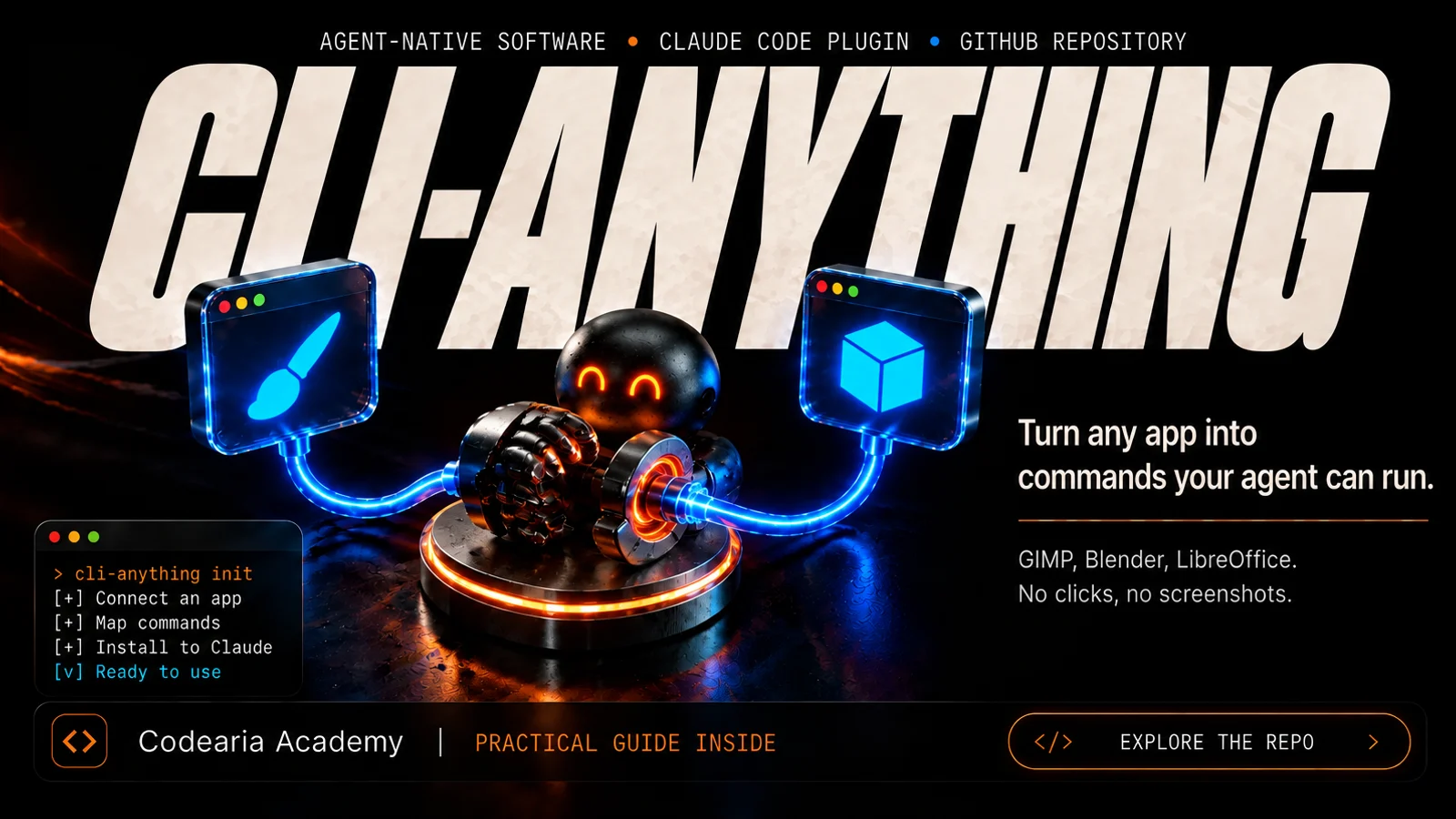 GitHub repository65kCLI-AnythingTurns an ordinary program like GIMP, Blender or LibreOffice into a set of commands an AI agent can use on its own, without screenshots or clicks. There is a catalogue of ready-made ones, and you can build your own with one command in Claude Code. Apache-2.0.
 GitHub repository73kAI Job SearchAI Job Search turns Claude Code into a job-hunt assistant: a tailored CV and cover letter PDF for each vacancy, critiqued by a second agent. Open source, MIT.
$ ls articles/ --related



Comments